




Mikofiticus
Members
-
Joined
-
Last visited
Everything posted by Mikofiticus
-
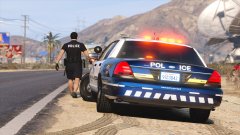 Are you using a transparent texture for the blue? It looks really awesome. The blue is just enough that it's not tacky looking, it's really nice.
 -
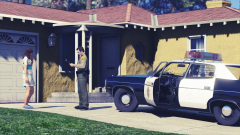
From the album: GTAV - PC
Based on this picture -
-
-
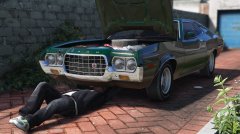 I love Jamie Cullum. Such a great tune.
 -
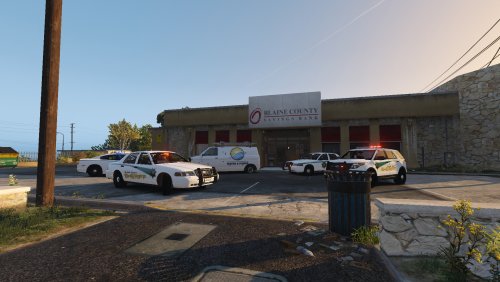 One thing I noticed from your screenshots is that the car decals say "Blaine County" but your sheriff's star still says "Placer County" and the license plates say "CA Exempt". It would be nice (maybe it's just me) to have things match so you either make it realistic and make the skins from California or you make them lore friendly for San Andreas. That's just me though.
- 6 comments
- 2 reviews
-
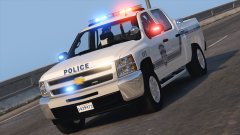 Really like the setup on that!
 -
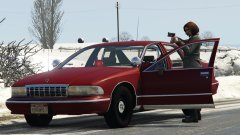 Someone released a Fed Sig Fireball, but I can't seem to find it. That would look a lot better than what you've got, but it's pretty cool for your first time.
 -
-
From the album: GTAV - PC
-
-
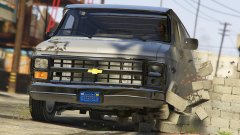 LOL. Oh man, that's good.
 -
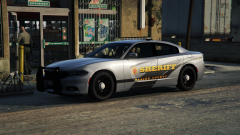 What are your graphics settings man? They look nice.
 -
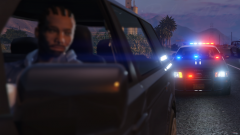 Holy hell Wag. You got everything maxed out?
 -
I feel like you need the A-Team theme.
-
-
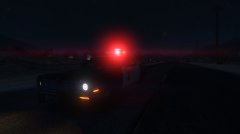 Do you use RadianceV?
 -
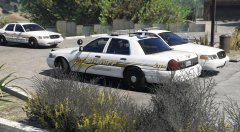 Really dig it!
 -
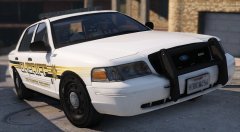 I like it a lot. Similar to our sheriff's office livery.
 -
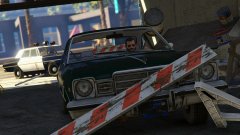 I love this pic.
 -
I found some historic LASD pictures, so I'll be posting those. There's about 40 pictures, so I won't post them all at once.
-
-
-
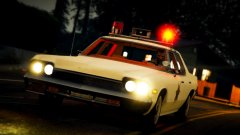
From the album: GTAV - PC
-




