




Mikofiticus
Members
-
Joined
-
Last visited
Everything posted by Mikofiticus
-
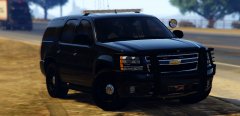
-
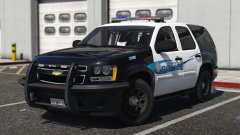
From the album: WIP Textures (GTAV)
Thanks to Illusionyary for the plates, they turned out great. I'm about 85% done, release should be soon. -
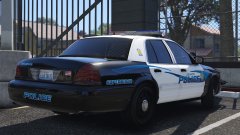
From the album: WIP Textures (GTAV)
Thanks to Illusionyary for the plates, they turned out great. I'm about 85% done, release should be soon. -
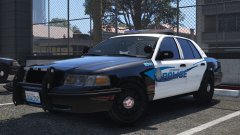
From the album: WIP Textures (GTAV)
Thanks to Illusionyary for the plates, they turned out great. I'm about 85% done, release should be soon. -
Hell yeah man! They look a hell of a lot better. Are you making a San Andreas version as well?
-
Any model can be a sheriff car, you can rename the corresponding files and place a sheriff texture in the .ytd file.
-
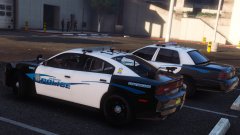 *sigh* I suppose I could. I like Oregon styled plates, but I do realize they're boring. Honestly, making plates is my least favorite thing, and I like it a lot when cars use the default plate.
 -
Will be! Probably in the next week or so.
-
From the album: WIP Textures (GTAV)
Working up a smallish skin pack, Thehurks 2016 FPIU is done, but apparently crashes my game for some reason. I'll try and fix that. -
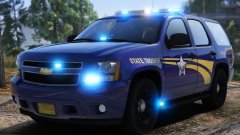 I think your blue needs to be a smidge darker and more blue than purple. Other than that, it's great!
 -
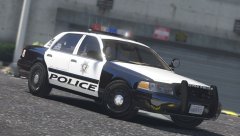 What do you mean " This vehicle does feature DROT like ELS back in Grand Theft Auto IV"? Doesn't that mean you just use the default siren settings?
 -
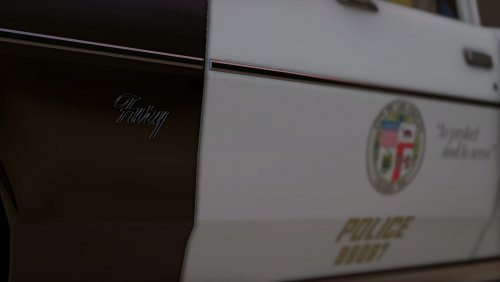 Awesome man. I can now release some skins for this too, now that the model is out.
- 13 comments
- 10 reviews
-
-

- 1
-
-
You have to replace the line with that bit that 2Sierra16 posted. If you just put it at the bottom of the vehicles.meta, you'll crash.
-
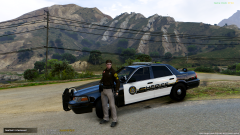 I really like the uniform. The car is also quite nice!
 -
-
-
-
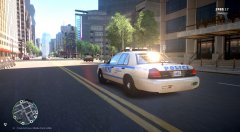 I like it! CryENB or something else?
 -
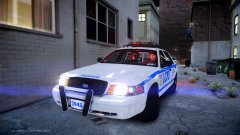 Should be v2, right?
 -
From the album: LCPDFR In Action
Thanks @Prophet for the ENB. Days are a little too bright for my taste, but with a few personal tweaks, it'll be quite nice! -
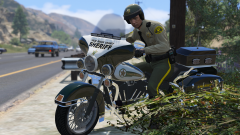 Huh. I didn't know that Palm Beach County and Los Santos County combined.
 -
I believe it's because the new update prevents there from being more than 7 modded/added vehicles.
-
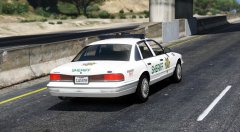 Oh man, I wish we had a jetstream.
 -
-
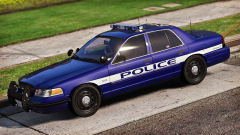 It's not Carpers. That CV has an Edge on it. I love the wrap and the lightbar. Did you make it? It's really neat.



