Mikofiticus
Members
-
Joined
-
Last visited
Everything posted by Mikofiticus
-
Bike patrol! It's Tuesday! Time for a new vid!
-
 The seal is way to huge on the quarter panel. If it was half that size it'd look a lot better. Other than that, it looks alright. Kinda like how it is on the charger.
 -
 I'm beginning to think that really familiar cop to the left never ages...I feel like I've seen him in a pic in Sandy Shores in the 70s...
 -
I love how the whip antenna is clipped to the car.
-
 Very cool man. I dig the shot.
 -
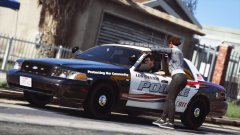 At this moment, yeah.
 -
-
-
Back To Blaine County!
-
Will this come with a template? pretty please? :D
-
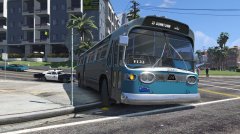 That bus is dope! Where'd you find it? Never mind, found it.
 -
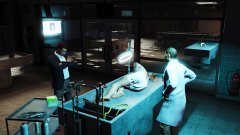
From the album: GTAV - PC
-
From the album: GTAV - PC
-
-
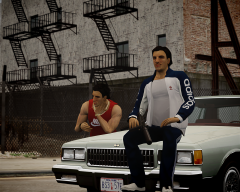 The guy on the hood kinda looks like a younger Roman. "LETS GO BOWLING COUSIN!"
 -
-
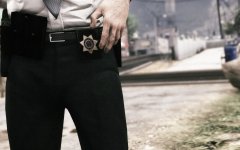 So will this be a feature of the next EUP update? The ability to customize your belt? Or is this just ideas your'e throwing out there?
 -
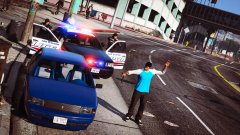
From the album: GTAV - PC
-
New video where I take a look at Repeat Offender Callouts!
-
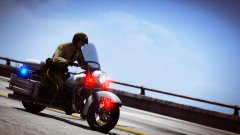
From the album: GTAV - PC
A thumbnail for an upcoming episode of my LSPDFR series. -
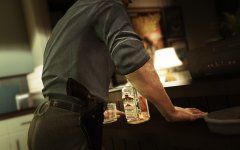 Hell. Yes.
 -
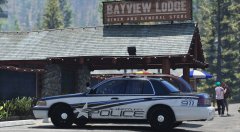 Can we get a Los Santos version perhaps? :D I feel like LSSD doesn't get very much loving.
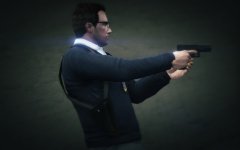 I LOVE THIS I always wanted a detective style ped with the shoulder holster.