Mikofiticus
Members
-
Joined
-
Last visited
Everything posted by Mikofiticus
-
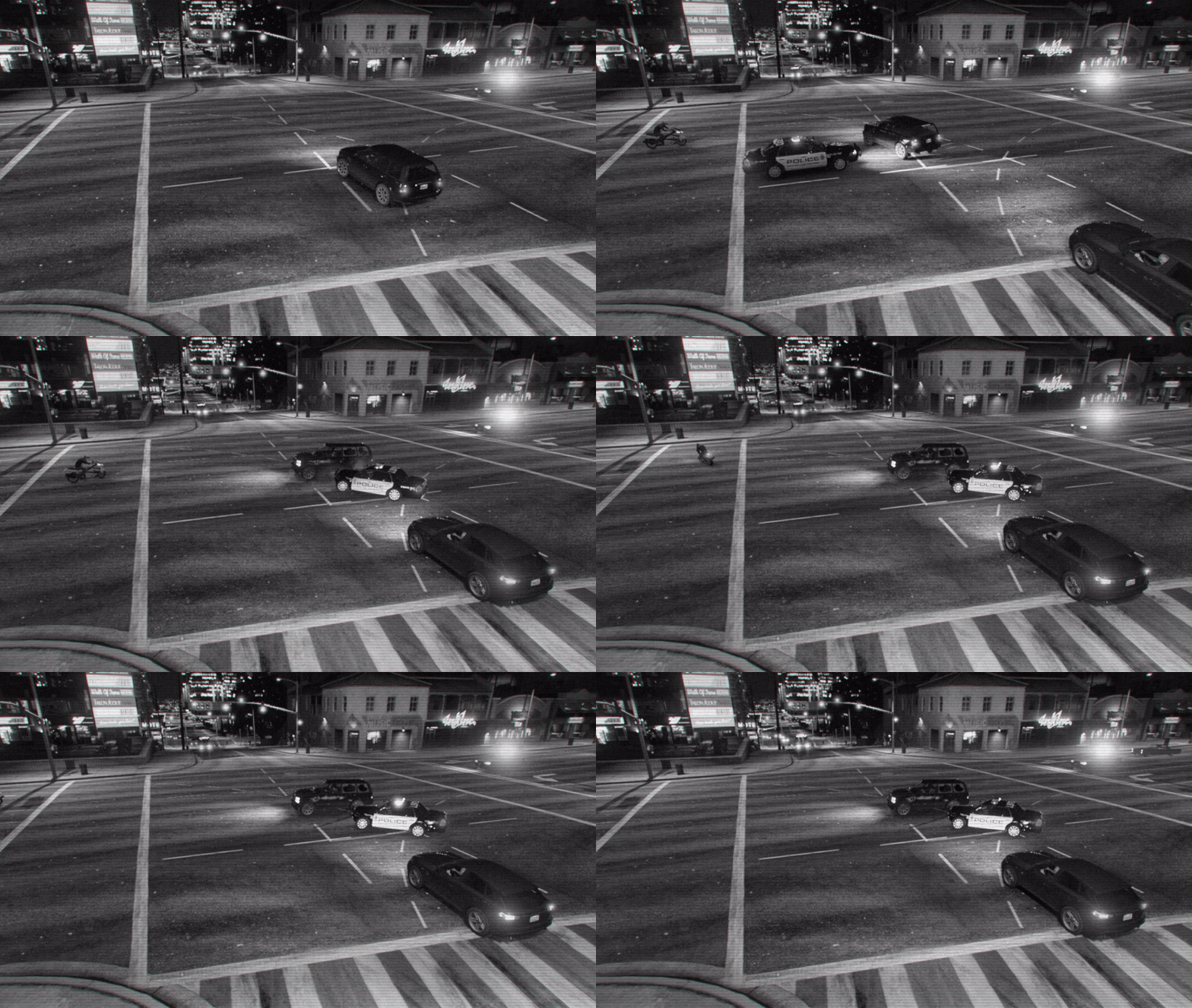 I like how that bike 'noped' the hell out of there.
 -
Flying cars!
-
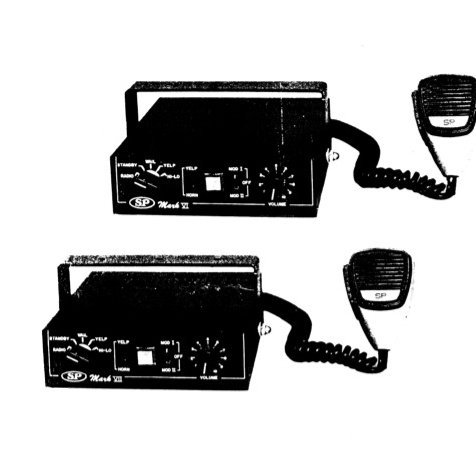 Great work Illusionyary, you have some of the best siren tones out there. When I head back to the 80s/90s, this will be my siren of choice.
- 13 comments
- 3 reviews
-
From the album: GTAV - PC
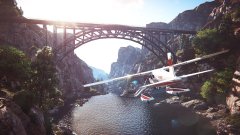
I do have to say, this is quite possibly one of my favorite screenshots I've ever taken, hands down. Also, I do have to say the inspiration for the shot goes to @BeastyBill88. You made me want to go for a stroll in a seaplane :D -
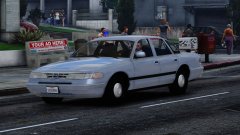 Instead of using a tiny beacon ray, use this Fireball from this car
 -
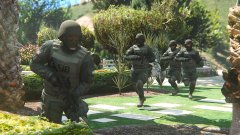
From the album: GTAV - PC
Peds are by @Yard1 and are currently in beta. -
Here's part two of those historic LASD pictures
-
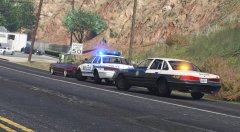 That streethawk! :D
 -
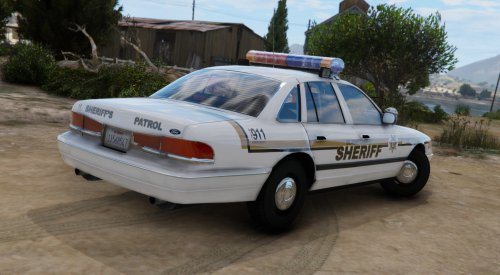 "but can't wait for Lund to add more variants of his Victoria?" Lol. But really, these are great as always man.
- 8 comments
- 4 reviews
-
-

- 3
-
-
Episode 27 is up!
-
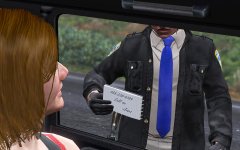 That's not an authorized firearm to carry! :D
 -
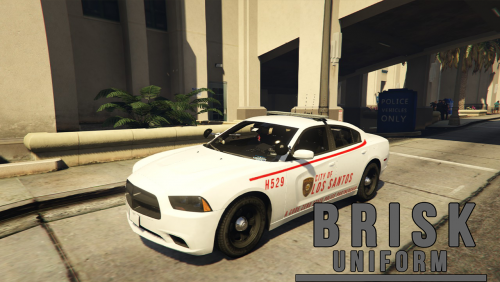 Sure, but I'm saying it would look a lot better if you did 'Paleto Bay Police' skin and had "A Blaine County Sheriff Partnership" or something like that on the bottom.
- 14 comments
- 4 reviews
-
To be honest, the Code Zero Partnership thing looks tacky. @JJDawkins is right. They want it to be accurate. I would just make it a county skin, and not a state police skin.
- 14 comments
- 4 reviews
-
-
- 3
-
-
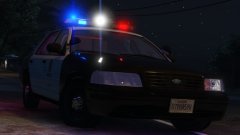 It's not just takedowns. With carcol editing, we can have white rotators. So this might be a really accurate Mx7000
 -
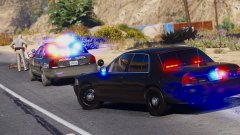 Dem reflections on the window.
 -
This is quite possibly one of my favorite police cars of all time. It's a modern classic. This might stay in my game for quite a long time.
-
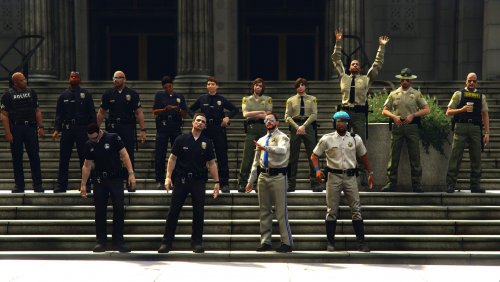 One question Netman, is it possible to have the normal belt with a radio, and then this belt?
 -
It looks like there are EUP peds in the pictures, so I'd say yes.
-
Hot off the presses, it's LSPDFR episode 26!
-
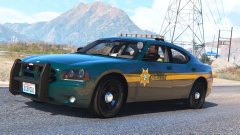 It does. It seemed like the stripe needed to be angled from the template, but the model looks like it didn't need it.
 -
I'll fix the stripe, it looks weird. That's why it's a WIP lol.
-
From the album: Textures! WIP/REL
Updating my Pierce County Sheriff's Office pack with a few vehicles soon. I'm super busy updating the Maui pack as well, so when I have time, I'll update this one. -
-
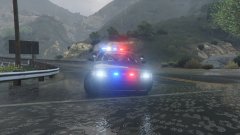 I didn't even notice! I was wanting to do a patrol in a vic with wipers!
 -
Oh shit! You're back!