




Sniper296
Friends of LSPDFR
-
Joined
-
Last visited
Everything posted by Sniper296
-
-
Two options: 1) Put a plaster on the bullet wound and use Traffic Flow v5 2) Remove the bullet (over poly cars) and let the wound heal
-
Since OpenIV allows me to send ped models to 3DS I'll give it a go, Sam has got a NoosE skin.
-
-
-
-
Y is 4 LB is 5
-
-
-
-
-
2.2.1 fixes that annoying crash on start, download the 2.2.1.FIX.7z file and extract the file to your scripts folder. If you are installing fresh you will still need to download the fix as the .zip & .exe are still 2.2.0. Exclusive to lcpdfr.com. DO NOT upload to ANY site, for ANY purpose WITHOUT the author's permission. Failure to abide by this term will result in an DMCA take-down notice being filed to your ISP/hosting provider/file-host, that may result in the termination of your service. IVDashCam V2 is a complete rewrite of its predecessor IVDashCam, adding a dashboard camera style interface to GTA IV including a digital speedometer, street & area names, configurable officer information and speed radar. Features: Note: items marked with a * are not in all displays Digital speedometer Time display Date display Configurable: Department display* Unit display* Vehicle registration display* Speed and distance formats* [*]Street name display* [*]Area name display* [*]Elapsed frames display* [*]Speed radar*: Target vehicle speed Target vehicle distance Time tracked1 5Hz scan rate Radar panel fades when inactive2
- 110 comments
- 60 reviews
-
-

- 1
-
-
-
-
I don't see what the problem was last time, these developers are using their free time to make this, they have put xxxx hours into it, you are not paying a penny for it, anyone who complains should stop bitching and be happy that it is free and there is a version available to download!
-
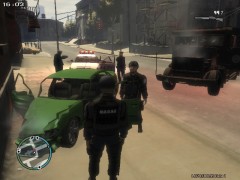 I used the crouching NoosE officer then changed their animations with SNT to the CS NoosE.
 -
Screenshots from my laptop(not built for gaming) Specs: HP G70-213em Intel Core 2 Duo P7450 @ 2.13GHz Samsung 3GB Dual Channel DDR2 @ 333MHz Nvidia GeForce 9200M GE @ 529MHz 256MB Game settings: EVERYTHING on lowest, even some NVCP stuff lowered!
-
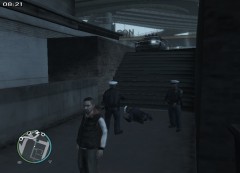 Two cops fall down the steps
-
Now that is how you disable a vehicle!
-
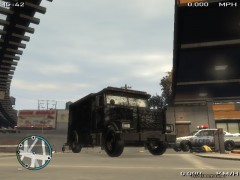 The Enforcer's "Impregnable Armor" living up to its name
-
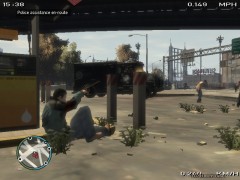 All units, shots fired, gas station on Dukes Boulevard, Cerveza Heights
-
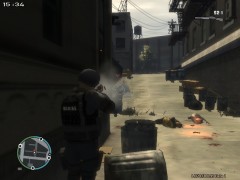 National Office of Shot-gunning Everyone
-
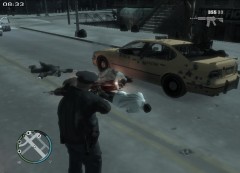 Shots fired
-
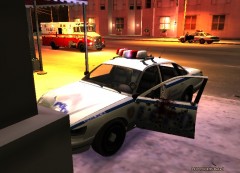 New vehicle armour saves first life
-
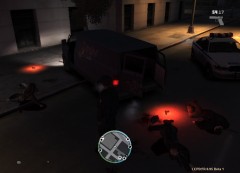 Failed robbery
-
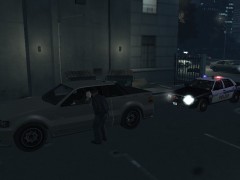 Traffic stop
-
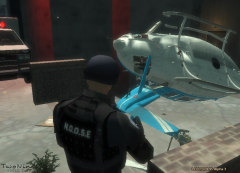 N412PD engine faliure
-
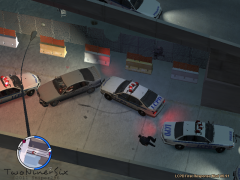 Armed suspects
-
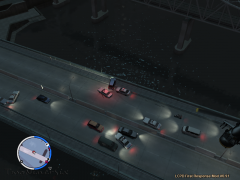 Northwood Heights Bridge
-
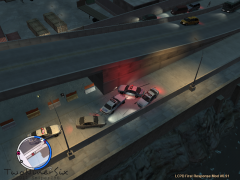 Armed suspects
-
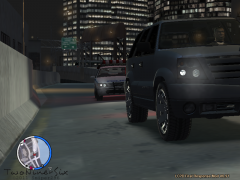 "Pull over to the side of the road!"
-
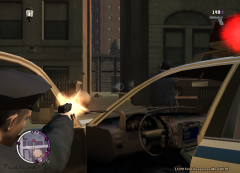 Shootout
-
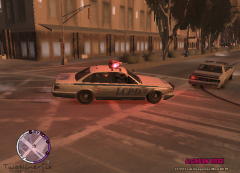 Pursuit
-
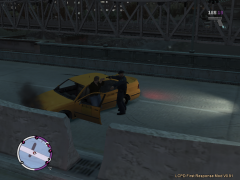 Get out of the car!
-
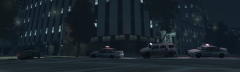 In pursuit
-
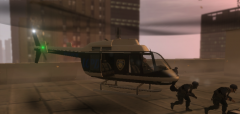 NOOSE air insertion
-
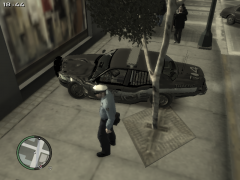 Bad crash during chase
-
-
From the album: Images - Laptop
<p>I(officer with shotgun facing away from the screen) arrested a suicidal subject, called for transport and two officers(the two to the right) came running and fell down the steps into the alley.</p>© Copyright © 2011 Sniper296, All rights reserved.
-
-
-
-
Hitting it with a 6500Kg truck at ~50MPH? will do that.
-
Same here, plus without TrackIR it does not feel the same, I am waiting for FaceTrackNoIR to support mouse look in it's next version.
-
From the album: Images - Laptop
<p>The Enforcer, bulletproof and can be used to crush a person between two dumpsters!</p>© Copyright © 2011 Sniper296, All rights reserved.
-
From the album: Images - Laptop
<p>The Enforcer, bulletproof and can be used to crush a person between two dumpsters!</p>© Copyright © 2011 Sniper296, All rights reserved.

