




Sniper296
Friends of LSPDFR
-
Joined
-
Last visited
Everything posted by Sniper296
-
I flicked over to it, now I can't see anything for myself.
-
It should be in the same place as when you do so on your profile.
-
This topic has been moved to the appropriate forum. Please post in the correct location in the future.
-
Your topic has been moved to LSPDFR 0.4 Support. Please post in the correct location in the future.
-
This topic has been moved to the appropriate forum. Please post in the correct location in the future.
-
We will no longer need to have massive copies of already bloated RPFs. No more need to have essentially 2 copies of the same game—3 if you play online. The HDD and SSD companies will try to stop @LMS.
-
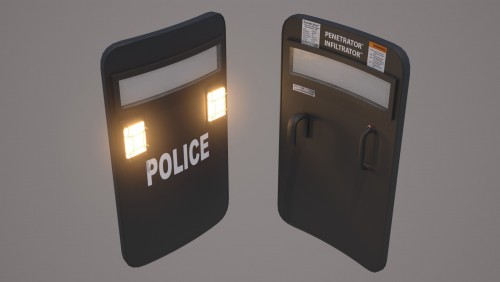 Updates: Graphics issue: I can't see any technical reason why this is happening. So anyone who has this issue will have to stick with the compat version. FiveM: Can't comment on how to use it, since I don't use FiveM. I suggest asking for support on FiveM's site. Crashing: As Zhukov1987 mentioned, if it does crash FR, it shouldn't do it again. If it continues to crash, post your logs in 0.4 Support. Uninstall: If you have no mods that alter x64c.rpf, simply delete x64c.rpf from your game folder\mods directory. Otherwise, copy an unaltered _manifest.ymf, prop_ballistic_shield.ydr & prop_ballistic_shield.ytd from Grand Theft Auto V\x64c.rpf\levels\gta5\props\lev_des\v_minigame.rpf to Grand Theft Auto V\mods\x64c.rpf\levels\gta5\props\lev_des\v_minigame.rpf using OpenIV and delete the other prop_ballistic_shield_* files.
- 36 comments
- 3 reviews
-
Probably mostly flight sims. ✈️ Probably other sims. Maybe non-sims. See more: https://steamcommunity.com/id/Sniper296/screenshots/
-

From the album: Others 🚀/✈️/🚁/🚗
© Copyright © 2019 Sniper296. All rights reserved.
-
-
The texture issue should be fixed by using the “compat” version. If you do have the texture issue, please fill out the form https://forms.gle/mtRSvrP9WkfxvpWg6 Can you attach (not paste) your RagePluginHook.log?
- 36 comments
- 3 reviews
-
-
You need to add the relevant entries to the EUP agency.xml yourself for now. E.g. in the "Los Santos County Sheriff's Dept." entry add: <ShieldModel>prop_ballistic_shield_sheriff</ShieldModel> For "Federal Investigation Bureau" add: <ShieldModel>prop_ballistic_shield_fib</ShieldModel> It's a pain, but until OpenIV adds the feature I mentioned in the description, I can't create the installer that would do all the work for people. List of textures: prop_ballistic_shield prop_ballistic_shield_corrections prop_ballistic_shield_fib prop_ballistic_shield_noose prop_ballistic_shield_police prop_ballistic_shield_sahp prop_ballistic_shield_sheriff prop_ballistic_shield_swat
- 36 comments
- 3 reviews
-
-

- 1
-
-
Released
-
Penetrator® “Penetrate them before they penetrate you” A new ballistic shield model with high detail textures and custom collisions. Includes textures for police, sheriff, swat, noose, fib, sahp & corrections. Install using OpenIV and add the relevant <ShieldModel> to your agency.xml. Or if you use the default (no EUP, no RDE) agency.xml, download the included one and replace LSPDFR\data\agency.xml. Installer with customisation options pending OpenIV feature https://openiv.com/bugs/view.php?id=430. If you are having texture problems, please fill out this form (sorry it requires Google login due to option to upload your dxdiag). This file is temporarily featured as part of the LSPDFR 0.4.2 release.
- 36 comments
- 3 reviews
-
-
-

-

- 17
-
-
From the album: GTA V 🚗🚓🚓🚓🚁
© Copyright © 2019 Sniper296. All rights reserved.
-
Screenshots from V
-
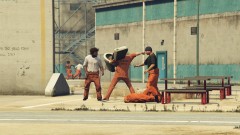
Prisoners Have Their Own Riot Shield
-
 New Shields
-
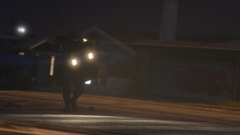 “Fucking Get Down!”
-
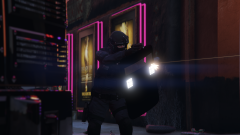 Shield
-
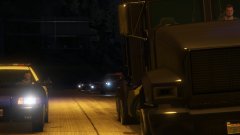 Not Stopping
-
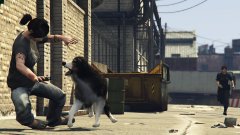 Good Boy!
-
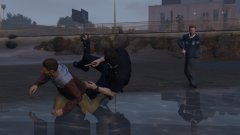 “Freeze Asshole”
-
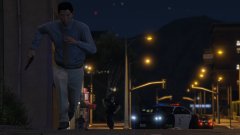 148
148
-
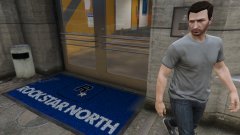 The Benz
-
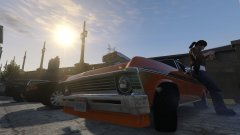 Fuck Online
-
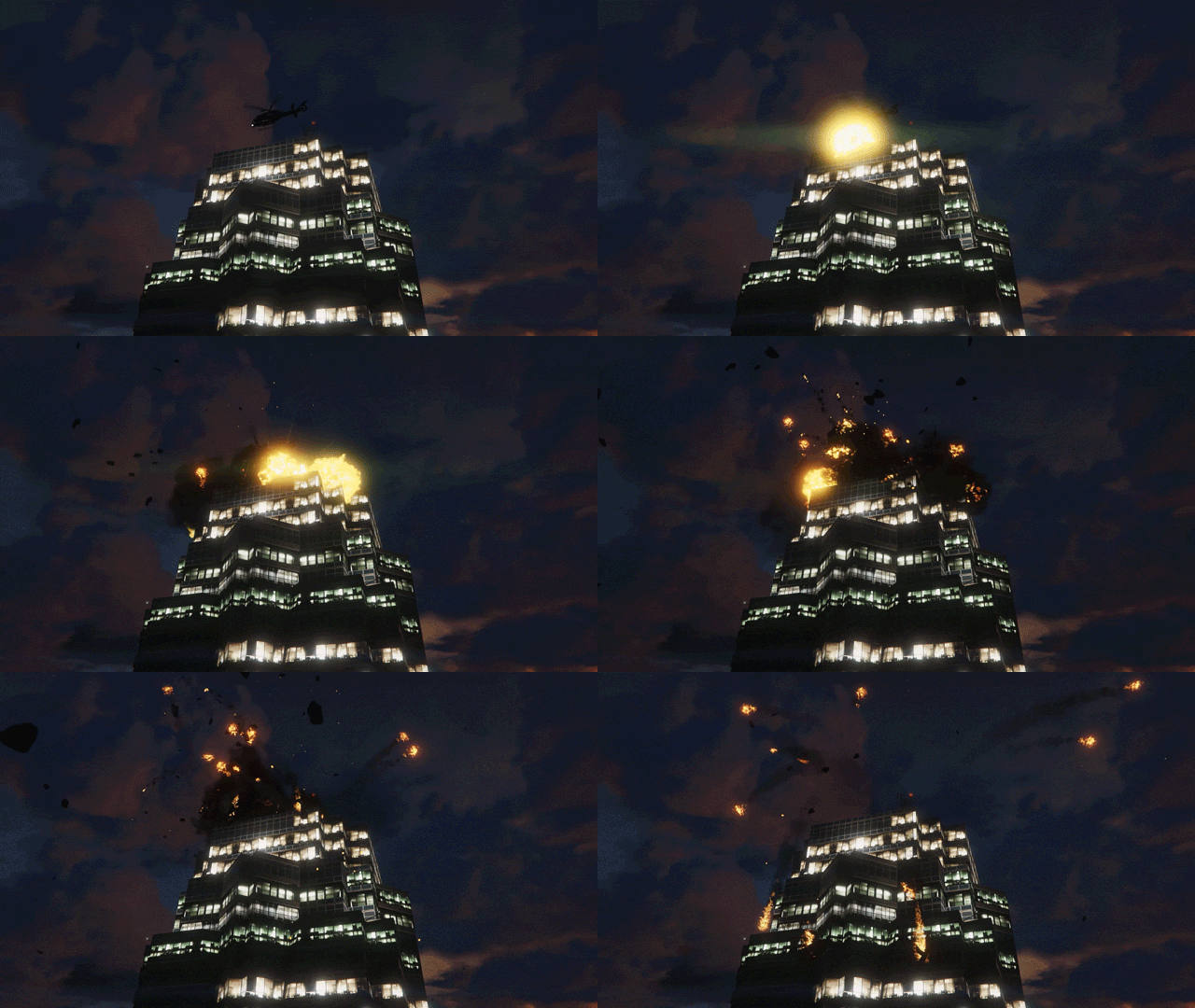 Dying Difficulty
-
 Volatile Pursuit
-
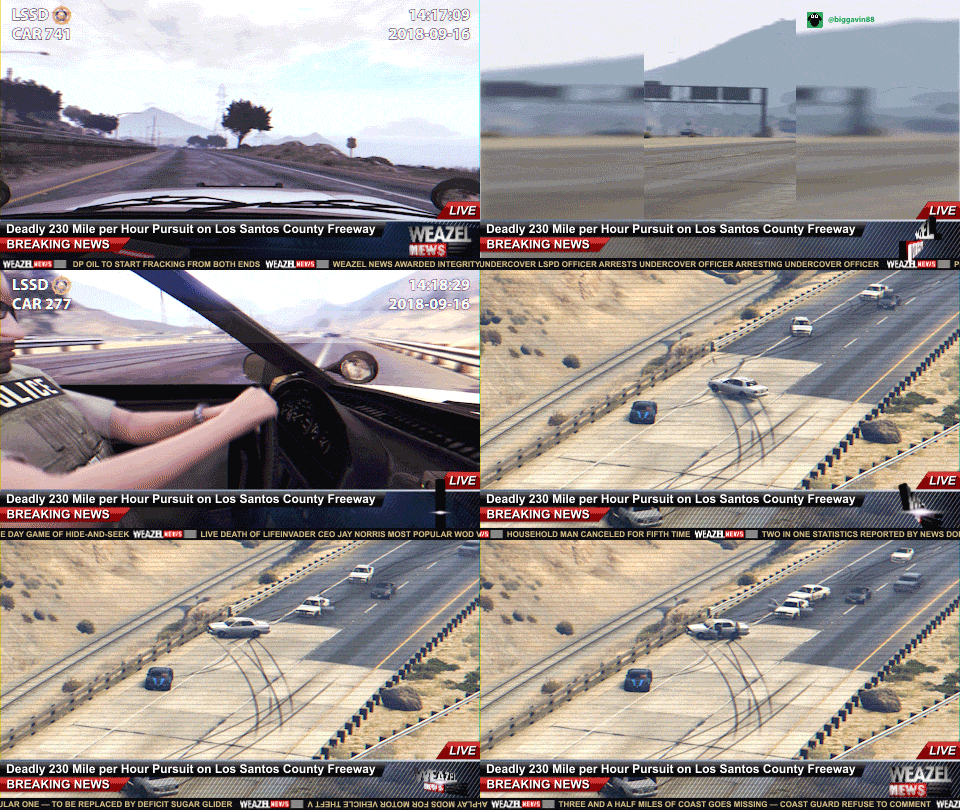 Weazel News – Deadly Pursuit
-
 HAZMAT Teams Respond to ULSA
-
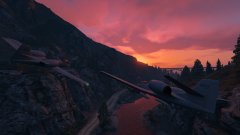 Formation BRRRT
-
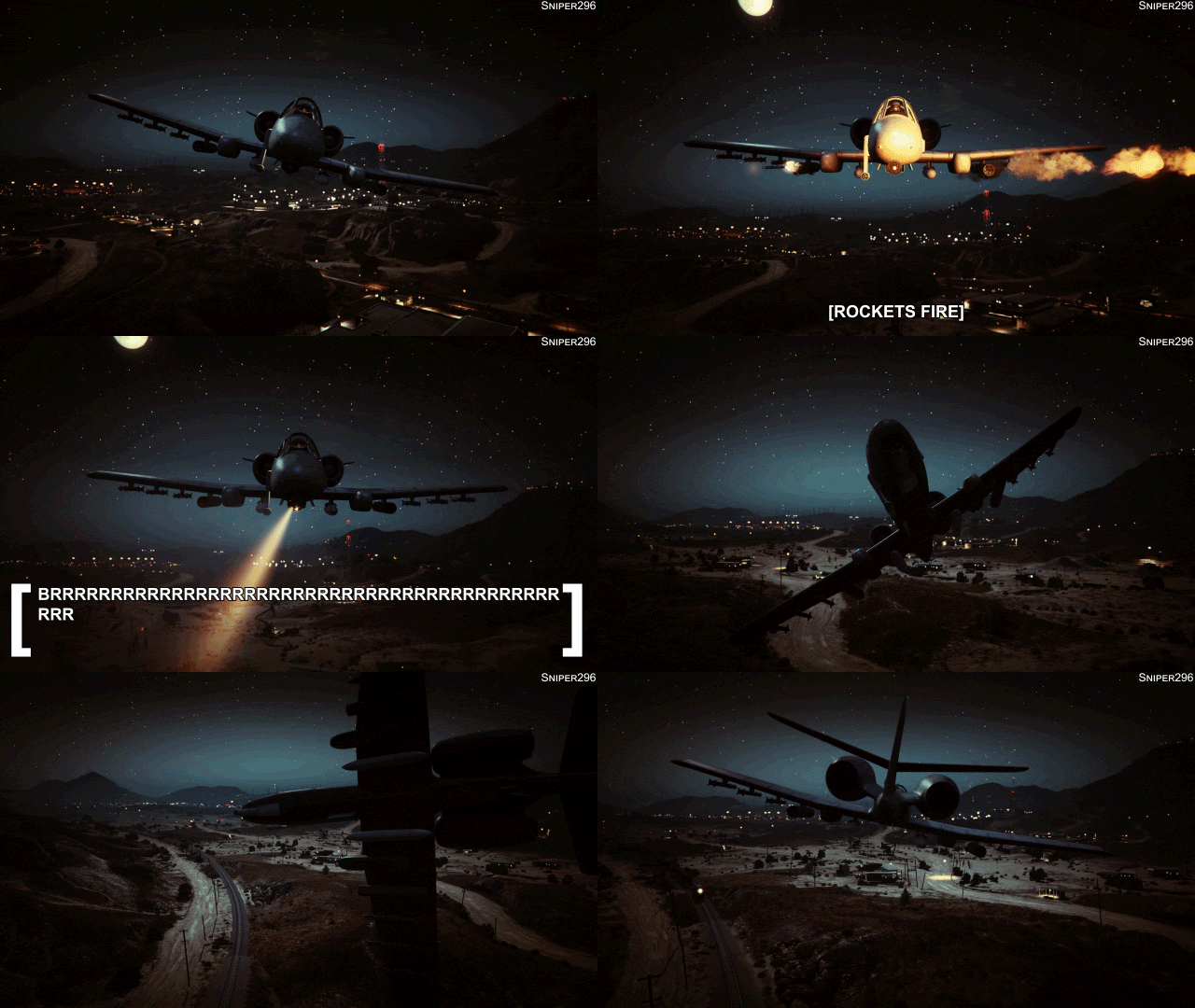 BRRRRRRRRRRRRRRRRRRRRRRRRRRRRRRRRRRRRRRRRRRRRRRRRRRRRRRRRRRRRRRRRRRRRRRRRRT
-
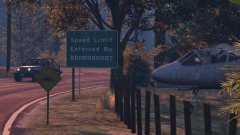 Speed Limit Enforced By BRRRRRRRRT
-
 BRRRRRRRRRRRRRRRRRRRRRRRRRRRRRRRRRRRRRRRRRRRRRRRRRRRRRRRRRRRRRRRRRRRRRRRRRT
-
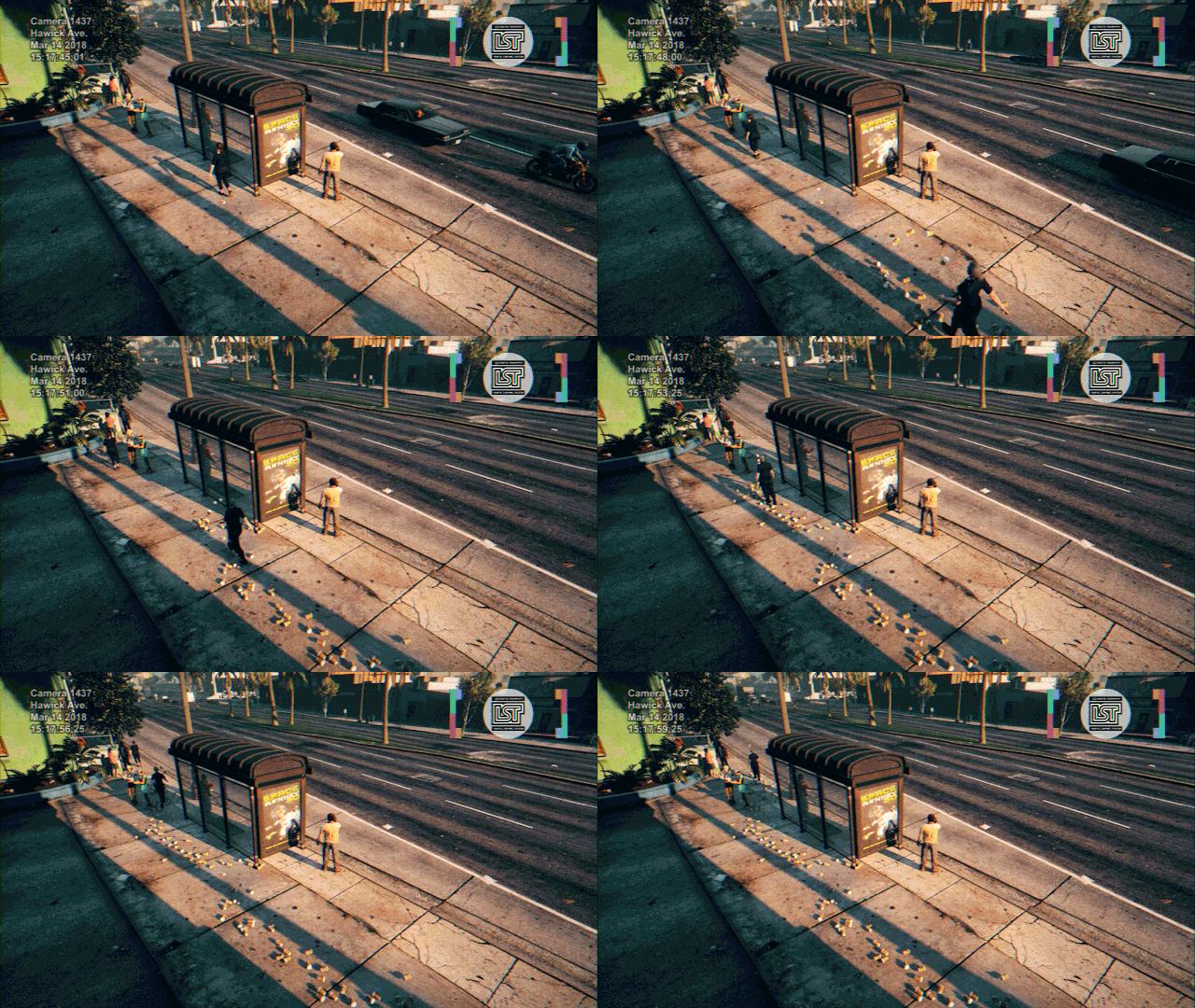 Officer Fined for Littering
-
 Air Emu Flight 307 Recovered
-
-
From the album: GTA V 🚗🚓🚓🚓🚁
Al Harrington gave the LSPD a good deal on these.© Copyright © 2019 Sniper296. All rights reserved.
-
And final 🤞 update before soon™ release.
-
From the album: GTA V 🚗🚓🚓🚓🚁
© Copyright © 2019 Sniper296. All rights reserved.
-
Yep. Now just collisions need tweaking and textures need finishing. 1,479 swearwords directed at R* & Autodesk, another 987 to go.
-
First thing to do with 0.4.2: Raid @ineseri's place!
-
Update
-
From the album: GTA V 🚗🚓🚓🚓🚁
© Copyright © 2019 Sniper296. All rights reserved.
-
loadouts.meta looks like it would be the best method. In fact, RDE's loadouts.meta appears to limit cops and gangs to more realistic amounts (other than infinite ammo pistols). The ammo definitions in weapons.meta might also affect AI. Another (dis)advantage it would have is limiting the ammo dropped by AI to pickup. <Item type="CAmmoInfo"> <Name>AMMO_PISTOL</Name> <Model /> <Audio /> <Slot /> <AmmoMax value="250" /> <AmmoMax50 value="1000" /> <AmmoMax100 value="9999" /> <AmmoMaxMP value="250" /> <AmmoMax50MP value="1000" /> <AmmoMax100MP value="9999" /> <AmmoFlags /> </Item>


