




Sniper296
Friends of LSPDFR
-
Joined
-
Last visited
Everything posted by Sniper296
-
Your topic has been moved to GTA V Support, this is not LSPDFR related. Please post in the correct location in the future.
-
Your topic has been moved to GTA V Support, this is not LSPDFR related. Please post in the correct location in the future.You can move your Steam library. It's a bit slow and involved though. First, if Steam still recognises the games on your old drive as installed, rename the folder your steam library is in. Then remove it from Steam's libraries. You can create a new library in Steam on the new drive, then copy the folders from OLD:\path\to\steamapps\common to NEW:\path\to\steamapps\common. Then in Steam, install each game and it will show you this: Then it will only re-download any damaged or missing or modded files. It will take a long time though since you can only do one at a time. I know since I'm doing this right this second with one of my steam libraries.Your topic has been moved to GTA V Support, this is not LSPDFR related. Please post in the correct location in the future.Your topic has been moved to GTA V Support, this is not LSPDFR related. Please post in the correct location in the future.This topic has been moved to the appropriate forum. Please post in the correct location in the future.This topic has been closed by LCPDFR.com staff because it is a website, clan, or group ad. Our site isn't an advertising service - please do not use it as one. If you want to share your website, group, or clan, please keep that limited to your profile and signature. If you feel that this topic has been closed in error, please report this post.Moderator Notice: Posting media containing extremist symbols is off-topic and will likely end badly. Offending posts have been hidden. Please remain on-topic.Wait… I was supposed to do missions in Mafia II? I thought the whole objective of the game was to lose all your wheel trim/hub caps while the police unload M1 Tommy mags into you.Your topic has been moved to GTA V Support, this is not LSPDFR related. Please post in the correct location in the future.This topic has been moved to the appropriate forum. Please post in the correct location in the future.Your topic has been moved to GTA V Support, this is not LSPDFR related. Please post in the correct location in the future.This topic has been moved to the appropriate forum. Please post in the correct location in the future.
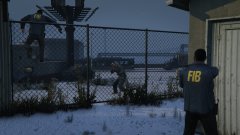
From the album: GTA V 🚗🚓🚓🚓🚁
© Copyright © 2016 Sniper296
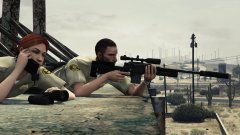
From the album: GTA V 🚗🚓🚓🚓🚁
© Copyright © 2016 Sniper296
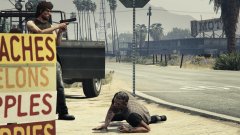
From the album: GTA V 🚗🚓🚓🚓🚁
© Copyright © 2016 Sniper296
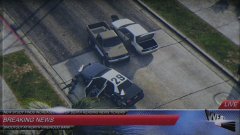 Michael's animation in By the Book, using Simple Trainer. Can't remember the animation name.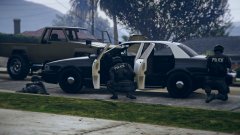
From the album: GTA V 🚗🚓🚓🚓🚁
© Copyright © 2016 Sniper296
From the album: GTA V 🚗🚓🚓🚓🚁
© Copyright © 2016 Sniper296
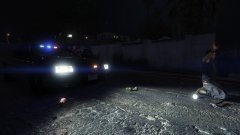
From the album: GTA V 🚗🚓🚓🚓🚁
© Copyright © 2016 Sniper296
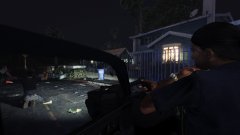
From the album: GTA V 🚗🚓🚓🚓🚁
© Copyright © 2016 Sniper296
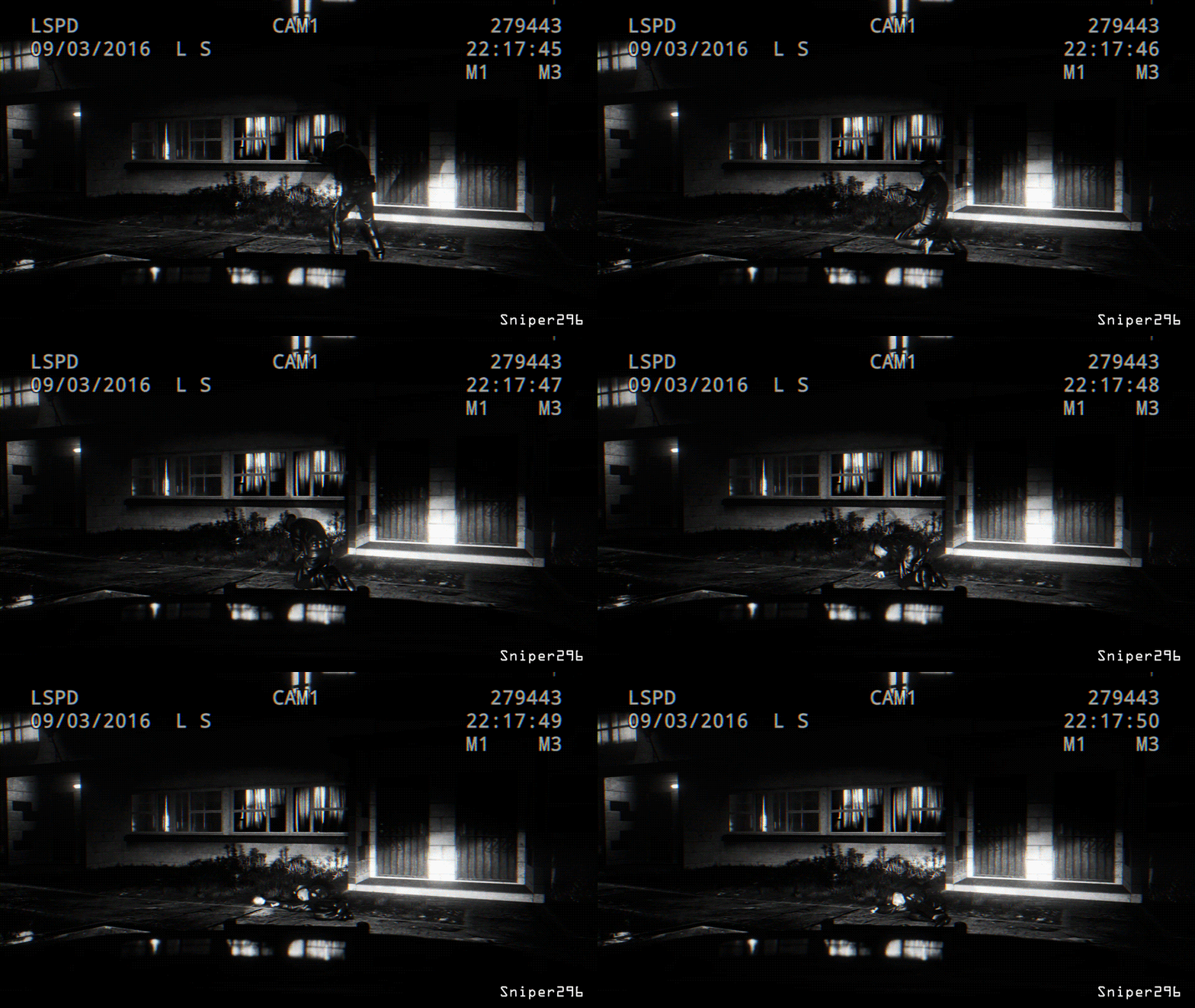 No mods. Just SimpleTrainer, RPH & a shit tonne of patience.
From the album: GTA V 🚗🚓🚓🚓🚁
© Copyright © 2016 Sniper296


