




Sniper296
Friends of LSPDFR
-
Joined
-
Last visited
Everything posted by Sniper296
-
From the album: GTA V 🚗🚓🚓🚓🚁
© Copyright © 2017 Sniper296
-
From the album: GTA V 🚗🚓🚓🚓🚁
© Copyright © 2017 Sniper296
-
-
This topic has been moved to the appropriate forum. Please post in the correct location in the future.
-
This topic has been moved to the appropriate forum. Please post in the correct location in the future.
-
This topic has been moved to the appropriate forum. Please post in the correct location in the future.
-
This topic has been moved to the appropriate forum. Please post in the correct location in the future.
-
Your topic has been moved to GTA V Support, this is not LSPDFR related. Please post in the correct location in the future.
-
This topic has been moved to the appropriate forum. Please post in the correct location in the future.
-
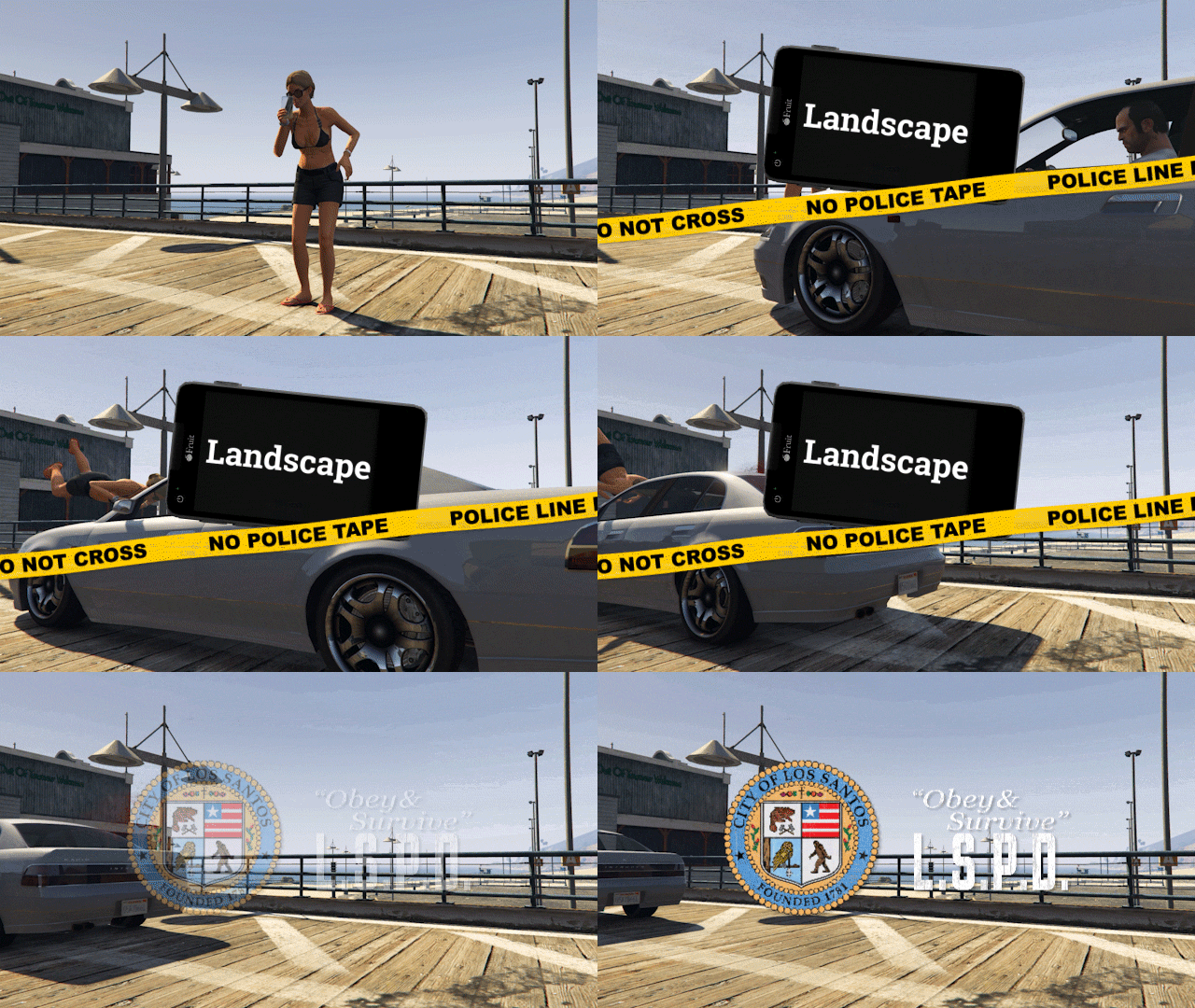
From the album: GTA V 🚗🚓🚓🚓🚁
© Copyright © 2017 Sniper296
-
Your topic has been moved to GTA V Support, this is not LSPDFR related. Please post in the correct location in the future.
-
This topic has been moved to the appropriate forum. Please post in the correct location in the future.
-
Hypocrisy
-
From the album: GTA V 🚗🚓🚓🚓🚁
© Copyright © 2017 Sniper296
-
Your topic has been moved to GTA V Support, this is not LSPDFR related. Please post in the correct location in the future.
-
This topic has been moved to the appropriate forum. Please post in the correct location in the future.
-
Your topic has been moved to GTA V Support, this is not LSPDFR related. Please post in the correct location in the future.
-
This topic has been moved to the appropriate forum. Please post in the correct location in the future.
-
-
-
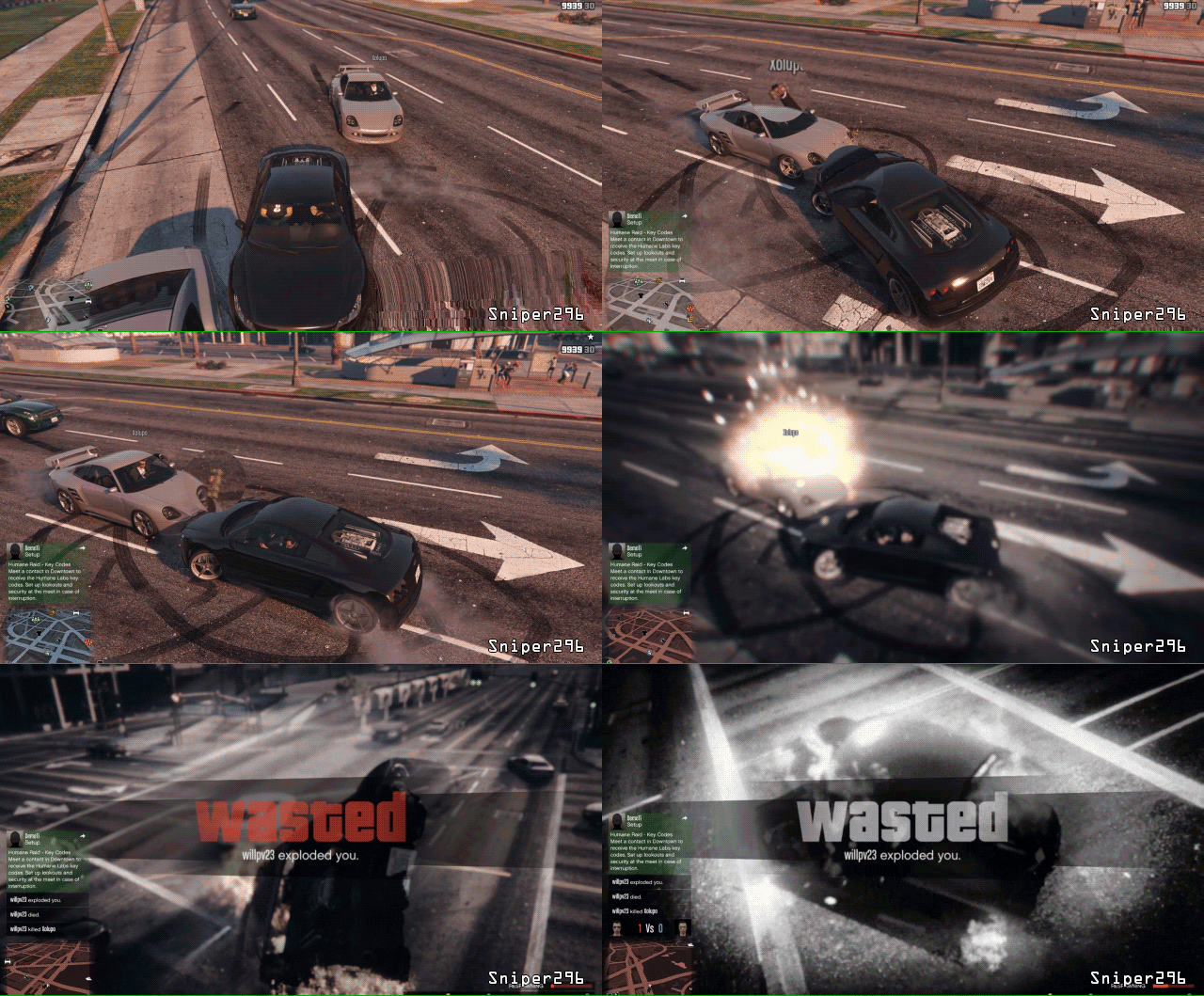
From the album: GTA V 🚗🚓🚓🚓🚁
@LMS's attempt "foiled" by @willpv23's self sacrifice© Copyright © 2017 Sniper296
-
I don't get a welcome back from either when I rejoined or from recent events but the @SecuritySquid's food new recruits gets a topic! @Fiskey111, @PgUp, @Requies, you are all dead to me now.
-
The Scouser with the switch blade will post next.
-
I perform a 6 month bump propelling my self to the top of the hill. My hill.
-
So like self service checkout except you don't need someone to reset the damn thing every second item. Okay Alexa, why do Amazon not support my Sony Ericsson?


