




Sniper296
Friends of LSPDFR
-
Joined
-
Last visited
Everything posted by Sniper296
-
Whoa! They may be crazy thinking that they can see a timer. They may be coordinated, the ones providing screenshots all using the same Photoshop trainer. But YOU… in‐dense‐spammer‐eseri… respected? Come on. How can you convince people of the lack of timer spewing that sewage?
-
When did the status get upgraded to "pure doom"? I thought we were using a status that makes Defcon 1 seem like a party.
-
Clearly a Photoshop trainer!
-
First they photoshop the screenshots, now you lot are photoshoping and F12ing the site.
-
You can block the gallery yourself using AdblockPlus or another element hiding extension. lcpdfr.com##[data-blocktitle="Recent Images"] nope.webp http://www.lcpdfr.com/uploads/monthly_2015_06/xmedium.2015-06-15_00014.jpg.2c6130c27a6aa0f77876e71989a18c0e.jpg.pagespeed.ic.miemSN0QEp.jpgEven BT won't force me to switch to Chrome.
-
Been there a long time. Archive.org, 25 March 2012 Though, they weren't always included in topics as well. I think it is a bit unnecessary to include it in topics.
-
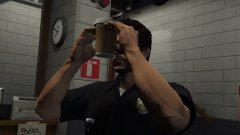 Welcome to "special" branch.
 -
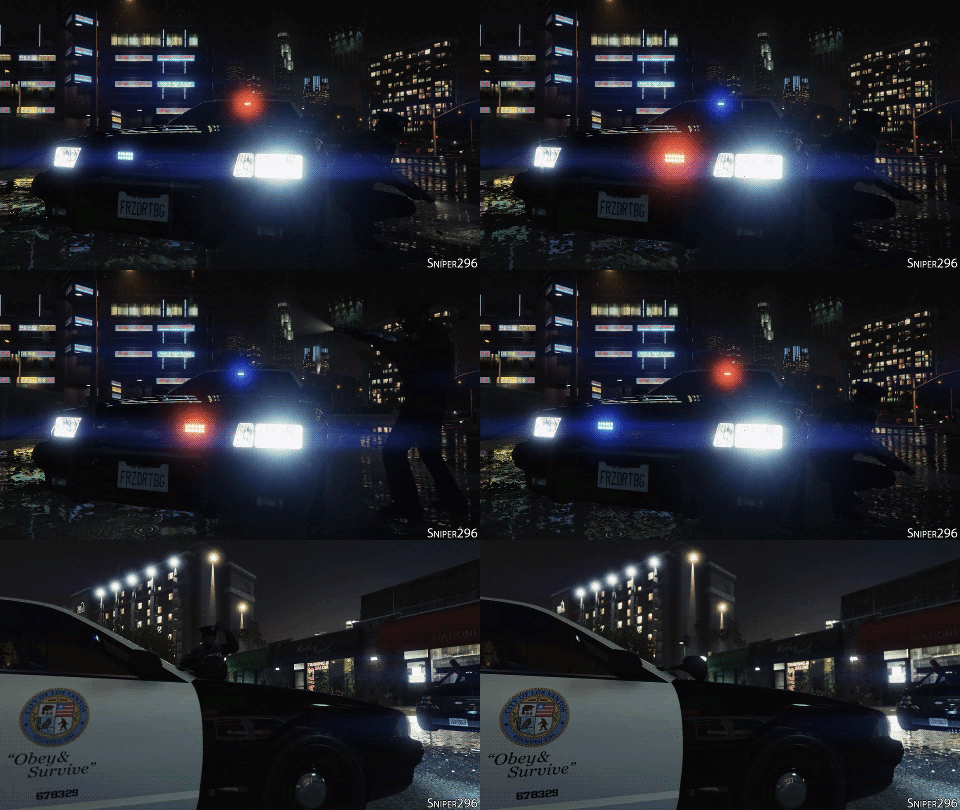 The Los Santos Customs guy could not say no to it, and all the other upgrades, when he turned up with that shotgun.
 -
From the album: GTA V 🚗🚓🚓🚓🚁
© Copyright © 2015 Sniper296
-
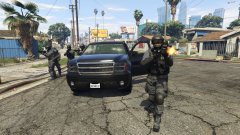
From the album: GTA V 🚗🚓🚓🚓🚁
© Copyright © 2015 Sniper296
-
Mods vs one hell of a changelog. Tough choice if you have been suffering from one of the issues in that behemoth. Two common complaints from many:
-
Exactly the problem. They are too focused on Online and stupid Shark cards, so they try to keep hackers off. They are in a loosing arms race, only really affecting SP mods while Online hackers keep multiplying.
-
Thank fuck for an internet that produces this Telling Steam to update only when I'm asleep has saved my game from yet another R* "we love modders" patch.
-
tl;dr: Fuck no! As long as it's not aimed at anyone, companies are fine—fucking R*, breaking mods again—I don't see why anyone on a forum based around games rated 18, one including graphic torture, would have a problem with some fucking words. �������������� censor, never expects the internet's creativity.
-
At least Rockstar North listen to their fans. Even with Rockstar NY &/or TakeTwo putting deadlines and budgets on their work, they still try to make a game for the gamers, not the shareholders.
-
This mental patient again?! I hope she wins but is only entitled to money once she has lived on the Sun.
-
It would be nice to see extras actually used as extras. Then you get to keep the variety offered by V's stock cars. Different/no lightbars, different/no rambars, etc. If ELS is made for V, even the non-ELS cars will not bother using extras properly. Most of them will just be fuck-it-that'll do conversions of the ELS version like they are in IV.
-
Burying their recent paid mods bad decision with an actually not bad decision. Close enough to the summer sale to encourage even more haemorrhaging wallets. But doesn't it take 14 days to download anything in Australia anyway?
-
Or the FREE OpenIV + GIMS or OFIO.
-
Clearly a trainer. /endtopic
-
That will not get any warning. They will just one day throw it on the site and run like fuck.

-
A new logo will be released instead of the trainer.
-
I am psychic.
-
You gotta admit, that is quite a flexible trainer. Just wait until Jay replaces the trailer page with his famous IPB4 page. yes
-
It clearly was. The banner that says "Arriving, imminently, the second and final LCPDFR trailer" is a typo for trainer.


