




CrossFire
Members
-
Joined
-
Last visited
Everything posted by CrossFire
-
I put Deco's Setina pushbar on one of my models, it shows up in Zmod, but not in-game....I have the texture in openIV, yet the lightbar is white like it has no textures In Zmod: In openIV: In game:
-
 *buy
*buy -
From the album: CrossFire's Pics
Respect it. -
There probably will not be another one. I think Sam said it'll be released by the end of the year, so in two months or less, and the first one pretty much showed everything there was.
-
From the album: CrossFire's Pics
-
From the album: CrossFire's Pics
-
From the album: CrossFire's Pics
-
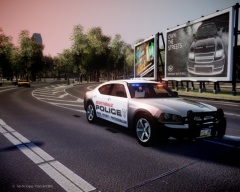
From the album: Grant on patrol
-
 L3EVO?
 -
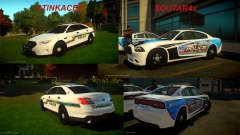 Stinkace
 -
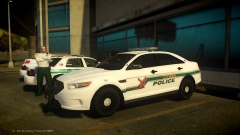 Stinkace: GETS ALL THE CARS MADE FOR HIM
 -
![CVPI [WIP]](//s3-gallery.int-cdn.lcpdfrusercontent.com/gallery/album_2262/sml_gallery_45963_2262_111272.jpg) That's one big ass rambar.
That's one big ass rambar. -
I personally dislike The Walking Dead, I don't like stuff like that. I'd be down about 20 points if the negative rep button was still alive.
-
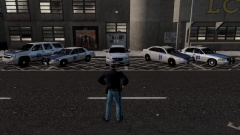 As a resident of AL, I can verify the Alabama State Police does not use Taurus' or Impala's
 -
Oh yeah! The car is great!
-
Copyright infringement inbound! (For Radioactive)
-
-
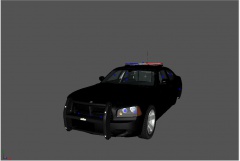 NickieB.
 -
A friend.
-
lol
-
I believe that is a spotlight
-
House, Dance, anything in that category. Avicii is AWESOME!, Ellie Goulding, Adventure Club, Mako, Macklemore, etc.
-
I'm going with what I have.
-
Yes, but I asked a few friends about it and they said they would like to see a pack.
-
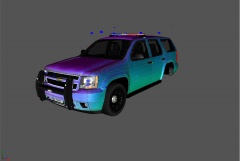
From the album: Grant's Models
NOTE: This vehicle does not have the Alloy Texture yet, will be added before release

![CVPI [WIP]](http://s3-gallery.int-cdn.lcpdfrusercontent.com/gallery/album_2262/sml_gallery_45963_2262_111272.jpg)
