




CrossFire
Members
-
Joined
-
Last visited
Everything posted by CrossFire
-
Lord Neophytes textures. Search it on Google as I do not have a link
-
-
It's a WIP by XBR410
-
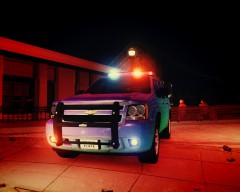 EDIT: Added strobes in the very bottom taillight
 -
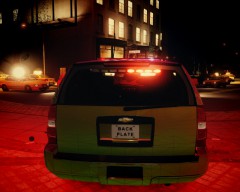 EDIT: Added strobes in the very bottom taillight
 -
With the "duplicate instance of extras_5." that means you have multiple extra_5's (Didn't think Non-ELS ran on extra's though), even if you do not think you do, look through your WHOLE hierarchy
-
From the album: Grant's Models
Just need to sort a few things out and it will be ready for release! -
From the album: Grant's Models
Just need to sort a few things out and it will be ready for release! -
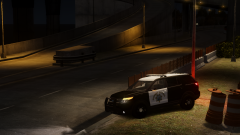 http://yeeeeeeeeeeeeeees.com/
 -
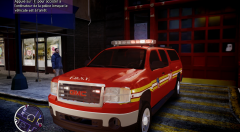 The headlights look a bit odd...
 -
Does anyone know what's in the rear of a RCMP tahoe? If so, please post it below!
-
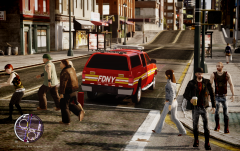 Don't know why you had to make the liberty into a freedom when there are already 6 unlocked freedoms out there...
 -
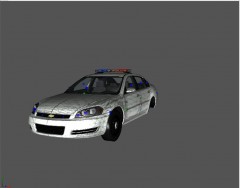 I may do a console, but no laptop
 -
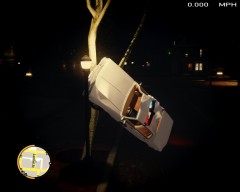
From the album: Grant on patrol
This is going to be hard to explain to the Sergeant... -
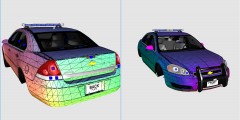 DAT LIBERTY :D
 -
Policecarwebsite.net. Anything on there is fine with me!
-
From the album: Grant's Models
Will feature a Federal Signal Legend, Axixtech Commander, grill lights, and possible HG2 Impala lights! -
-
-
Get ready for the 3 paragraph replies!
-
http://www.gta4-mods.com/misc/overlapping-skid-marks-fix-f9474
-
Love the setup, but this just be me, but I think you need to scale the lightbar up a bit
- 17 comments
- 11 reviews
-
I have not, although I do feel it's the best way of learning
-
I agree with Him, it's just trial and error, the best way of learning in my opinion is teaching myself, so then you become better and better as you discover things
-
Are you sure it's a game? Looks like real life to me. (Graphics wise)

