




CrossFire
Members
-
Joined
-
Last visited
Everything posted by CrossFire
-
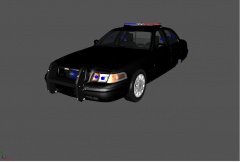
From the album: Grant's Models
-
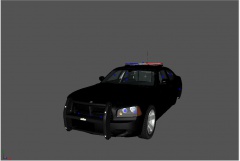
From the album: Grant's Models
-
Custo is the only one I know of
-
I've seen something very similar to this on gta4-mods.com, but I forgot what it was called
- 8 comments
- 6 reviews
-
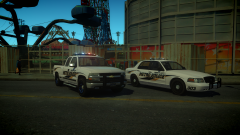 -.- can't tell if driver SF CVPI, shaefft CVPI, or NFS CVPI
 -
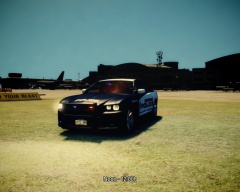 That's part of the anti-aliasing, it can be removed easily as it can be added
 -
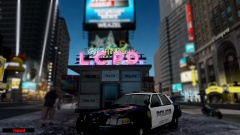 Not the biggest fan of the lightbar, but thats your choice
 -
Is it just me, or is it kinda a coincidence that you are all from one modding group, and you all disliked the ENB? (Excluding XBR)
-
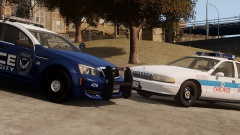 I was thinking more of a "New VS Old"
 -
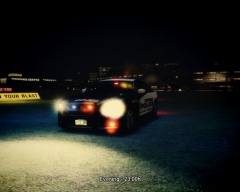
From the album: WIP ENB (Grant M.)
Love the turnout on this -
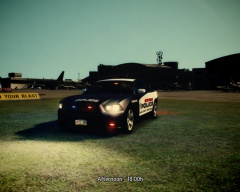
From the album: WIP ENB (Grant M.)
Love the turnout on this -
From the album: WIP ENB (Grant M.)
-
-
What I was thinking when I saw the title: "This is going to be a 6 paragraph post about what happens after death or someone asking if anyone know what happens after death (IRL)"
-
-
-
-
-
-
What were you doing when it happened? (I'm apart of the vdH testing team, so i'll be able to help!)
-
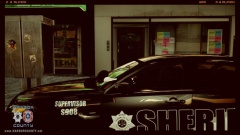 Nice ENB! Which one is it?
 -
If you would like to join, here you go! http://www.firstresponderroleplay.info/
-
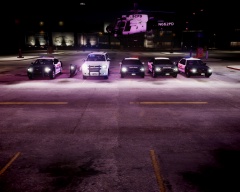
From the album: First Responder RP (Grant M.)
Last week, the City of Scottsdale received a grant to update their police fleet, along with the fleet came new uniforms, better weapons, and 2 new helicopters! Pictured here is a Supervisors 2013 Dodge Charger, the Traffic Divisions BMW Motorbike, a new SWAT Chevrolet Suburban, A Patrol 2013 Dodge Charger, another Supervisor/detective's 2013 Dodge Charger, A new Aviation Division helicopter, a 2013 Ford Police Interceptor SUV (Not shown) and a 2011 Ford Crown Victoria! -
Why are we using colors to talk today?
-
In the visualsettings.dat, hit ctrl + f and type "DOF", it should lead you to: "misc.DOFBlurmultiplier X" change it to a higher number (I'm not positive this works, but try it)




