


Creators: Due to background reprocessing of files, approvals and file security checks may be delayed. Thanks for your patience.


CrossFire
Members
-
Joined
-
Last visited
Everything posted by CrossFire
-
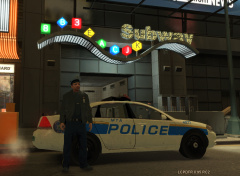 Ummmm.....I don't see your point, he can use any car he wants. And it's EVI, so i'm PRETTY sure it's not 100 polys
 -
I play most games with 45+ FPS, it still works fine for me!
-
Dell XPS 8300 (No longer made) Stock everything: 8GB RAM Intel core i7 3.40 Ghz AMD Radeon 6700 HD Series Windows 7 Ultimate 64-bit 1.35 TB Hard Drive
-
I have a "Business" computer with better specs than that...
-
Congrats! I'm sure the whole LCPDFR Community is happy for you, I'm sure you'll get the job (Almost every post you make is about how PD's work) Roll Tide!
-
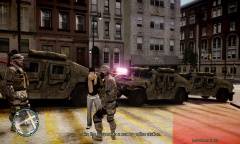 Damn.
Damn. -
You have to create a new folder, put your backups in in, download the patch 4 update, install it to that folder YOU HAVE TO NAME IT AND PUT IT IN THE SAME PLACE AS YOUR ORIGINAL GTA FOLDER!! Once you have patch 4 installed, make backups (patch 7 backups WILL NOT WORK) and then do whatever you want to it
-
-
I would love to see some more PRP video's! And you haven't really been active on YouTube (Haven't posted a lot of videos), I get you're busy, and I respect that, but any chance you get to make a vid, make a vid!
-
No need for Dxdiag, and i'm not surprised you can't run GTA due to the fact you don't have the best settings ever..
-
On iPad so can't provide links. KYR SP33DY (The Crew) JahovasWitness (The Crew) NobodyEpic (The Crew and others that I don't know their YouTube names) Nerd3
-
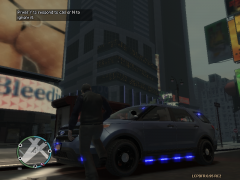 It's weird his testing team didn't get it...
 -
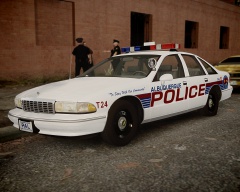 Him1250 will cry with joy if he sees this.
 -
Happy Birthday RadioMaster!!!
-
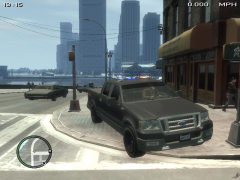 That Liberty needs some scaling.
 -
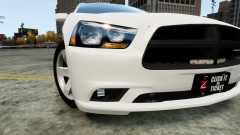 Dat Red Sky Bug
 -
-
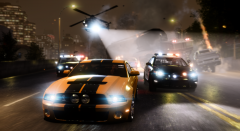
Just Curious...Why do you need an unmarked super car?
-
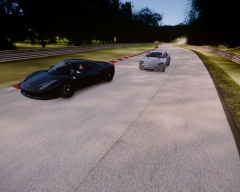
From the album: CrossFire's Pics
-
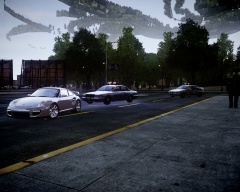
From the album: CrossFire's Pics
I didn't really like this ENB, but the way the picture is set up is awesome -
My thoughts:
-
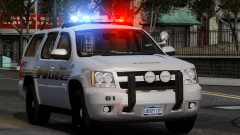 PM me for a better looking, Proper PPV, Tahoe
 -
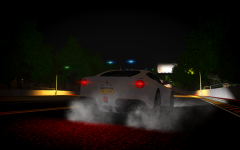 Do you make a new album for every picture you take?
 -
-


