




CrossFire
Members
-
Joined
-
Last visited
Everything posted by CrossFire
-
I don't need a link, I was just telling you they were different. Besides, I already have a '13.
-
The AI will not just park up behind you, they'd probably run over 2 peds, hit 4 cars, and then damage your rear bumper
-
They are different, they look the same....but they are not
-
**cough**my ENB's**cough
-
Is there still a link to the un-converted Sheafft CVPI? I'd like to start converting and would like it to be my first conversion
-
What in the hell is necroposting?
-
 Very nice Dillon! If you are looking for testers let me know!
 -
Dance/House FTW!! (Off topic much?)
-
I do not under any circumstances understand why their is such a high demand for 1.0, I understand all of these cool features, but if you all keep asking for 1.0, the devs will feel rushed and release something that isn't that great. So unless you want a "not-so-great" version of LCPDFR, please stop asking when it will be released. Just throwing in my two-cents
-
I do believe that when the first version of LCPDFR was released, EFLC wasn't, so I'd have to go with IV
-
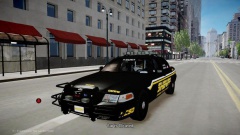 I would flip the pic if I were you
 -
It sounds like it could be done
-
-
-
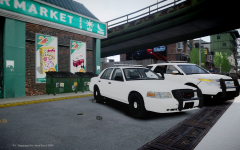 I would like to see some credits for the Explorer (Whose it is) I am NOT going to PM them asking for it, I just want to know
 -
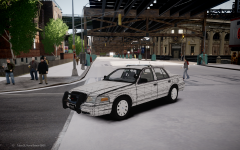 The rambar looks a bit too small, other than that....great job!
 -
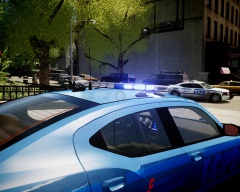
From the album: Grant's Models
Just need to fix that bug with the takedowns and need a skin and then it'll be ready for release -
-
-
Get a glasses? It's LQ, make it 1080p and I may just like it.
-
I'm not going to like it due to the fact I can't see anything.
-
You do realize the GoPro isn't the only HD helmet cam out there?
-
Dat quality
-
-
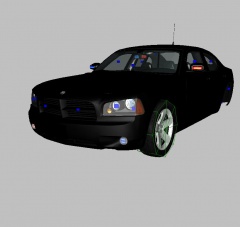 The Suburban has been put on hold due to it's over 100K polys



