
Skip to content
View in the app

A better way to browse. Learn more.

LCPDFR.com

A full-screen app on your home screen with push notifications, badges and more.

To install this app on iOS and iPadOS
  1. Tap the Share icon in Safari
  2. Scroll the menu and tap Add to Home Screen.
  3. Tap Add in the top-right corner.
To install this app on Android
  1. Tap the 3-dot menu (⋮) in the top-right corner of the browser.
  2. Tap Add to Home screen or Install app.
  3. Confirm by tapping Install.

Grappler 1.1.0

(23 reviews)

8 Screenshots

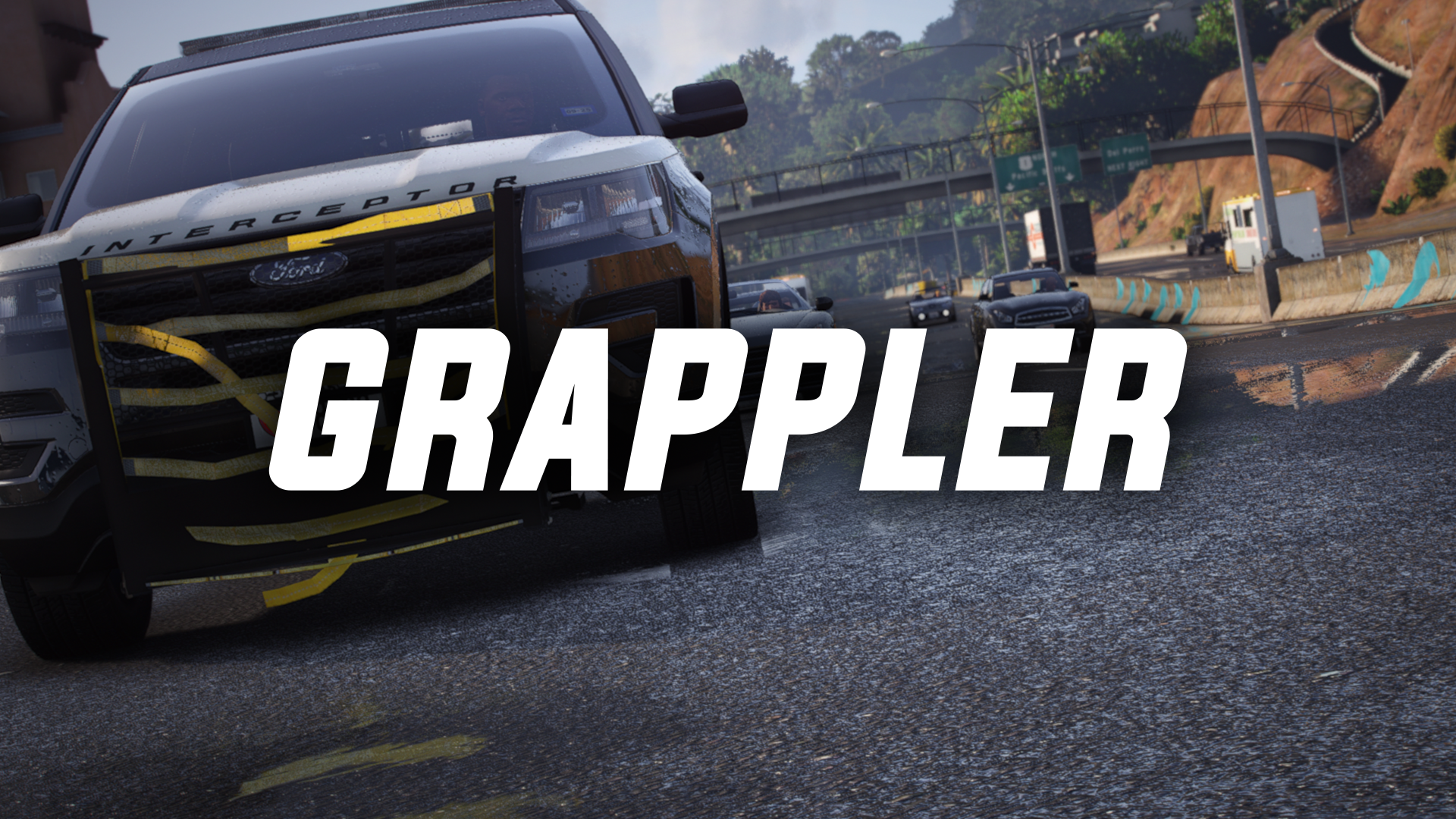
Grappler brings a whole new way to tackle vehicles fleeing from you. 

I want to give a HUGE thanks to @RogueThunder for making the grappler model and @Scorpionfam for making the lowering animation. Without the help of these devs this plugin would not have been possible. 

This plugin is set up to use custom made props, meaning it will work with any police vehicle you want. You just need to configure the offset for the vehicle you're using and save it. The offsets will save to an xml file so you won't have to remake the offset every time.

Using the plugin is very simple, once its set up in the right position, just press the key defined in the ini to deploy it, and then you can grapple any vehicle you want. Once everything is complete, press the same key again while in the vehicle to reset it.

What is a grappler?

Spoiler


Tutorials and showcases:

Spoiler


Console Commands:
- SpawnGrappler

- GrapplerConfigureOffset

- GrapplerUpdateSettings

Requirements:

- RageNativeUI


Future Plans:

- A more immersive way to reset the grapplers rope involving animations
- A way for vehicle devs to make modeled on grapplers compatible with this plugin through dummies and animations


Want to report bugs? See previews of future mods? Suggest things related to my mods? 

Join the Discord Server!

Edited by Echooo

What's New in Version 1.1.0

Released

1.1.0:

  • Added Update Checker
  • Added modifier keys/buttons
  • Added controller support
  • Added new console command, GrapplerUpdateSettings to reload the ini
  • Fixed typo in a console command

Short Description

Take your pursuits to a whole new level!

User Feedback

Recommended Comments

ThinBlueV

Members

Bruh... I'll definitely be adding this to my game! Great job man!

Echooo

Members Author

7 hours ago, Kiko05 said:

Hey it's an amazing and a long time waited plugin, I've tried it already and it works absolutly fine without performance issues so it's a really good work. However I can not give you 5 star review because I've noticed an issue. When I spawn the grappler on one of my  vehicels and get a vehicle's tire out with that and I change vehicle and spawn another grappler for my new vehicle then I can not get any other vehicle's tire with the grappler. I need to unload and load to plugin and spawn it again on another vehicle. (It is because I'm changing my cars I know, but I think it is a fixable issue).

Keep up the good work!

Im a little confused with your issue, the plugin is set up for only one grappler to be spawned in at a time. If you switch vehicles, make sure you first reset the rope by hitting the deploy key again, then once in the new vehicle type in the command to spawn the grappler again and it will attach to your new vehicle and you can configure its offset if needed

Lovcio

Members

Finally! Thanks for making this, I've been waiting for something like that for ages. Visuals neeed some work, but it works perfectly! Great job!

rahfg

Members

never in my life i'd think i would see this on LSPD:FR out of all places

eazbox

Members

😮 I remember some time ago i was thinking why this wasnt ingame and now 😮 This looks Very interesting.👍

Any chance someone made a video of it in action ingame and how it works?

raport21

Members

One of the best plugins. Awesome work man. This is really impressive.

Sdgkjoig

Members

This will probably go in the Top 10 trendings for a long while! Works perfectly fine and amazing! Simple and easy understanding config page and simple controls!

elseim

Members

a must have plugin. simple and realy works well. great job

ColdwaR

Members

This is FIRE 🔥

One of best plugins i've tried.

Definetly recommend to use.

Trooper ADAM23

Members

hi, thanks ha this is a great plugin 

I installed it, everything is exactly according to the instructions, but unfortunately, with the SpawnGrappler command, it does not appear. What could be the reason?

JM Modifications

Insiders

2 minutes ago, Trooper ADAM23 said:

hi, thanks ha this is a great plugin 

I installed it, everything is exactly according to the instructions, but unfortunately, with the SpawnGrappler command, it does not appear. What could be the reason?

it spawns right in the middle inside of your car, you have to modify the offsets with the GrapplerConfigureOffset command.

officer matt95

Members

(edited)

i followed instructions to the letter now the game crashes on load  why not make it a osiv file with a installer being it is the only mod installed


Edited by officer matt95

is the only way to install it through DLC? is there any chance you could make it simpler or do you have to make it this way, DLC has never worked for me mostly because I can't focus long enough to do it lol, I really want this mod.

retrocidalTV

Members

so  cool doing a few patrols with it and the NFS i would have made one today but me and my daughter got food poisoning so just been dead 

but i love this mod and it works good easy to use install ty  

LtSnoDawg69

Members

I would use this only if gta v would stop crashing every single second I launch it. It only happened after the latest update, before I was able to play it fine. I really don't know if I want to reinstall GTA V, all the plugins that I use and callouts too. Maybe I won't redownload vehicle addons anymore, just the game itself and the plugins, callouts, scripthookv, lspdfr and whatever dis/descrepencies I need. But if it fails to work for me one last time, I will never play GTA V again but I am still going to keep my lcpdfr account.

  • Community Team
1 hour ago, LtSnoDawg69 said:

I would use this only if gta v would stop crashing every single second I launch it. It only happened after the latest update, before I was able to play it fine. I really don't know if I want to reinstall GTA V, all the plugins that I use and callouts too. Maybe I won't redownload vehicle addons anymore, just the game itself and the plugins, callouts, scripthookv, lspdfr and whatever dis/descrepencies I need. But if it fails to work for me one last time, I will never play GTA V again but I am still going to keep my lcpdfr account.


I understand the frustration, but this really does not have anything to do with this file. Best bet is to head to the support forums, or support Discords.

eazbox

Members

Hey, is it possible to make it "clean" when we use wash on the car? I ask because last time a ran over a perp there was some blood on those nice yellow straps 🤣 and i couldnt get the blood off.

Echooo

Members Author

9 hours ago, eazbox said:

Hey, is it possible to make it "clean" when we use wash on the car? I ask because last time a ran over a perp there was some blood on those nice yellow straps 🤣 and i couldnt get the blood off.

Just use the SpawnGrappler again, theres no real way to fix/clean the prop afaik

doublehook

Members

This is one of my FAVORITE new plugins! I'm having sooo much fun with Grappler! Thank you for bringing this into LSPDFR!!

Mizar

Members

I was waiting for someone to make a grappler for 2 years and it finally came, works great and simple. It would be cool tho if we could get maybe recolored rope to match the yellow straps and maybe a model of tangled rope around the wheel, something like in the picture Could contain: tire, auto part, chain, hitch

Create an account or sign in to comment

Latest Mods

Account

Navigation

Search

Search

Configure browser push notifications

Chrome (Android)
  1. Tap the lock icon next to the address bar.
  2. Tap Permissions → Notifications.
  3. Adjust your preference.
Chrome (Desktop)
  1. Click the padlock icon in the address bar.
  2. Select Site settings.
  3. Find Notifications and adjust your preference.







