




ineseri
Friends of LSPDFR
-
Joined
Everything posted by ineseri
-
MODERATOR NOTICE Please do not double post. To add more information to a post, just use the edit button. Your 2 posts has been merged. You will just have to reinstall the game. Delete the game from Steam (right-click, delete local content, and then just install it normally). Be sure to make proper backups.
-
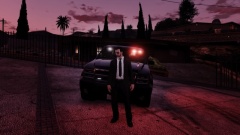
From the album: ineseri's GTA V Pics
-
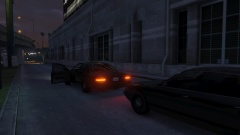
From the album: ineseri's GTA V Pics
-
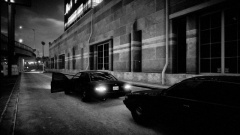
From the album: ineseri's GTA V Pics
-
-
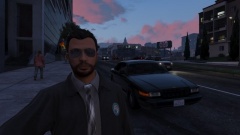
From the album: ineseri's GTA V Pics
:D -
Cakemods!
-
Read the release notes and manual. It should fix your issue :)
-
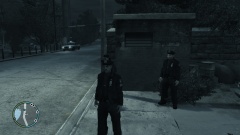
From the album: ineseris LCPDFR images
-
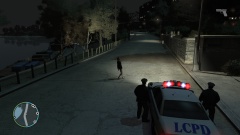
From the album: ineseris LCPDFR images
-
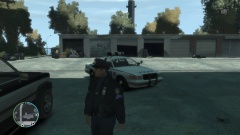
From the album: ineseris LCPDFR images
-
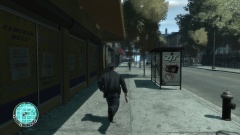
From the album: ineseris LCPDFR images
-
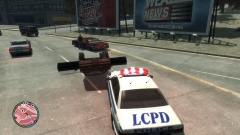
From the album: ineseris LCPDFR images
-
You can remove LCPDFR if it doesn't suit your needs :)
-
1.0c, of course :)
-
Awesome, I am glad you fixed it :)
-
Oh I know atleast one member of these forums who can't stop watching. Oh yes LMS. I am looking at you.
-
Let me know how it goes :)
-
MODERATOR NOTICE If you wish to add more information to your post, just use the edit button. I've merged your two posts. Please do the following: Make sure you aren't using a crack - We don't support cracks Update GTA IV to 1.0.7.0 (the latest version of the game, or 1.1.2.0 for EFLC) - This sometimes fixes a wide variety of issues Make sure that you run the game as an administrator. Make sure that your GTA IV root folder (and every subdirectory) is not set to "read-only" Ensure that ScriptHook.dll, ScriptHookDotNet.asi and Dsound.dll OR Xlive.dll are in the GTA IV ROOT folder Ensure that there is a folder titled 'LCPDFR' in the ROOT GTA IV folder. Check that all the above files exist, if they do not, reinstall LCPDFR with the MANUAL installation. Ensure that you are using up to date versions of every LCPDFR dependency and LCPDFR itself. Install these: .Net Framework 4.5, Microsoft Visual C++ Redist 2012 Keep in mind that this seems to be a fairly common error.
-
Please run the tool in advanced mode + as administrator to fix that issue.
-
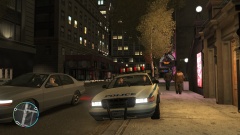 There are mods in this picture though :)
 -
-
From the album: ineseris LCPDFR images
Officers parked outside the Terminal. -
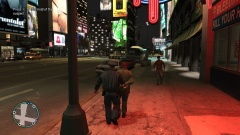
From the album: ineseris LCPDFR images
Police take 1 male into custody after he was passed out and puking all over the sidewalk. -
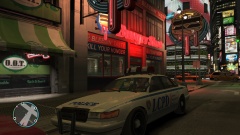
From the album: ineseris LCPDFR images
Officers responds to man down at Burger Shot



