




Pavy
Members
-
Joined
Everything posted by Pavy
-
I can't help you anymore sorry. https://www.youtube.com/results?search_query=gta+5+openiv+tutorial
-
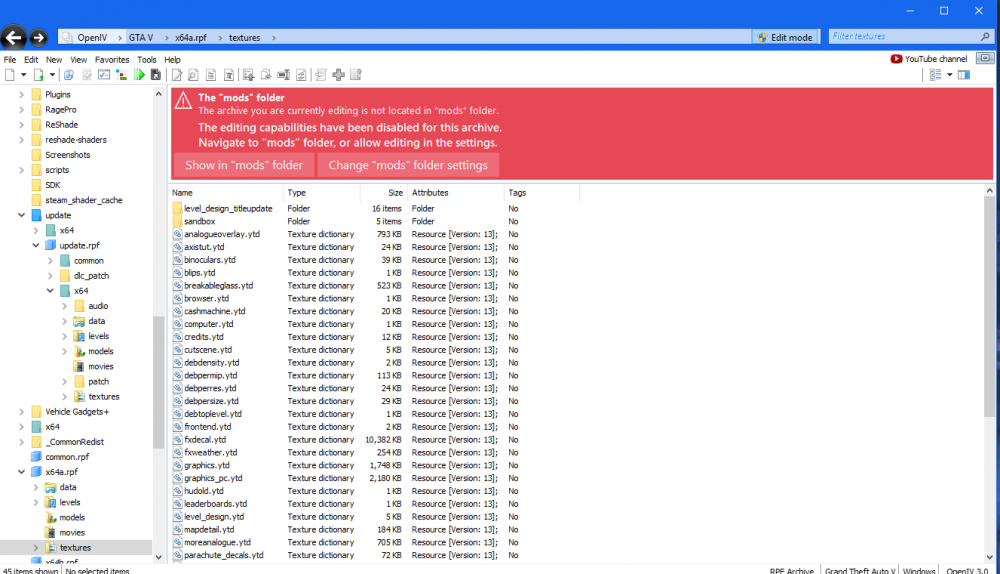
I initially gave you the wrong location to the graphics file The correct area is Grand Theft Auto V\x64a.rpf\textures You say you know open IV quite well but it seems you don't. OpenIv has access to all unmodded and modded files of gta 5. Can you not get to this screen? Your supposed to open update.rpf with OPENIV not windows explorer wtf my guy. Regardless I gave the wrong location because I have a different kind of graphics file than yours. The correct location is Grand Theft Auto V\x64a.rpf\textures
-
Your supposed to use openiv for all navigation here. What are you confused about?
-
No, radiance V isn't related to that file. Radiance changes your visualsettings.dat file only nothing else I already told you the graphics.ytd is in update\update.rpf\x64\textures copy it from their to the modded location.... mods\update\update.rpf\x64\textures
-
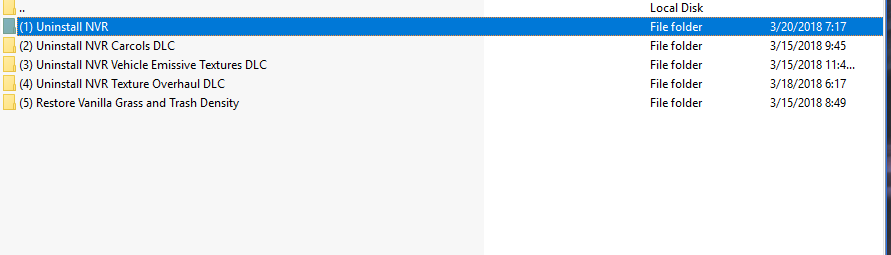
It's in optional addons inside the .rar file. Simply drag it out and run the oiv package installer. Same way you installed it is the same way you uninstall it.
-
oh yeah there are solutions, just basically have only vanilla vehicles and a few lspdfr plugins and don't enjoy any of the thousand downloads we have on this website is what you are basically saying. @Charleszinkey You can follow these rules but what I said is correct. Giordano clearly took my quote out of context and I clearly said this is an issue with modded vehicles. Yes of course you can stop this from happening but with only by playing with unmodded gta vehicles/map textures, in which nobody really does.
-
Great video buddy, and love that you talk around what you are doing in-game.
-
That computer is much better. Here's a benchmark video for different games. It gets great fps on high-ultra settings. https://www.youtube.com/watch?v=fnXxguZ8EDc and here's a video of lspdfr gameplay with same specs https://www.youtube.com/watch?v=D1kuf_8E9KU
-
-
Have you tried this?
-
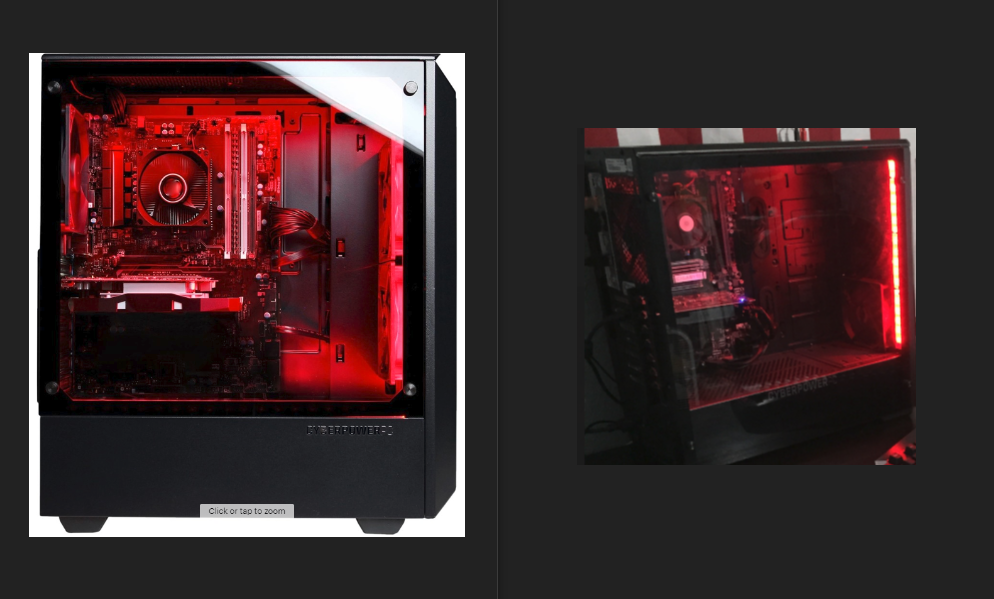
Yikes Major difference. You tell me which picture quality is better. Op never asked for a picture. They asked how the computer ran and if it can run lspdfr without issues.
-
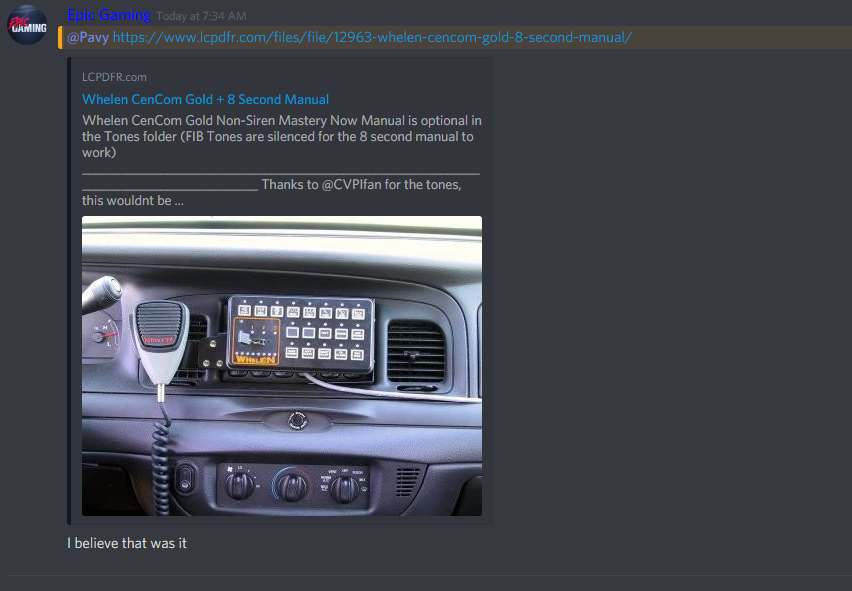
Go to the youtubers discord next time.
-
Your welcome that's what I literally just told you to do.
-
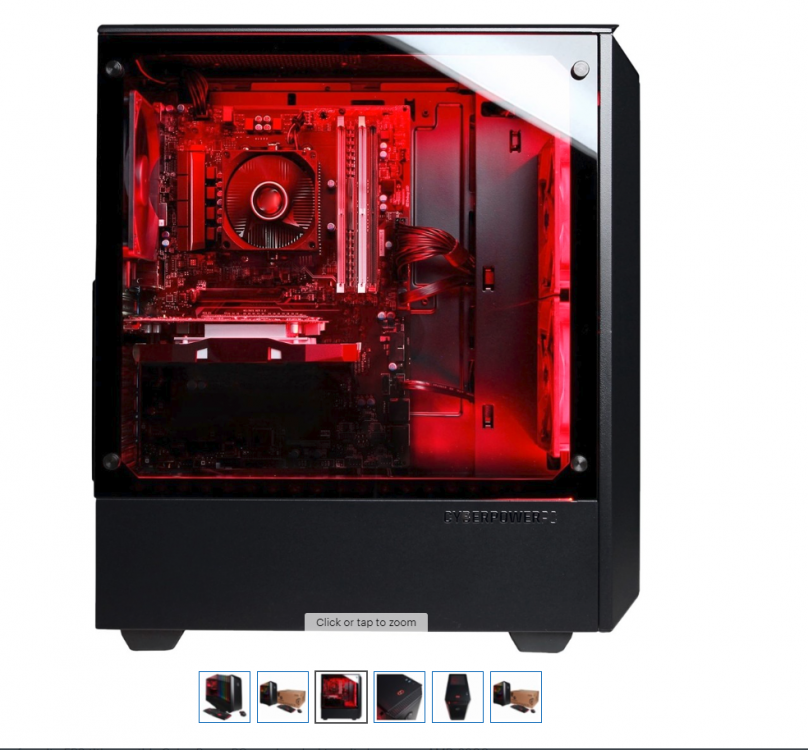
There's literally pictures on the best buy website of how it actually looks. I'm not being rude. Nobody said anything about ultra. The video I pointed out from youtube, is the same specs, high settings and at a 720p Resolution which is bad and gets 20-30fps. I'm curious about about your performance it's giving you. The author want's to play lspdfr with no lag and no issues. SO, Since you have the same PC. Show the author Gameplay of what it looks like. Post a video with an fps counter, On-duty playing, with the graphics settings shown and what plugins you are running. That would greatly help the author since they aren't tech savvy.
-
Why are you posting a picture of your setup? It's completely irrelevant to the topic even though you have the same pc. Can you make a youtube gameplay video of your "exact computer" ? This is the exact same specs on high settings with a resolution of 720p..... https://www.youtube.com/watch?v=a7D9xln-EzE The processor is okay but the graphics card is just beyond outdated and will not run lspdfr well.
-
That's the coronas. They are dimmed down. For one uninstalling NVR is easy because it contains an uninstaller. But to solve this simply Copy graphics.ytd from your unmodded area into your modded folder. mods\update\update.rpf\x64\textures
-
Great video! Your lighting and coronas are perfect. Love your ambulance sirens. Were you going for a short cinematic video? Here's a few things based on my opinion IF it was meant to be a short cinematic video. Remove your ELS Panel For police radio your name is set as default, Albo You shot the guy once for no reason lol. He had a knife but he was running away, use a taser. Remove the minimap I see you removed your reticle, remove your HUD as well
-
There's no solution to this. It is inevitable and will ALWAYS happen each game play session eventually. A key factor for this to happen is spawning alot of modded vehicles. For example if you start your game and spawn 10 police vehicles right away this texture loss will happen right away. It basically depends on your modded files and hardware. Try to limit backup units to 1-3 max and be sure to delete any vehicles you spawned in.
-
Your log won't show crashing because its a gta5.exe crash not internal crash. Try to remember what you did because otherwise you might have to start from scratch. Firstly Rename your mods folder to mods_ and see if it works. If it does then something in your mods folder is corrupt. Rename it back to mods and revert the original handling file you edited. Look in the unmodded section of gta for the file and bring it to the modded area. Don't copy and paste the lines just drag the file over.
-
There is no alternative. Script hook v is a key part of this entire modding community. It hasn't been updated in 3 months because there hasn't been a gta 5 title update since then. The author only updates it when it has to be updated for new dlc's.
-
Simply type the processor and graphics card into youtube and look up gameplay to see what you like and meets your requirements. Based On what I'm seeing No you will not be able to play lspdfr with good fps. Nowadays you need the Top Tier pc's to play lspdfr anywhere near 50-60fps, but that's with the most common plugins. So you will need to bump up your price range if you want to play without issues. This is my recommendation, yes way above your price range but sorry to break it to you, you need to save up alot for it. https://www.bestbuy.com/site/alienware-aurora-r7-desktop-intel-core-i7-16gb-memory-nvidia-geforce-gtx-1080-2tb-hard-drive-intel-optane-memory-epic-silver/6155309.p?skuId=6155309
-
Any update?
-
Changing the tint to Stock didn't fix it? Link the download for the car
-
The ragehook you downloaded is most likely 0.62. You need the latest version 0.63 from their website. https://ragepluginhook.net/Downloads.aspx
-
https://www.ausgamer.net/files/file/18-police-partner/ Best one there is.



