Pavy
Members
-
Joined
Everything posted by Pavy
-
You said you put it in Mods/update/x64/dlcpacks/patchday19ng/dlc.rpf/x64/levels/gta5 but its not in there..
-
Use the Search function of open iv and search for all files of police3. Screenshot the entire Search results showing the file locations.
-
Do you have a police3+Hi in there anywhere? Is it just 3 police3 files inside that location?
-
What location did you put it in. What are the entire names of the files you put in. Link the vehicle model.
-
You pasted the specs wrong, most things are blank. You can also type in the processor and graphics card into youtube and see how well games run on it, including gta 5.
-
Please screenshot your main gta 5 directory and also your scripts folder.
-
Your mods folder could be missing a file that was corrupted or deleted. Start your mods folder over and be sure you install things properly. It's very hard to pin something down. The smallest letter in the wrong location can break the game. Make sure to download this, its required with a lot of vehicles https://www.gta5-mods.com/misc/gta-5-gameconfig-300-cars
-
Does openiv say the installation was successful? Did you install in the mods folder? Did you install the asi files from the asi manager in openiv?
-
It's not that file. I had it correct I believe. The file you linked has the incorrect yellow vest. Nebraska troops also don't have yellow in their patch. If you look at the example image the author gave you can see a hint of yellow with red on the patch.
-
-
Looks like:
-
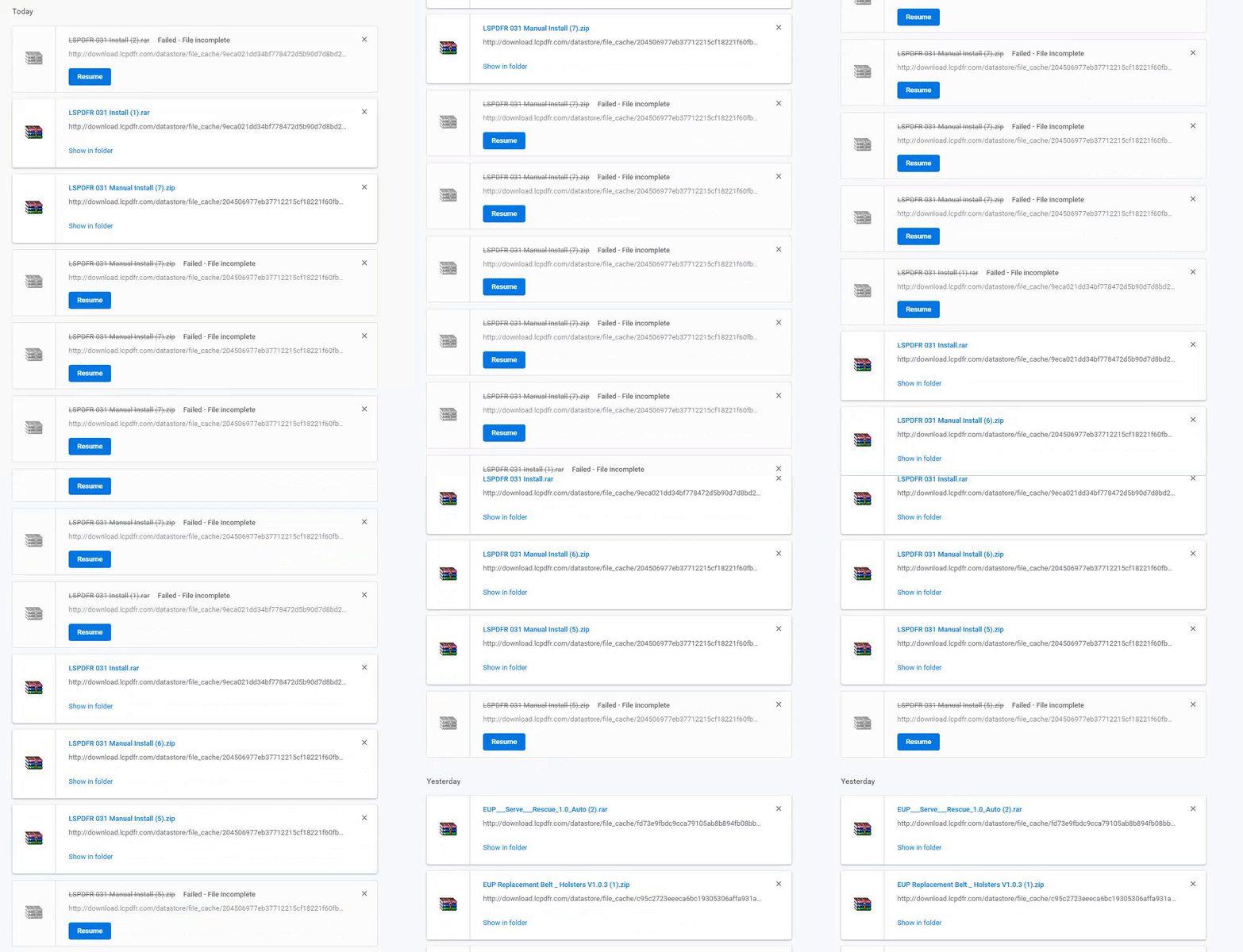
Seems to be very random. Clicking download again and again will eventually let 1 go through.
-
I'm curious how your models look. Are you able to show them?
-
Make sure you have this installed. https://www.gta5-mods.com/misc/gta-5-gameconfig-300-cars
-
Changing a motherboard and power supply has no effect on this. Remove Repeat Offender [Callout] 1.17 that's why you are crashing
-
You need to update your gta 5 to the latest version. You are on an old one. If you are using a mods folder you need to copy over the new update.rpf OpenIV tells you when you open it.
-
Rescue mode requires -Scripthook http://www.dev-c.com/gtav/scripthookv/ -Script Hook V .NET https://github.com/crosire/scripthookvdotnet/releases
-
It's GTA. Grand Theft Auto. Look at the history of GTA games. All violence,gore, sexual. You can get that script you mentioned but it will only do so much. Keep your modded gta separate from your online play. Basically Have 2 folders. 1 with mods and 1 for online play. ScripthookV is a requirement for almost any .asi plugins/mods you install and it automatically close the game if you try to go online. It's a fail safe system just in case. I suggest you let your 9 year old play Roblox. I'm not too familiar with that but I know they have a ton of mods including police gameplay but not as good as LSPDFR obviously and you won't need to get such a high end pc also.
-
RDE has no uninstaller. It installs too many things. You need to go into your untouched vanilla gta 5 with openIV and search for the original models that are affected. Copy The models into your modded section to fix the broken ones.
-
It has been solved already.. "Thanks man i figured it out just needed a new Scripthook "
-
[17.11.2018 14:37:37.898] s_m_y_cop_01_black_mini_02 [17.11.2018 14:37:37.898] s_m_y_cop_01_black_full_02 Those peds probably don't exist. Your backup.xml might have a unit you don't have ingame. Probably from a plugin like RDE I think. backup.xml Put this in Grand Theft Auto V\lspdfr To solve your issue.
-
After Googling this issue..... People are saying deleting their hosts file in C:\Windows\System32\drivers\etc and verifying with steam again fixes the issue. Backup ur hosts file just in case and do a reboot. Then verify.
-
Does that scripthook error still pop-up when launching ragepluginhook.exe?
-
Well, you don't launch Gta5 and rage hook together. You simply run ragepluginhook.exe and that is all. Gta 5 will launch automatically.
-