




Pavy
-
Joined
Everything posted by Pavy
-

From the album: Random Gallery
-
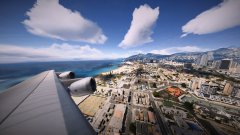
From the album: Random Gallery
-

From the album: Random Gallery
-

From the album: Random Gallery
-

From the album: Random Gallery
-

From the album: Random Gallery
-

From the album: Random Gallery
-
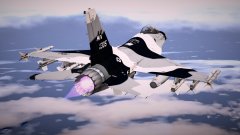
From the album: Random Gallery
-

From the album: Random Gallery
-

From the album: Random Gallery
-

From the album: Random Gallery
-
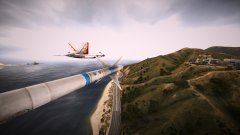
From the album: Random Gallery
-

From the album: Random Gallery
-
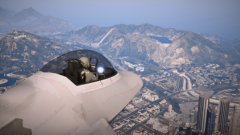
From the album: Random Gallery
-

From the album: Random Gallery
-
Graphics card is needed
-
In your video/graphics Settings ingame, Go to Shader settings turn it to high and go to Post FX settings turn it to high.
-
What? Are your shaders and fx settings both above high?
-
Pretty stupid of them not to link/credit anywhere the site/creators. "Check it out guys!" But fucking where? Lol

-

From the album: Random Gallery
-

From the album: Random Gallery
-

From the album: Random Gallery
-

From the album: Random Gallery
-

From the album: Random Gallery
-
From the album: Random Gallery


