


NickieB
Members
-
Joined
-
Last visited
Everything posted by NickieB
-
There are hundreds of cars out there so your best bet is just to look through them. Your the only one who knows what you like best. You can look through some of my cars on my profile, I tend to put a lot of lights on them
-
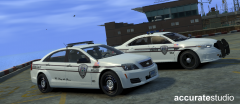 Your exactly right, he gave it to a few of us but he doesn't want it released because he doesn't want it ripped/stolen.
 -
and you don't have issues with crashing? I've never tried it so I can't say for sure but it just seems if the dummies aren't there it wouldn't work (in theory) but I could be wrong
-
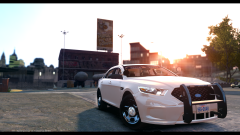 You can also hide Niko or your character in the options of SNT. Its about halfway down on the left on either the first or second page. Thats how this photo was taken because as you can see the wheels are being turned but his character is hidden. Then like they said you can also hid the HUD and map in the pause menu options
 -
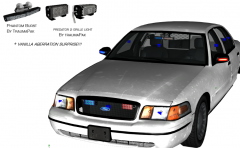 Exactly, that was one thing that Bugs failed to do. Its not mapped in the proper section of the template
 -
But if the vehicle doesn't have the dummies for the rear seats I don't think it will work. The game wont know where to put the back seat people and would probably lead to a crash. It has to be correctly setup in zmodeler for that. Like Dashie said, you would probably need a script of some kind, or access to the unlocked model to add the dummies
-
I know EVI uploaded a wheel pack ages ago (like years) and it had one or both of those wheels in it. I don't think I have it anymore but it might be floating around somewhere. Other than that I don't know of any publicly available unlocked, those wheels are hardly used on cars in the first place
-
What kind of wheels are you looking for? The only wheels available publicly are the ones released unlocked.
-
![[WIP]2012 Chevy Caprice PPV Liberty City State Police](//s3-gallery.int-cdn.lcpdfrusercontent.com/gallery/album_1038/sml_gallery_13885_1038_277078.png) Ah yes, I understand what your saying. I didn't take that into consideration when I made it. Just went with some crazy colors haha
Ah yes, I understand what your saying. I didn't take that into consideration when I made it. Just went with some crazy colors haha -
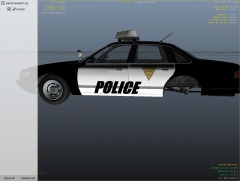 Needs quite a bit of work, I'm assuming your showing off the skin? Especially since its backwards on the other side
 -
I don't know if anything from that era exists, or at least I don't recall ever seeing anything
-
Who cares if the template "merges" together, there isn't anything on the template that touches anyway. These template looks 100x better than the black/white ones. Plus you don't get that blurry look to it You can't tell me that this doesn't look better than the black/white one http://www.mediafire.com/convkey/6657/kkh6abrwa04u71wfg.jpg?size_id=d Yes it may look a little funny on the car but its not meant to be seen on the car really, just for skinning purposes
-
 Thanks
 -
![[DEV] Whelen Liberty SX8](//s3-gallery.int-cdn.lcpdfrusercontent.com/gallery/album_2491/sml_gallery_3938_2491_7358.png) I have nothing against the bar - its a great bar but its used wayyyyyyy to much. (In GTA and real life) Thats one of the reasons I don't care for it and have never used it on a project of mine.
I have nothing against the bar - its a great bar but its used wayyyyyyy to much. (In GTA and real life) Thats one of the reasons I don't care for it and have never used it on a project of mine. -
Random thingz
-
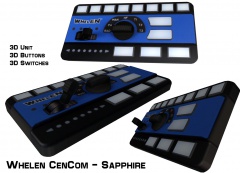
Whelen CenCom Sapphire
-
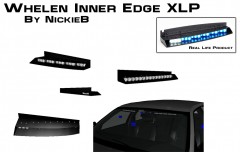 Whelen Inner Edge XLP
-
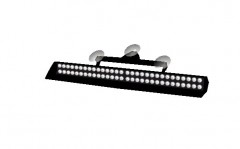 Slimmiser
-
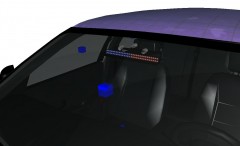 Slimmiser
-
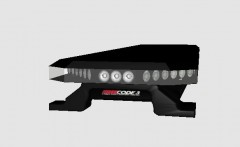 Code 3 21TR
-
 Code 3 21TR
-
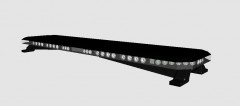 Code 3 21TR
-
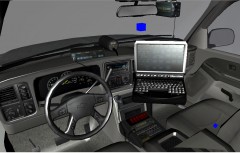 WIP Warden Silverado
-
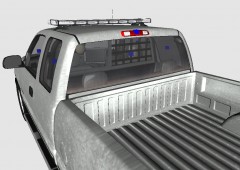 WIP Warden Silverado
-
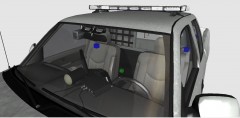 WIP Warden Silverado
-
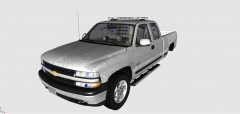 WIP Warden Silverado
-
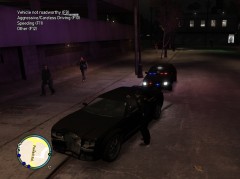 Traffic Stop with the new CVPI
-
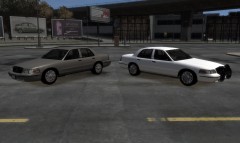 NEW Unmarked CVPI Released
-
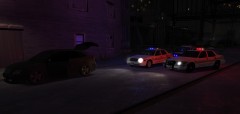 Sheriff's Deputies Respond to Suspicious Vehicle
-
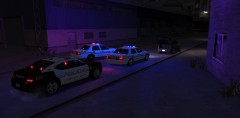 Sheriff's Deputies Respond to Suspicious Vehicle
-
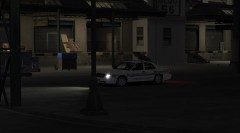 Patrolling behind the warehouses in Broker
-
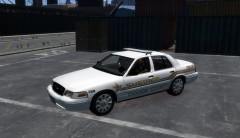 Dodge County Sheriff
-
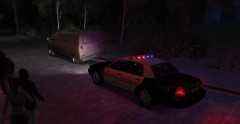 Abandoned Car
-
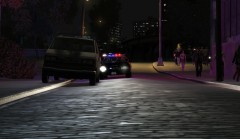 Abandoned Car
-
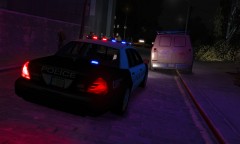 Traffic Stop
-
-
From the album: Random
Still needs a little touching up on the textures -
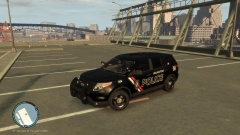 lol yes it is. They don't have Explorers that I know of but they do use Taurus's, CVPIs, and Tahoes so I just made my own rendition from those
 -
Previews of some of my upcoming releases
-
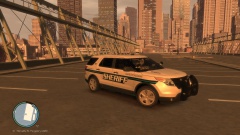 RELEASED
-
RELEASED
-
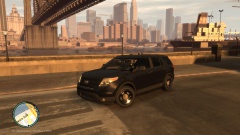 [WIP] Slicktop Explorer
-
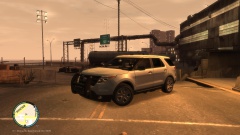 [WIP] Slicktop Explorer
-
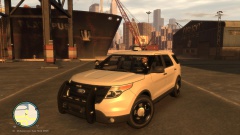 [WIP] Explorer Slicktop
-
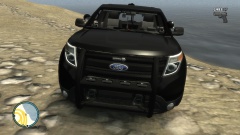 [WIP] Slicktop Explorer
-
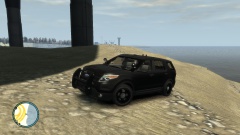 [WIP] Slicktop Explorer
-
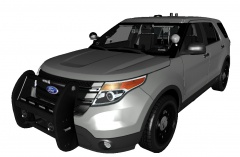 [WIP] Slicktop Explorer - FINAL
-
 [WIP] Slicktop Explorer - FINAL
-
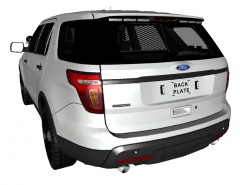 [WIP] Slicktop Explorer - FINAL
-
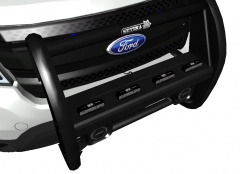 [WIP] Slicktop Explorer
-
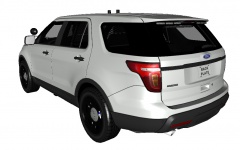 [WIP] Slicktop Explorer
-
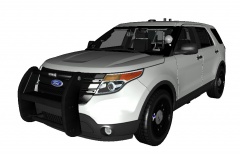 [WIP] Slicktop Explorer
-
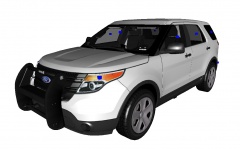 [WIP] Slicktop Explorer
-
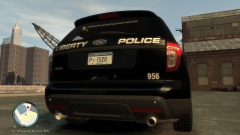 '13 Explorer - Tomar Scorpion
-
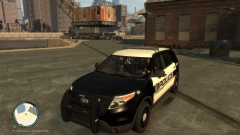 '13 Explorer - Tomar Scorpion
-
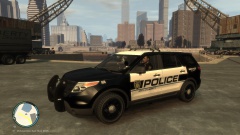 '13 Explorer - Tomar Scorpion
-
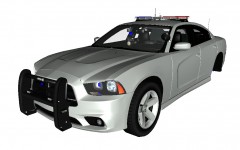 2013 Charger - Code 3 Rx2700
-
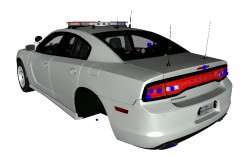 2013 Charger - Code 3 Rx2700
-
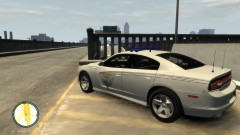 2013 Ohio State Patrol Charger
-
-
From the album: NickieB Upcoming Releases
Check around -
No you haven't ;) I made this one just for the release and saved it until now. There is another new one in there too Thanks guys
-
From the album: NickieB Upcoming Releases
Check around -
It was always like this or it just started randomly? Seems weird you'd even have gotten this far without it. A little off topic but if you re-arrange your stuff you'd have so much more room to work
-
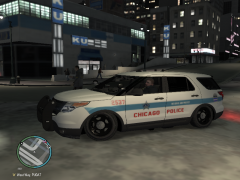 looks like the CPD did some suspension modifications
 -
Maybe hes talking about linking his account with his game but OP thats not required to play the game. Nor does anything need to be activated for you to play. Like others have stated simply press ALT+P and go to a station, walking into the marker and proceed from there. To speed things up you can press ALT+P to start the mod and CTRL+P to "force duty" which takes away the need to go to the station to start playing. I do this every time I play, after awhile it gets old and time consuming going to the station. Then just switch your model, give yourself the guns you want and spawn your car all with SNT. If your not able to start the mod with ALT+P then you haven't installed the mod correctly or your missing some key items in order to make the mod run. In that case run the G17 Diagnostic tool and create a thread, post results of test and someone will take it from there. ** Be sure to search the forum first for someone who may have had your issue previously. ** Nothing more annoying than someone asking the same question multiple times.
-
hopefully they fixed the front end money pit issues so many agencies were having. You know its pretty bad when the costs of front end maintenance and repairs are so high and frequent that they purchase Ford Interceptors instead. A entirely new car instead of continuing to fix it.


![[WIP]2012 Chevy Caprice PPV Liberty City State Police](http://s3-gallery.int-cdn.lcpdfrusercontent.com/gallery/album_1038/sml_gallery_13885_1038_277078.png)
![[DEV] Whelen Liberty SX8](http://s3-gallery.int-cdn.lcpdfrusercontent.com/gallery/album_2491/sml_gallery_3938_2491_7358.png)

