Skip to content
View in the app

A better way to browse. Learn more.

LCPDFR.com

A full-screen app on your home screen with push notifications, badges and more.

To install this app on iOS and iPadOS
  1. Tap the Share icon in Safari
  2. Scroll the menu and tap Add to Home Screen.
  3. Tap Add in the top-right corner.
To install this app on Android
  1. Tap the 3-dot menu (⋮) in the top-right corner of the browser.
  2. Tap Add to Home screen or Install app.
  3. Confirm by tapping Install.

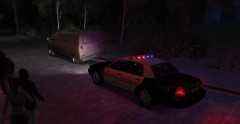
Sheriff's Deputies Respond to Suspicious Vehicle

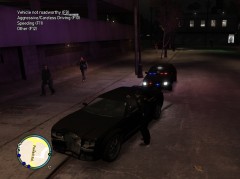
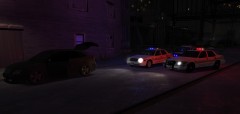
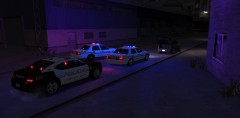
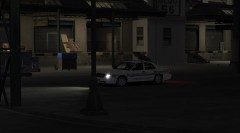
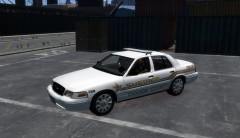
Sheriffs deputies responded to a call of a suspicious car behind a warehouse by the docks. When Deputies responded the men took off in a second vehicle. Other officers gave pursuit and the men were later caught. Deputies discovered they were loading a shipment of heroin that just arrived on the barge into the back of their SUV. 80 Kilos of heroin were seized. LCPD was called for backup.

  • From the album:

    Random

    · 24 images

    Account

    Navigation

    Search

    Search

    Configure browser push notifications

    Chrome (Android)
    1. Tap the lock icon next to the address bar.
    2. Tap Permissions → Notifications.
    3. Adjust your preference.
    Chrome (Desktop)
    1. Click the padlock icon in the address bar.
    2. Select Site settings.
    3. Find Notifications and adjust your preference.