


Olanov
Members
-
Joined
-
Last visited
Everything posted by Olanov
-
Well, we for one can't upload it here for you. It'd be against the copyright laws to do that.
-
Look, buddy. Don't hijack topics, specially the ones are already resolved. Bumping them is unnecessary. Go make your own topic if you've got a problem.
-
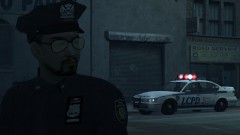
From the album: Olanov's Pics
Couldn't figure out a better title nor a description but man, look at those sunglasses. Higher resolution picture here. http://cloud-2.steampowered.com/ugc/506890376283489991/47DDEEC35B90CAB3DB4C72C3AA537F2654C7F269/ -
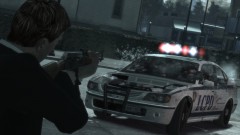
From the album: Olanov's Pics
Only chance to just try and struck the guy. Higher resolution picture here. http://cloud.steampowered.com/ugc/506890376283483675/E676458024AC7F4932B77A9D9778C30134C81247/ -
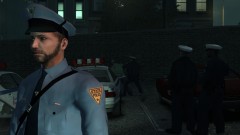
From the album: Olanov's Pics
At moments like this, officers usually got the others back. Higher resolution picture here. http://cloud-2.steampowered.com/ugc/487751204045691247/70583423C22D081F4FD7A00C50D504F797F776D0/ -
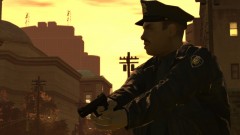
From the album: Olanov's Pics
About to pop a cap at their ass. Higher resolution picture here. http://cloud.steampowered.com/ugc/505764575232043163/2524884888DE7173E11DD9DB59A593C0B6DE2952/ -
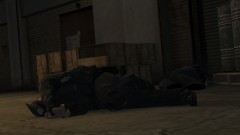
From the album: Olanov's Pics
Officer down - probably the worst kind of call an officer of the law could face. Higher resolution picture here. http://cloud.steampowered.com/ugc/631863734280364438/75EC715C7E8109756C248F1D8B107A3981908874/ -
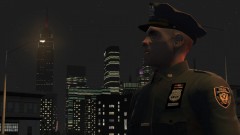
From the album: Olanov's Pics
I'm a hero, and I know it. Higher resolution picture here. http://cloud.steampowered.com/ugc/631862291322241945/2C4FEC531D10BAA0F8E625C230044F0FC5834E61/ -
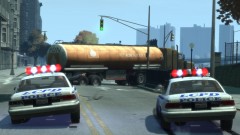
From the album: Olanov's Pics
How do you stop a tanker? Very carefully. Higher resolution picture here. http://cloud-2.steampowered.com/ugc/505763679254943642/049B10BD4E45275D12B6C2B38E3A1F59FA981FD1/ -
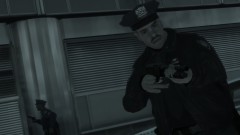
From the album: Olanov's Pics
Eh, as the title says. Higher resolution picture here. http://cloud.steampowered.com/ugc/631862291313132660/A2877197EFE10303E35D431C6E9F55BD3DA1051B/ -
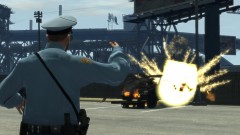
From the album: Olanov's Pics
Known mob bosses car blowing up. Knowing he's part of the Russian mob, he probably has a warehouse full of those cars somewhere. Higher resolution picture here. http://cloud-2.steampowered.com/ugc/576700870395090194/46FE1335234406475B0D20D4696B867B84E992B6/ -
So, where's the diagnostics log? Also, I'd suggest getting rid of all your mods and the files such as scripthook, xliveless etc... Then re-install them back along with LCPDFR.
-
@HeCTRiXz Do not double post, it's considered as spam and is against the community guidelines. To avoid this in the future, please edit your posts instead or you will get infractioned. Merged your posts together.
-
Closed. Wrong section and the way you made your topic, isn't very helpful towards us. Please read these next time: http://www.lcpdfr.com/forum-20/announcement-5-need-support-read-this-first/ and post in the correct section or you will get infractioned.
-
So is there, or is there no actual problem with LCPDFR here? Are you just looking to find what stuff you need to run the game perfectly?
-
So I respond to a grand theft around southern Broker-Dukes Expressway, right? I arrive at the scene and try to pull the perp over as I spot him. He takes off in a stolen dirtbike and the chase is on. He headed north on Dukes Boulevard and didn't get too far away until he TC'd and flew off this dirtbike. Amazingly enough he was ready for more and got up with a gun in his hand. Dropped him and that's the end of that chapter.
-
Post the diagnostics tool, specs and tell us any other mods you've got installed, if you do have some.
-
Guys, if you have a problem, don't keep bumping this topic. You're supposed to make your own topic about it. Locked.
-
This really has nothing to do with LCPDFR, wrong category again. I've warned you of this before. Moving topic, next time you'll get infractioned.
-
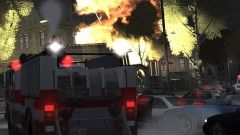 It was actually Stephan, who also made a roadblock with barriers to direct traffic for, which I drove through because I really couldn't give a shizzle for it.
 -
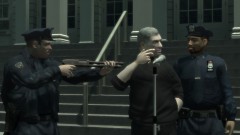 Indeed! Let the good times roll~
 -
That's still no excuse for breaking the community guide lines. No ones really an exception to them. I've warned you enough for this. Besides, people who enthusiastically want to check on updates of this mod, probably view the topic or at least have "followed" it.
-
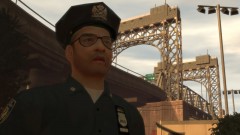 Must change title to that.
 -
Ah, right.
-
Do not double post. It's considered as spam and breaks the community guidelines. Next time just avoid it by editing your posts. If you won't straighten up, you will eventually get warning points issued on you.


