




Illusionyary
Members
-
Joined
-
Last visited
Everything posted by Illusionyary
-
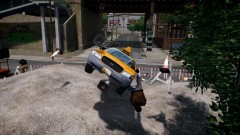 ...Not as bad as Ambulances.
 -
Getting Hyped about Battlefield 4 and then playing War Thunder while Danger Zone plays... my weekends in a nutshell.
-
That's a Federal Signal Rumbler if I am not mistaken, there's several of these sirens on LCPDFR already, just take a look through the downloads section.
-
SharpCommand! Oh wait... Honestly, it depends what you're looking for. It took me several hours to think up a name for myself and I often want to change it every now and then.
-
Also, If SparkIV randomly starts to crash upon opening just put the Spark files in your GTA IV install directory and it should work fine again. However it will only crash at startup if you change the name of the GTA IV installation folder. Just thought this may help some people.
-
I discovered LCPDFR while watching a video back in 2010 featuring several of Lt. Caine's Chevrolet Impala's and the LCPDFR mod, at the time I had no idea what the LCPDFR mod was. I then discovered GTAEmergencyMods, LCPDFR and finally GTAPoliceMods a few days later and my modding passion had begun.
-
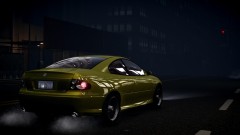 That's one sexy Monaro :)
 -
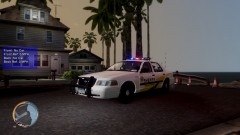 Is that a reference to "I Ran" by A Flock of Seagulls? That's my favourite song of all time :)
 -
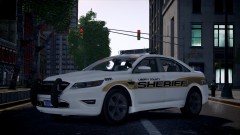 :o Beck has been keeping this secret from me! D:
 -
The smoke only works in multiplayer and it's Ctrl to turn it on.
-
Radio mod? Wat.
-
TeamSpeak 3 is the best, if you can afford a server (If you want a custom one, for say a clan). If not Skype is a good free alternative.
-
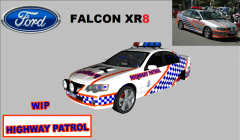 Awesome! Love the lightbar!
 -
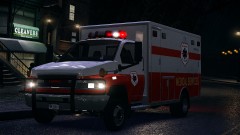 If this was ELS:
 -
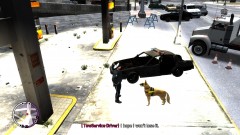 Don't worry, the lightbar looks salvageable! lol
 -
Thanks for clearing that up NB. That's really good to know since I'm not savvy when it comes to "partnerships" via YouTube and such. You guys have been a big help, I really appreciate it. I'll look around and try and find some official channels to partner with later in time once I get a bit bigger. I'm still quite a small channel atm. Thanks again. :)
-
Thanks for the quick response Harper, I'll take your advice and stick with YouTube. Once again, thanks for the advice.
-
Hey guys, I recently got a message from a company called "Zoomin.TV" offering to partner my YouTube channel. I've never heard of this company before so I was very skeptical. I checked out their website and channel and they seemed legit but I'm honestly not sure if I should take the offer or not, it seems a little too good and I don't want to get screwed over. I'm wondering if anyone knows anything about this company because I did a Google search and read through some forums but the posters on them weren't sure if it was too good to be true or not either. Here's the original message I received, I removed the website links to not break the ToS :)
-
Neither, I'd pick a Tahoe because they are actually useful during pursuits, especially when larger vehicles are involved (buses, vans, ect). But if I had to pick it out of the two it would be the Silverado.
-
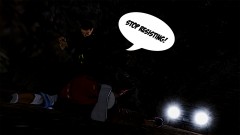 Quit Resistin'!
 -
I don't particularly like any of the American State Agencies liveries, I don't know why but I just find them too plain. Victoria Highway Patrol
-
As far as I am aware it is illegal to upload the games files, however I've heard that the files are on GTAInside/GTAGaming. Be sure to make backups of your game next time.
-
 Have you managed to solve the car headlights being blacked out? :)
 -
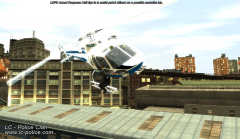 It's edited in.
 -
The Suspect entered a residence, took 2 people hostage and then shot himself. The ghost car story is just bizarre, very creepy if you ask me.


