




TheRealNoodle
Members
-
Joined
-
Last visited
Everything posted by TheRealNoodle
-
-
-
subbed :D
-
thx guys
-
enough said
-
-
lol thx vic :D
-
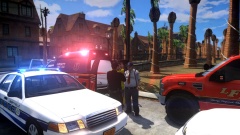 lol those trees tho XD
 -
 y isnt this featured yet???
 -
one does not simple destroy a maus. no serious I havent reached such a high rank of tanks but I think its nearly impossible to destroy one :p
-
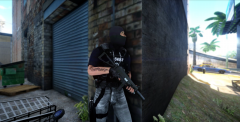 looks more like a ganster to me but yea XD
 -
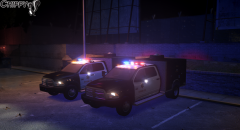 :O
:O -
sooo what you are trying to say is that you made a skin for that truck right?
-
-
4/13 am I russian now?
-
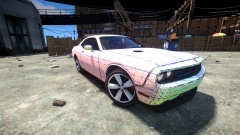 noice
noice -
oooo thx :D
-
-
theres this one, its not yet els mapped https://lcpdmods.com/files/file/343-whelen-dominator-dev/
-
way too expensive for him :p he needs a cheap car XD
-
ha cheap trash nice :D
-
lol ineseri driving a car XD soooo what car are you gonne get?
-
oooo nice :D
-
oh yea I forgot you where doing peds, just export in gta format and then rename the .wft to.wdd (I think, I never modeled peds)
-
you need zmodeler (20 $) to convert it to gta format (.wft)



