Skip to content
View in the app

A better way to browse. Learn more.

LCPDFR.com

A full-screen app on your home screen with push notifications, badges and more.

To install this app on iOS and iPadOS
  1. Tap the Share icon in Safari
  2. Scroll the menu and tap Add to Home Screen.
  3. Tap Add in the top-right corner.
To install this app on Android
  1. Tap the 3-dot menu (⋮) in the top-right corner of the browser.
  2. Tap Add to Home screen or Install app.
  3. Confirm by tapping Install.

killercopz

Members
  • Joined

  • Last visited

  1. So what would you guys like to see added to this mod? So far in the mod pipeline and planned is to get that menu working and fix the FPS drops I have noticed
  2. @Envisiti Send Your RPH.log as that would tell me where your crash could be happening
  3. Next update will be 1.4.2 THE NEXT UPDATE WILL RE-ADD EUP from Serve and rescue from a retexturing of a vest from law and order Emergency uniforms pack - Law & Order 9.3.1 and one outfit to a wardrobe.ini, I am working on a station map mod for a custom agency for UB and custom backup options , but this will come at a later date as the map is with my dev team, unfortunately the menu system would not work
  4.    HyperBlueSmart reacted to a file: SecurityPlus
  5. Hey, thanks for sharing your log. I ran it through SuperPyroManiac’s analyser on my discord server and a few things came up that are worth looking into. Log WarningsMultiple Sessions Detected (ID:15) The analyser flagged that LSPDFR was reloaded without restarting the game. This can cause inaccurate log results and plugin instability. A full game restart is recommended instead of reloading LSPDFR mid‑session. Possible Crash from StopThePed or Ultimate Backup (ID:132) The analyser suggests that one of these plugins may have caused an LSPDFR crash. A simple restart usually resolves it, but if it keeps happening, updating or temporarily removing those plugins can help with testing. Plugins Flagged by the AnalyserThe analyser also detected several plugins that are outdated, abandoned, or known to cause crashes. These weren’t provided manually — they were picked up automatically from your log. KucheraCallouts Outdated, multiple callouts known to crash, and two versions share the same AssemblyInfo which can cause conflicts. SceneManager Abandoned and known to cause crashes in current LSPDFR/RPH builds. RadioRealismFR Causes LSPDFR crashes and logs entries under the wrong name. EasyLoadoutContinued Abandoned and known to cause crashes. Removing these tends to improve stability quite a bit.
  6. if anyone wants the new version it has fewer callouts I do not know if they all work now as going and having legal issues on another subject not to do with this mod it is now on my new account found here SecurityPlus
  7. I have made the menu system and have had to remove LS Callouts due to stability issues I will privately test everything first before updating the current file on here
  8. It is taking a while as have to clean up the code before adding new features as I just tested one callout, and it crashed my PC the current mod works, but eventually the plugin will be streamlined, and I am trying to fix FPS drops
  9. I am integrating policing Redefined and adding a Menu to the plugin and changing the callouts slightly the current mod is working but is slightly broken and still under Development I welcome suggestions on how to improve the mod or if you can help, please DM On here
  10. killercopz changed their profile photo
    • 101 downloads
    • Version 1.4.1
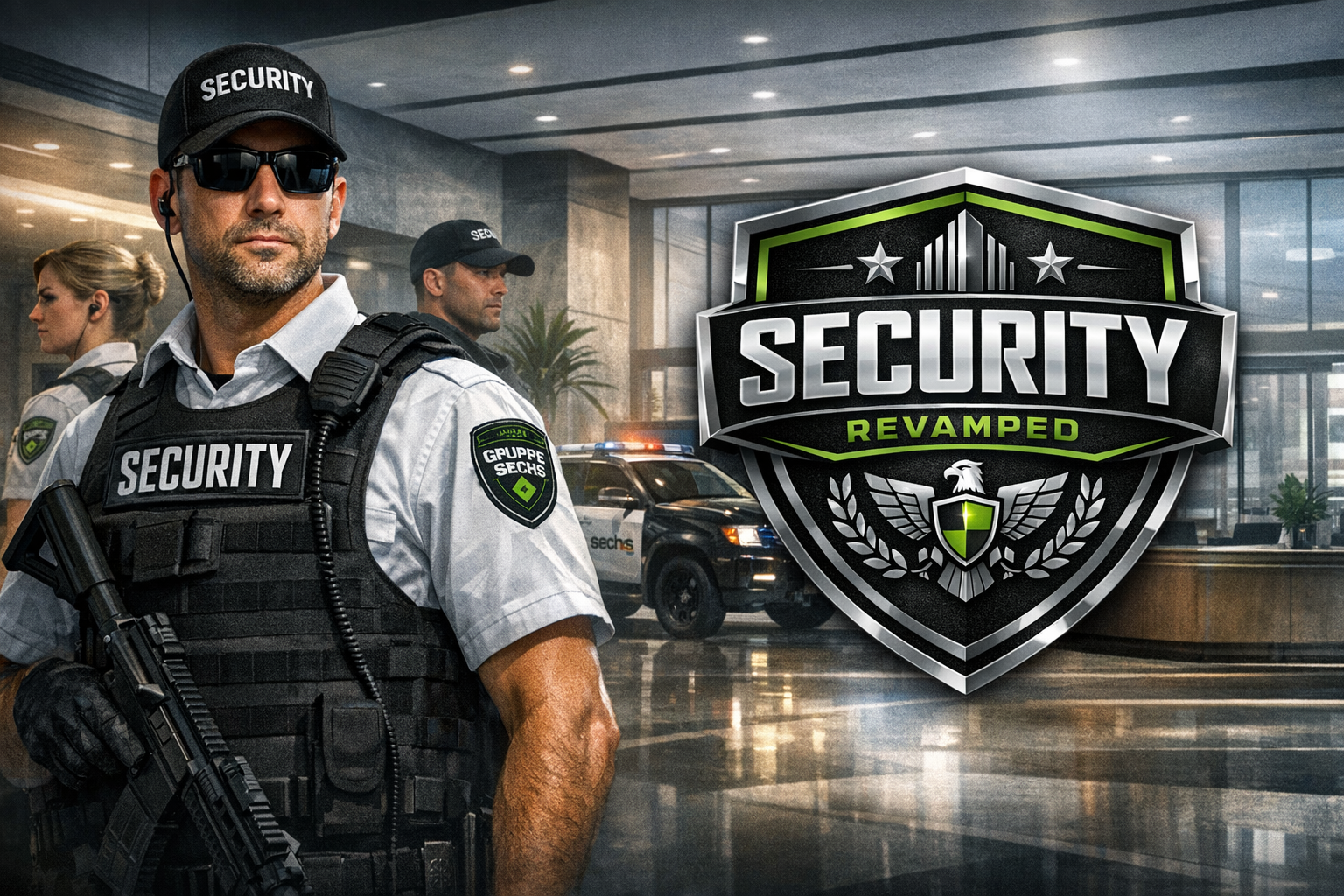
    🔧 ConfigurationBe sure to review the SecurityPlus.ini file for all available settings. If you’re repeatedly seeing “Code 4 – Disregard”, try disabling the distance check in the config. 🗑️ Uninstalling the Plugin (Callouts)1. Remove the plugin files Navigate to: Grand Theft Auto V\plugins\LSPDFR\ Delete: SecurityPlus.dll SecurityPlus.ini 2. Remove scanner audio Navigate to: Grand Theft Auto V\LSPDFR\audio\scanner\ Delete the folder: SECURITYPLUS 🚗 Uninstalling the Vehicle Pack1. Delete the DLC folder Using OpenIV, go to: Grand Theft Auto V\mods\update\x64\dlcpacks\ Delete: gspack 2. Clean up dlclist.xml Open: Grand Theft Auto V\mods\update\update.rpf\common\data\dlclist.xml Remove this line: Code <item>dlcpacks:/gspack/</item> 3. Clean up extratitleupdatedata.meta Open: Grand Theft Auto V\mods\update\update.rpf\common\data\extratitleupdatedata.meta Remove this block: Code <Item type="SExtraTitleUpdateMount"> <deviceName>dlc_gspack:/</deviceName> <path>update:/dlc_patch/gspack/</path> </Item> 📦 External RequirementsOpen All InteriorsRecommended: Enable All Interiors (GTA5-Mods) Optional: EUP + Vehicle SupportFor the full experience, consider: Gruppe Sechs Corporate Security [AGENCY] [LSPDFR 4.1] – GTA5-Mods EUP RequirementServe & Rescue 1.3 https://www.lcpdfr.com/files/file/16256-emergency-uniforms-pack-serve-rescue/
  11. killercopz started following SecurityPlus
  12. I unfortunately lost access to my old account, but this account will be taking the mod on again, but it will not be ready for a while
  13. Increase the heap to what exactly
  14. Six thousand It is a memory error code/crash unsure exactly Should I download resource adjuster
  15. the only other thing is openiv any suggestions to get it working again could it be because of the battle eye launcher is still in my game files, as can not install any addon dlc packs it has now started causing just a fatal error with just the heap adjuster and packfile adjuster
  16. Yesterday I have been trying to mod the legacy edition of GTA V to install visual V but as soon as I add The files for Packfile limit adjuster and heap adjuster(ini one) my game crashes instantly saying not enough memory I am using the game config from this website any advice to get it working so i can play lspdfr It is the legacy eddition i am trying to mod trying to mod and I am running version 1.0.3570.0

Account

Navigation

Search

Search

Configure browser push notifications

Chrome (Android)
  1. Tap the lock icon next to the address bar.
  2. Tap Permissions → Notifications.
  3. Adjust your preference.
Chrome (Desktop)
  1. Click the padlock icon in the address bar.
  2. Select Site settings.
  3. Find Notifications and adjust your preference.