


PhillBellic
Members
-
Joined
-
Last visited
Everything posted by PhillBellic
-
Looking very promising.
-
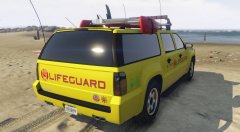 No doubt that once the vehicles are UV Mapped, we can get rid of that fugly POLICE livery one and for all. Additionally, I do hope the templates replicate existing templated vehicles as closely as possible. Yard1's 'LSPD Pack ELS V8' comes to mind.
 -
Will you be doing texture editing to that? Great framing, by the way.
-
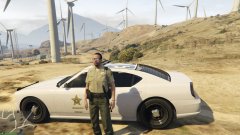 That came out pretty well.
 -
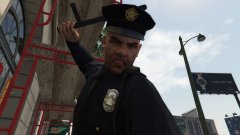 Officer Ronson teaching another Citizen about Respect for the Law.
 -
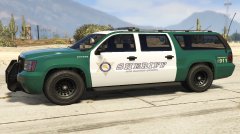 Very nice. I like it.
 -
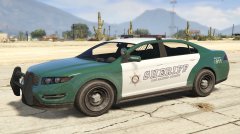 This is pretty awesome. :)
 -
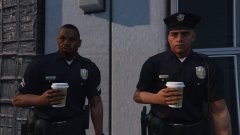 Officer Ronson should return the hat badge to the Deputy he stole it from.
 -
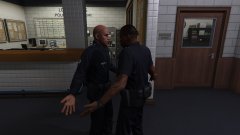 "Don't tase me bro!"
 -
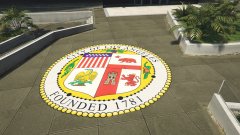 It looks a bit cropped around the '1781' section. Other than that, good texture.
 -
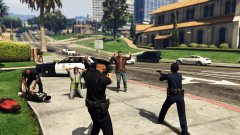 Great action shot, Lawdy.
 -
I like this very much.
-
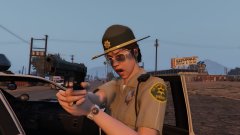 She looks pissed off. Probably Trevor up to his shenanigans again.
 -
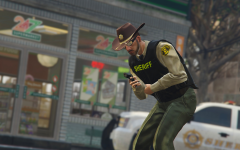 "I knew I shouldn't have eaten that taco."
 -
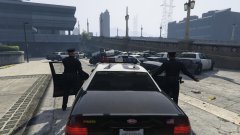 Who let Sam park?
 -
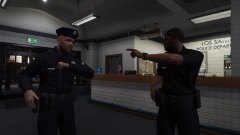 Getting ready to hit the Beat are we?
 -
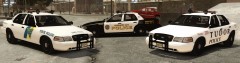 I like this Screenshot, DerangedSomali. You wouldn't be able to tell me what the font used on the Tudor Police livery is?
 -
I like that model. I reckon it's far more appropriate than the Mesa, for sure.
-
Great work Yard. I kind of wished that Rockstar made a Humvee Expy that the Military used rather than the Mesa.
-
.jpg.50cc30248ecd4a9eba1af856439ac8e4.jpg) I really like that lens flare.
I really like that lens flare. -
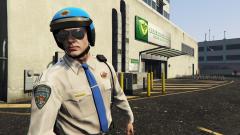 Compare that badge to an actual CHP badge;
 -
That LSHP patch looks god awful. I don't even know why they created it in the first place. The Last Gen MPC version was at least passable.
-
Looking good Yard. I await further screenshots.
-
I too hope to see more.
-
Hmm, very T-1000 like.

.jpg.50cc30248ecd4a9eba1af856439ac8e4.jpg)
