


PhillBellic
Members
-
Joined
-
Last visited
Everything posted by PhillBellic
-
This looks great Yard. Will you do a SAHP, and a theoretical Blaine County Sheriffs Department/Office livery as well?
-
Hmm, sounds intriguing.
-
-
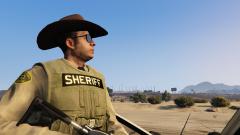 Yes, it finally it has now been corrected.
 -
-
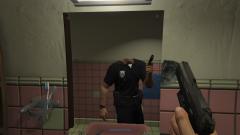 Just another day on the beat.
 -
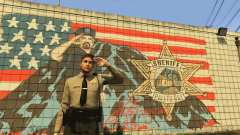 That saluting officer in the mural is simply a reused texture from the East Holland, Algonquin Police Station Mural. Also I have never seen that Deputy before.
 -
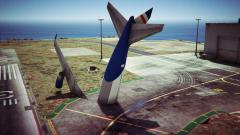 Who let Sam behind the stick?
 -
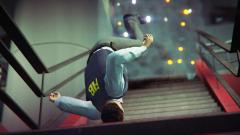 That's gotta hurt.
 -
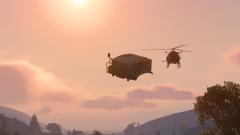 Well there's your problem.
 -
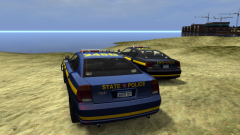 I prefer the lighter purple livery more.
 -
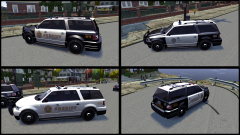 I like these liveries.
 -
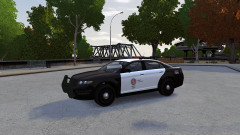 It's the livery that should have been in V to begin with.
 -
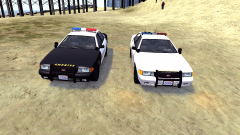 Awesome shot Yard. The Black, and White should have been in V.
 -
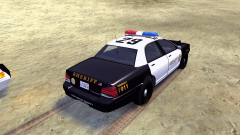 It's a year (and a bit) later and I agree with you, 100%. Rockstar still haven't changed it!
 -
All of this raises an important question, Just who do/can we trust to release Mods free of malware, and other nasty programs from this point onwards?
-
Those screenshots look very good.
-
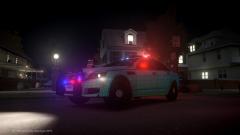 Awesome livery. I like it.
 -
That would probably help explain why there was a Service Announcement regarding some downloads being unavailable yesterday.
-
Examining those texture archives, the default livery maximum is double that of GTA IV. Hopefully if, and when ALM is coded for V, we will have greater stability in that regard.
-
And the blue looks just a bit too washed out.
-
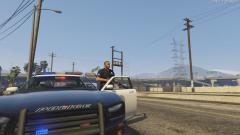 The (Current Gen) Bravado Buffalo PPV looks badass.
 -
I also have loading problems with getting images to load on this site. My connection is reliable and fast. I also use Firefox.
-
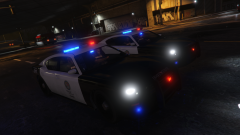 I love the Current Gen Buffalo.
 -
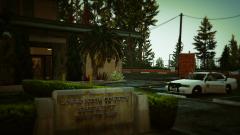 That sign is wrong on so many levels. LSSD in Blaine County? *facepalms*


