


PhillBellic
Members
-
Joined
-
Last visited
Everything posted by PhillBellic
-
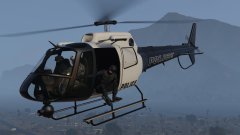 Don't ya mean Aerial Support?
 -
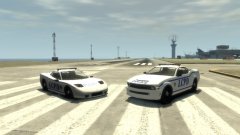 TOH, you could use Rockwell Extra Bold font for the LCPD and other text. I think it would make the liveries look much better.
 -
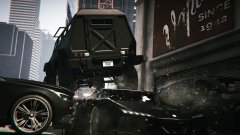 It is stupid for sure. Why couldn't your character duck/hunch down when the roof collapsed, instead?
 -
The following; Ford CVPI, Taurus PI, F-250, and Explorer PIU. Chevrolet Tahoe, Suburban, Caprice, and Impala. Dodge Charger, Magnum, and Ram. LENCO BEARCAT.
-
They don't deform due to the implementation of the FPV mode.
-
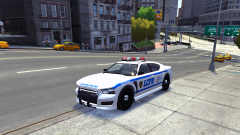 Who'd have thought that the 2nd Gen Buffalo could look so good? :)
 -
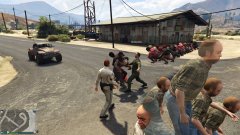 That's quite a party.
 -
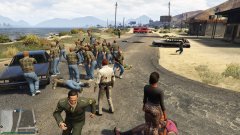 Did Lester hack into The Matrix again?
 -
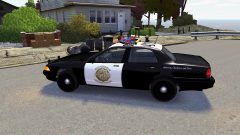 Awesome. Thanks Yard. :)
 -
I'm speaking of the livery more so. The current one looks very GTA SA like.
-
I know I am late here, but have you considered making a more exact expy of the CHP? I like this by the way. :)
-
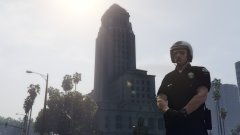 Interesting. I thought that was patched out.
 -
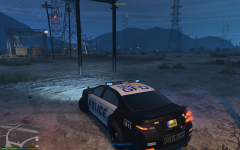 It's the British Invasion.
 -
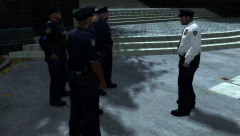 I like this. The Sergeants, and Lieutenants should have been in the game as well.
 -
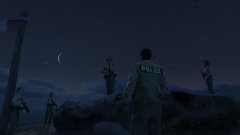 This is a great shot.
 -
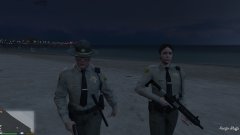 Nice. I like this photo.
 -
In the Comments Section of the Video I posted, there must be many butt-hurt Steam fan-boys who posted that stuff.
-
Hey, thank Australia as well.
-
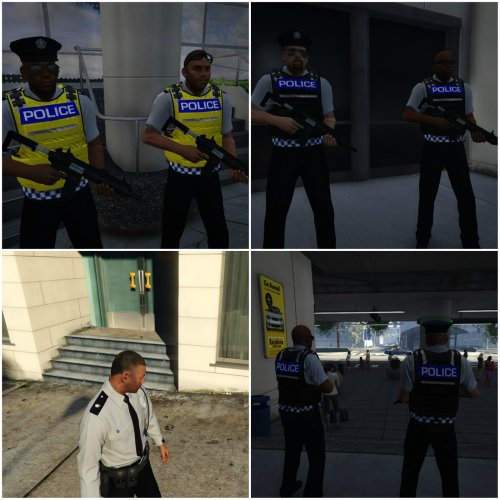 Would you be able to do the Female Cops next? This looks intriguing. :)
 -
Having just read it, I agree with you 110%.
-
 It's a pity there's an Interceptor in that delivery.
 -
I remember watching this Video quite some time back.
-
 Nice lens flare. :)
 -
 LSPD. "Obey and Survive." I guess she chose not to Obey.
 -
Wow. That was very quick indeed, Gangrenn.


