PhillBellic
Members
-
Joined
-
Last visited
Everything posted by PhillBellic
-
 I hope the Fugitive is done next.
 -
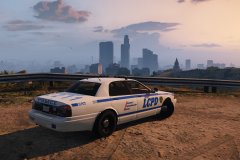 Hmm, no wonder why he hasn't reported for duty.
 -
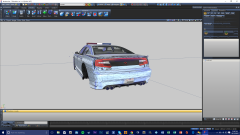 I hope you Template them all, using existing Converted V to IV Vehicles Templates as the Base.
 -
This is GREAT!
-
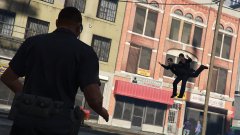 "Is that a floating Mouse Cursor in front of me?"
 -
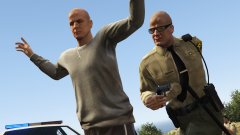 LOL. They look like Twins.
 -
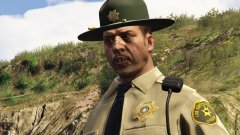 "Well, I can find ma' gun, but I can't find ma' Toothbrush." That patch looks good, by the way.
 -
-
-
Law Enforcement in this Game should be best described as "A Mixed Bag" in my opinion. They did some things well, but completely failed in other areas.
-
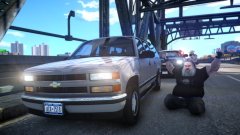 That Suburban would be awesome in a 90's Police Vehicle Pack.
 -
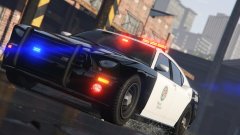 Great angling used in that Picture.
 -
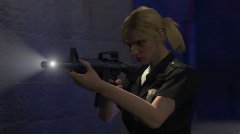 I would not want to mess with her.
 -
 EMERG8 to EMERG20? I will have to now rebuild my Vehicles Images. That is awesome news.
- 534 comments
- 206 reviews
-
-

- 1
-
-
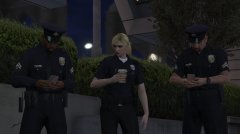 I think it is Rafael's Online Character.
 -
Congrats, All.
-
This Tutorial will be of use to me when I purchase, and Install GTA V. Great work, TheF3nt0.
-
It's only a matter of time before we see CVPI's, TPI's, Chargers, Tahoe's, and Suburbans in the Game. Hopefully, they should use the same Texture Templates as the IV Models.
-
This is a very interesting Development.
-
-
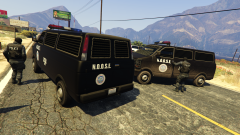 NOOSE needs to make better Road-Blocks.
 -
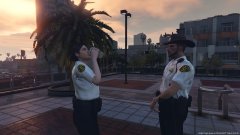 They look like Reservists. Good photo.
 -
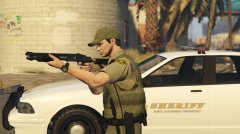 This Image looks amazing. Furthermore, I like how the Duty Belt appears with the Armour.
 -
Also if it were a G17 Media Site, it would not say At the Bottom.
-
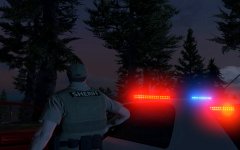 That's some intense Lighting Bloom.