
Lepoisson
Members
-
Joined
-
Last visited
Everything posted by Lepoisson
-
-
-
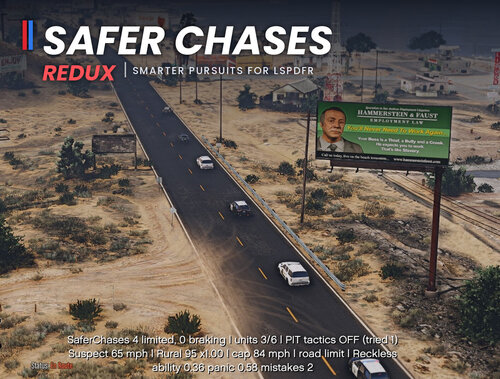
 Hello, I just wanted to point out that the assembly version of your plugin is: 0.0.0.0 instead of: 1.0.1.0
- 9 comments
- 1 review
-
-
.thumb.png.59d05d91e184fd0e413931530914fdf4.png) Hello, I just wanted to point out that the assembly version of your plugin is: 1.0.0.0 instead of: 1.0.1.1 . And the Assembly name of your plugins is: Interior Callout Pack, but the file name is: TheInteriorCalloutPack.dll
Hello, I just wanted to point out that the assembly version of your plugin is: 1.0.0.0 instead of: 1.0.1.1 . And the Assembly name of your plugins is: Interior Callout Pack, but the file name is: TheInteriorCalloutPack.dll- 2 comments
- 1 review
-
-
-
-
 Hello, I just wanted to point out that the assembly version of your plugin is: 2.0.0.1 instead of: 2.0.1.0
- 12 comments
- 4 reviews
-
-

- 1
-
-
-
-
 Hello, I just wanted to point out that the assembly version of your plugin is: 1.0.0.0 instead of: 1.1.0.0
- 15 comments
- 4 reviews
-
-
- 1
-
-
 Hello, I just wanted to point out that the assembly version of your plugin is: 2.4.0.0 instead of: 2.5.1.0
- 15 comments
- 1 review
-
-

-

- 2
-
-
-
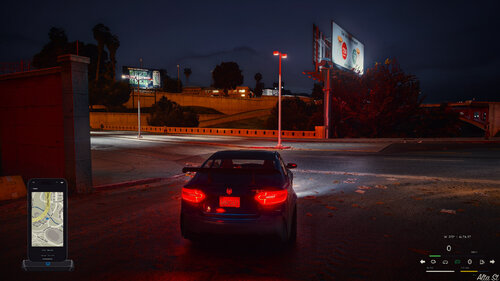 Hello, I just wanted to point out that the assembly version of your plugin is: 0.0.0.0 instead of: 1.0.1.0
- 25 comments
- 3 reviews
-
-
- 1
-
-
 Hello, I just wanted to point out that the assembly name of your plugins is: ClassLibrary2 but the name of your .dll is Code3Callouts.dll
- 3 comments
- 1 review
-
 Not to bad, I made a little program just for that lol
 -
-
Hello, I just wanted to point out that the assembly version of your plugin is: 0.2.2.0 instead of: 1.0.0.0
-
 Hello, I just wanted to point out that the assembly version of your plugin is: 0.0.0.0 instead of: 1.0.0.0
- 4 comments
- 2 reviews
-
-

- 1
-
-
-
 Hello, I just wanted to point out that the assembly version of your plugin is: 1.0.0.0 instead of: 1.4.2.0
 -
-
 Hello, I just wanted to point out that the assembly version of your plugin is: 1.3.4.0 instead of: 1.0.0.0
- 1 comment
- 2 reviews
-
-
- 1
-
-



.thumb.png.59d05d91e184fd0e413931530914fdf4.png)