JohnnyBot | Adrenaline Dispatch
I create GTA V / LSPDFR mods focused on immersive police roleplay, hands-on interactions, and more engaging patrols.
Adrenaline Dispatch
Your voice. Your patrol. Your scene.
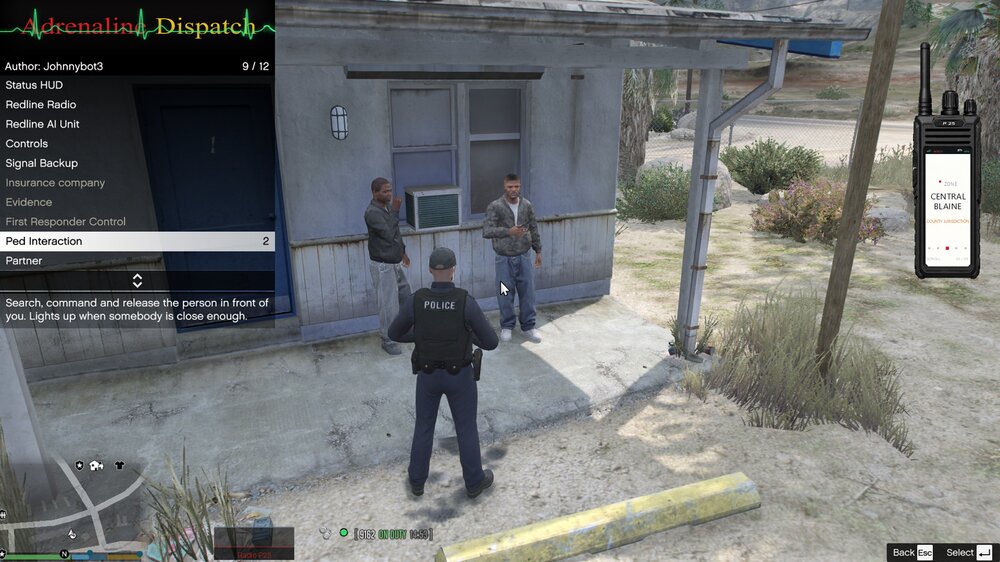
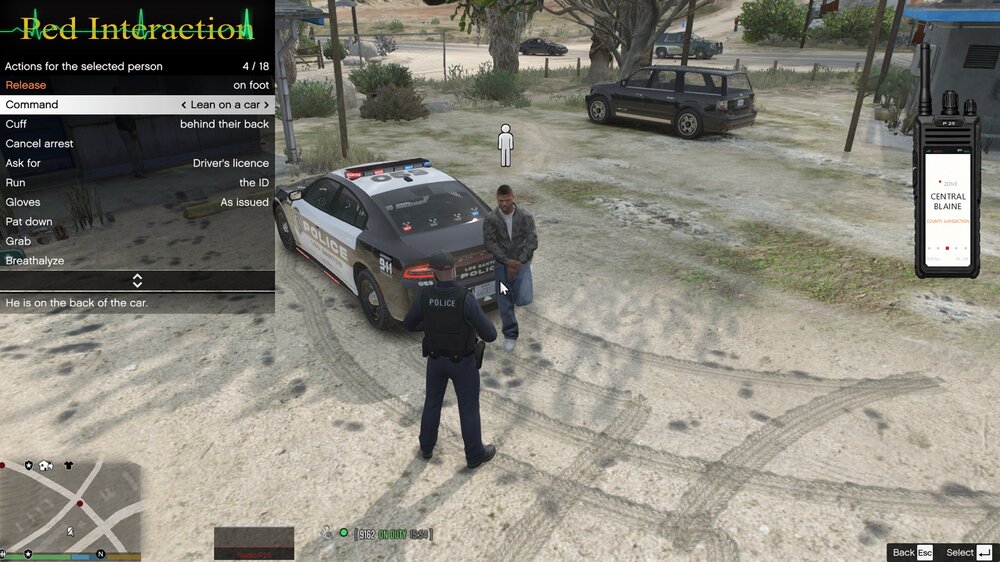
Two in one: an interactive police radio and a full police-interaction menu. Adrenaline Dispatch is designed to replace StopThePed and Police Redefined, bringing dispatch, pedestrian interactions, and scene-management tools into one integrated experience.
Talk to dispatch, request backup and scene services, question pedestrians, manage partners and K9 units, and process evidence. Remove StopThePed and Police Redefined before installing; follow the installation guide on the product page.
Voice dispatch and an on-screen P25-style radio
Multi-part backup requests and responder controls
Pedestrian interactions, searches, arrests, and document checks
Partners, K9, evidence handling, and trunk equipment
Customizable radio, HUD, and controls
View Adrenaline Dispatch on Patreon →
See the product page for the full feature list, requirements, pricing, and installation and activation instructions.
Stay connected
YouTube — @OfficerPower · Patreon
Thanks for supporting my work. Feedback, suggestions, and constructive bug reports are always welcome.
Radio & gameplay