
JM Modifications
Members
-
Joined
-
Last visited
Everything posted by JM Modifications
-
 Like me and @pherem said, it's not an OIV issue. The OIV works fine. Try installing the OIV again and see what happens. Make sure you drag and drop the provided ini files for Callout interface and/or simple hud.
 -
Join the discord here for help: https://discord.gg/skm7XTHxe8
-
I had 0 issues with the OIV. So it's not the OIV. it's Either your C:/ Drive is too full, you don't have a mods folder, or you're installing it through where your GTA V exe is. That's your possibilities are for that error. Cause I never seen anybody with that error until you said something.
-
 Can we use a installed modified gameconfig that we have to use LML or do we have to install this one?
 -
100 GB is not a lot of storage dude. 1TB and 2TB (That's a lot of storage). Try installing the OIV file instead
-
Glad you found it.
-
You have to search for it in OpenIV. It's not included in the file. You have to replace those provided files into that directory. It's not the OIV, it's your C drive! Your C drive is probably hit max Storage capacity. Check to see how much storage your C drive has. if it's in the red, you need to clean up some files. I highly recommend getting an External Hard Drive.
-
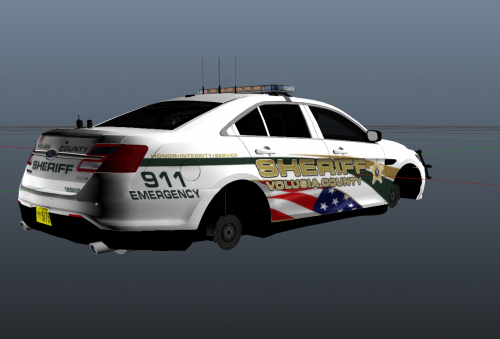 Will this be able to be compatible with other vehicle packs as long it has the vehicles for the certain skins?
- 3 comments
- 2 reviews
-
 I'm fully aware of it. I noticed it last night. I'm gonna have to remove it until I find a fix for it.
- 356 comments
- 25 reviews
-
 You know you can quote the person by pressing the blue + icon underneath the comment right?
 -
 Works as intended! 10/10
 -
-
-
-
 For the LemonUI files, you need LemonUI RPH files not the SHVDN files. Those files need to go into your main GTA Directory not Scripts Folder. That's your issue. Also Simple Police Helper is Outdated remove that.
- 557 comments
- 28 reviews
-
Appreciate it. If you encounter any errors or issues, please report them to my Discord.
- 356 comments
- 25 reviews
-
I did the OIV installation in my video too. I didn't do the manual installation but I will do a manual version soon.
-
-
 10/10
10/10 -
I will be working on them when I have time. Thank you for checking out my callout pack.
- 356 comments
- 25 reviews
-
Yes. It is compatible with the new version of Callout Interface 1.4 since yesterday.
- 356 comments
- 25 reviews
-
-

- 1
-
-
-
-
Noted. I am trying to add more callouts but my IRL work has gotten in my way. I will try to do those when I ever get a chance. Thanks for checking out my callout pack.
- 356 comments
- 25 reviews
-
-

- 1
-
-
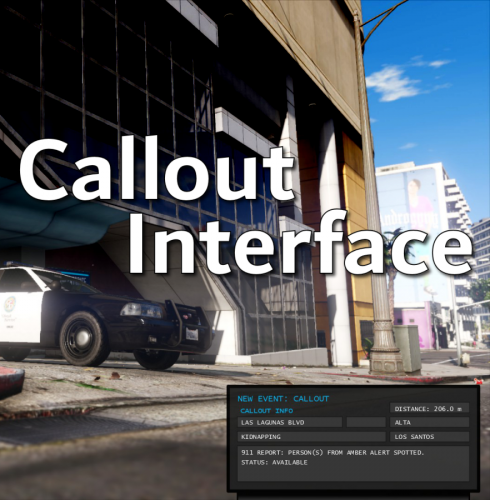
Callout Manager is Outdated. You need Callout Interface.