
JM Modifications
Members
-
Joined
-
Last visited
Everything posted by JM Modifications
-
-
 In OpenIV, go to the search bar in the top right corner and type in "Scaleform_generic.rpf" the click search and should pop up immediately > double click that then drag and drop the files in there.
- 713 comments
- 33 reviews
-
 Suggestion: Can you do like a bank heist callouts for different locations since no callout packs has that? That will make this pack amazing.
- 158 comments
- 8 reviews
-
-

- 2
-
-
 Best one out there. This really helps with the gates for the penitentiary and Michael's house. This really works 100%. Highly Recommended.
 -
 This is an awesome plugin better than Sebo's. This plugin has potential. Keep up the great work my dude. 10/10.
- 294 comments
- 29 reviews
-
-

- 1
-
-
The logo is not yours. It's Axon's. You can't claim a logo as yours. That's considered Trademark Infringement. The logo can be used as long you don't claim it as your own. Facts. But this plugin does way more than Sebo's plugin.
- 294 comments
- 29 reviews
-
-
- 1
-
-
 Only thing I could say is search it up on YouTube. If nothing ops up then this is not suitable for Story mode characters
- 2,353 comments
- 238 reviews
-
-
you're talking about this, right? https://www.gta5-mods.com/player/michael-lspd-uniform This right? https://www.gta5-mods.com/player/michael-lspd-uniform
- 2,353 comments
- 238 reviews
-
-
-
-
-
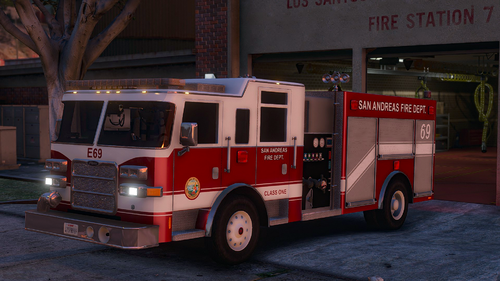 Where is the chief vehicle file? I see the CHIEF.xml file but not the vehicle files.
- 55 comments
- 12 reviews
-
-
-
 Try Installing HeapAdjuster, Modified GameConfig, and PackFileLimitAdjuster to see what happens.
- 403 comments
- 24 reviews
-
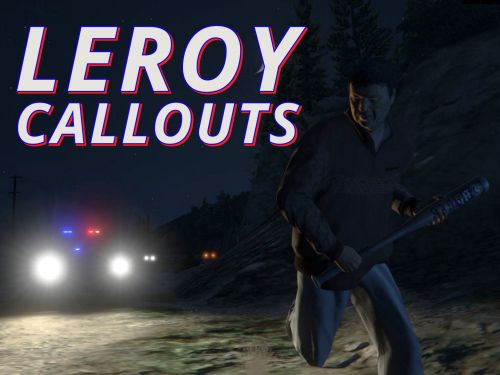 Suggestion: Refusal to Leave and Refuse to Pay callouts. I have not seen any callouts with these in them. Last ones i seen was v0.4.8 or below.
- 36 comments
- 14 reviews
-
 Awesome Vehicle.
 -
It got removed from the site.
-
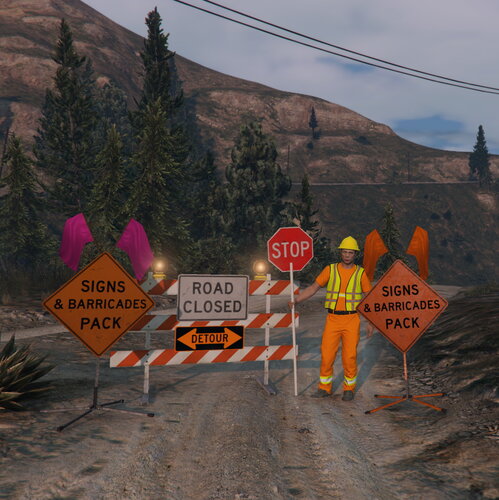 A must have sign pack.
 -
-
-
-
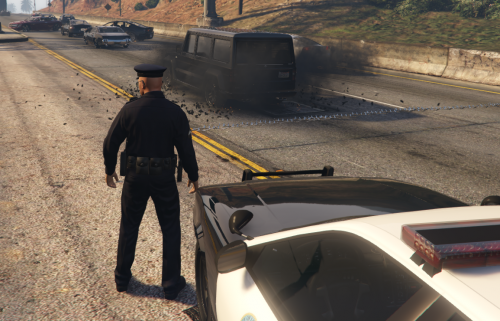 Works Great. For whenever you upload your updates to this plugin, make sure to organize it where which one is the main file (current version) and which one is the old versions. Having all 3 files with different version numbers when downloading is confusing. Great plugin!
- 131 comments
- 20 reviews