
JM Modifications
Members
-
Joined
-
Last visited
Everything posted by JM Modifications
-
-
-
-
-
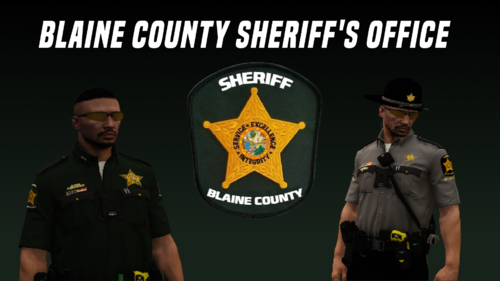 This EUP pack is amazing. It definitely makes BSO officers look more professional than SAHP and LSSD. Keep it up. 10/10
- 20 comments
- 3 reviews
-
-
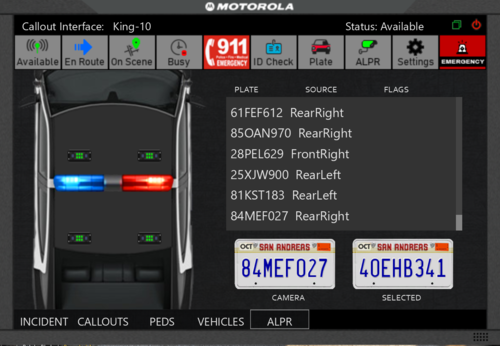
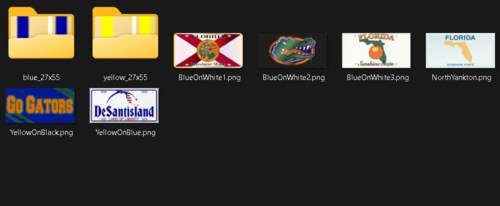 Tired of the default vanilla license plate textures from Callout Interface? Replace them with this Florida License plate texture pack I put together. Not that much but will add more in the future. Requirements: (Optional but Recommended): Install: Grand Theft Auto V/plugins/LSPDFR/CalloutInterface/textures/plates For Prowler Radar: Grand Theft Auto V/plugins/LSPDFR/ProwlerRadar/textures/plates drag and drop the provided texture plates into there then you're done! ALWAYS BACK UP YOUR FILES.
 -
 W mod. Must have. Keeping this in my game.
 -
-
 Absolutely love this bodycam script. Must have for any fivem server. Highly recommend.
 -
-
-
 Can you update your description on what callouts does your pack have? and you dont have a lspdfr folder in the download. I only see a .dll
 -
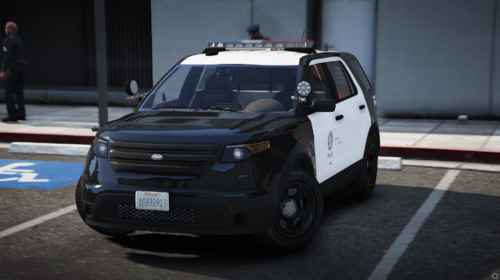 Absolutely loved this vehicle pack. Highly recommend this. 10/10. Great work,
 -
-
 States in description: "Online Mode – Share and receive updates about other players' activities in real-time, such as starting or completing callouts or initiating traffic stops."
- 295 comments
- 34 reviews
-
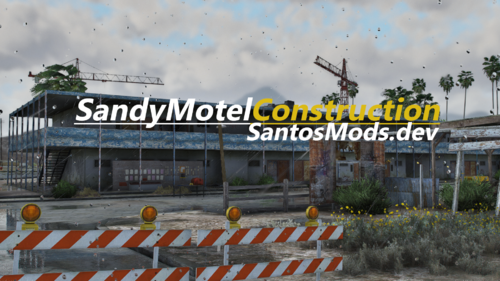 W map mod
 -
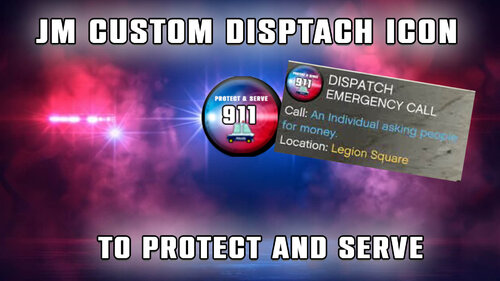 New Icons Incoming! Working on some new icons. No ETA. Bored of the vanilla dispatch icon? I know I do. This dispatch icon replaces the default 911 icon from GTA V. How to Install: Choose one of the option files > Open OpenIV > Go in edit mode > drag and drop "JM Custom Dispatch Icon Option XX - Installer" OIV into OpenV > install in "mods" folder, not game folder. How to Uninstall: Drag and drop "JM Custom Dispatch Icon - Uninstaller" OIV into OpenIV > Click "mods" folder > Click "install" > done! Right now there are 2 options to choose from. Working on some new icons. Tutorial & Showcase:
 -
 The 9 emergency vehicles I have added to the callout are flagged as emergency vehicles and the callout is programmed to choose a random emergency vehicle. the odds of the new online DLC vehicles is 50/50. You never know.
- 356 comments
- 25 reviews
-
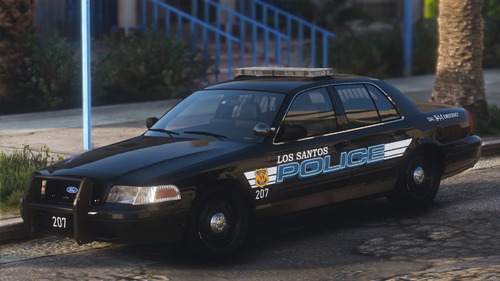 Best crown vic ever. This is one of my favorite Crown Vics. Awesome work. 10/10
 -
 Join venoxity's discord and create a support ticket there. He barely even active on this site.
- 560 comments
- 28 reviews
-
-

- 1
-
-
-
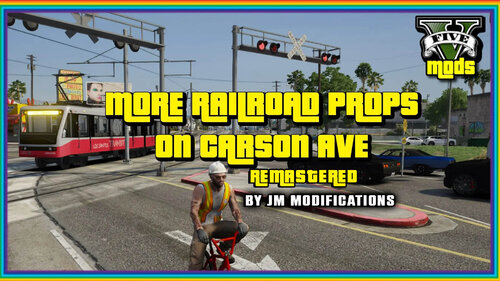 This map mod has been improved. Are you tired of the boring old school railroad crossing signs along Carson Ave? I am. What does the mod do/add? This mod adds more railroad props on Carson Ave and removes the boring old school RRCrossing signs on Carson Ave. File Options: Singleplayer - Go to your dlcpacks directory then add the morerailroadpropsoncarsonaveremastered dlcpack into OpenIV then go to your dlclist in mods/update/update.rpf/common/data and add this item line: <Item>dlcpacks:\morerailroadpropsoncarsonaveremastered\</Item> FiveM - You put the MorePropsOnRailroadPropsOnCarsonAve folder into your server resources folder. Get the railroad crossbuck removal fix on my Discord Installation Drag and drop provided OIV into OpenIV and install into mods folder FiveM - You put the MoreRailroadPropsOnCarsonAveRemastered folder into server resources. Make sure to ensure it in the server.cfg like this "ensure MoreRailroadPropsOnCarsonAveRemastered " Known Bugs: Most RR Crossing Signals may not work. Planned Updates: I'm gonna keep updating this until I am satisfied. If you have any issues, let me know in the comments or join my discord Graphics/Mods Compatibility: RailRoads Enhanced - Compatible NVE - Compatible Los Santos Rail Improvements - Not Compatible CoreFX - Compatible QuantV - Compatible Showcase: Disclaimer You are NOT Allowed to redistribute this mod anywhere.
 -
-