
JM Modifications
Members
-
Joined
-
Last visited
Everything posted by JM Modifications
-
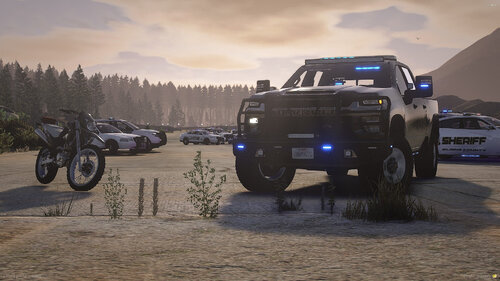 they are located in each of their designated data folders
 -
-
-
 if its the sheriff vest in the screenshot, that is from
- 50 comments
- 5 reviews
-
- us
- rph
- lspdfr callout
- open source
-
Tagged with:
-
Not sure what you mean by etc. but challenge accepted
- 50 comments
- 5 reviews
-
- us
- rph
- lspdfr callout
- open source
-
Tagged with:
-
Oh, my bad. He mentioned that the liveries were on backwards from another dev, if you are having carcolID conflicts, use this tool: Download the file that says "DOWNLOAD FROM GITHUB" the github link is not valid.
-
These vehicles are FiveM only. It's not compatible with LSPDFR. He will never make it for LSPDFR. Read the FAQ
-
 You can but I will not provide support on the older versions of this callout pack due to LSPDFR API changes. As for custom vehicles, It's on my to-do list.
- 356 comments
- 25 reviews
-
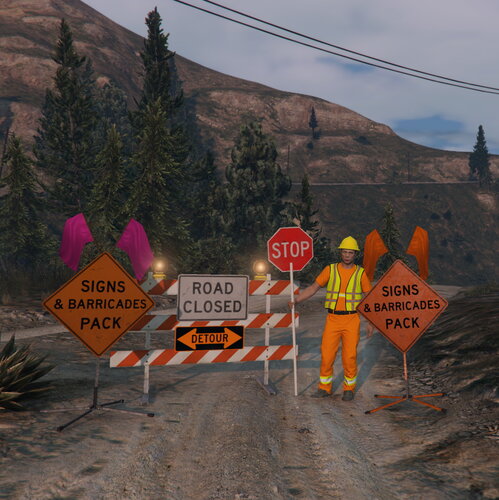 spawncode = 'prop_consign_flag_30' spawncode = 'prop_consign_flag_stop' spawncode = 'prop_flagger_sign_01' in what file?
 -
If you like to suggest some callouts that were never done, feel free to suggest it. I can see what I can do. 🙂
- 50 comments
- 5 reviews
-
- us
- rph
- lspdfr callout
- open source
-
Tagged with:
-
-
-
-
-
 You don't need LML to use police tape. the base LSPDFR traffic shut down method is broken.
- 299 comments
- 25 reviews
-
they are in each of the vehicle folders and this is only for FiveM only
-
 I don't see how that's possible. They are 2 different callout packs. Some of Kuchera's callouts are broken at the moment. Deryll just released a new update. Update Deryll Callouts to the latest version.
- 196 comments
- 37 reviews
-
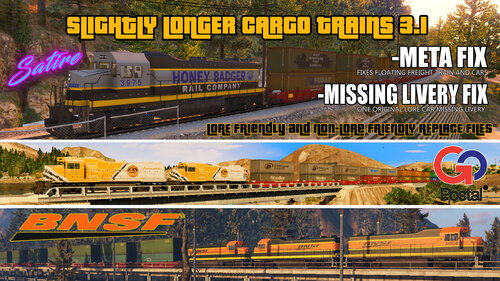 if its the train files, it goes into either patchday 24 or patchday 28 then dlc.rpf
 -
it's basically where you put your vehicle replacement files in
-
-
 Awesome EUP.
 -
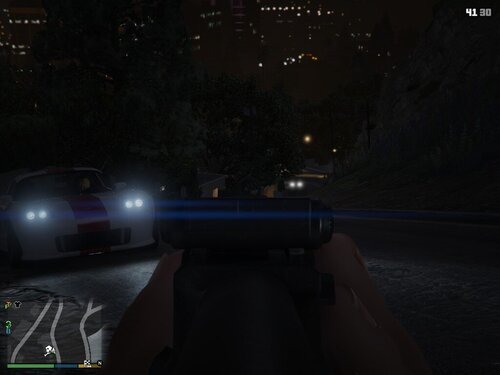 This one uses only ScriptHook and the one on 5mods is using scripthookvdotnet. I believe this one is better then the SHVDN version imo.
 -
 This does work. You just have to launch Rage after GTA V launches into a blank screen. Read Cyan's messages on the top of the page bro.
- 338 comments
- 19 reviews
-
-

- 1
-
-
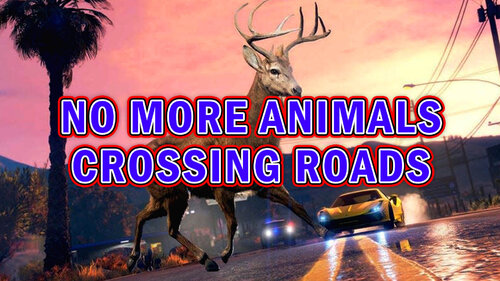 I just set the spawn for the coyote and the deer to 0
 -
Are you tired of animals crossing roads when in a pursuit or just patrolling? I know I do. This mod prevents the animals that cross roads from crossing the roads. There was a mod like this almost 3 years ago but got removed from the site by the original author. Shoutout to TimmyLuke017 Gaming for the inspiration Requirements: Gameconfig: PNWParksFan: https://www.lcpdfr.com/downloads/gta5mods/misc/24718-gameconfigxml-for-lml-or-manual-install-by-rde-team/ Packfile Limit Adjuster: https://www.gta5-mods.com/tools/packfile-limit-adjuster Heap Adjuster: https://www.gta5-mods.com/tools/heapadjuster Install: Drag and Drop the provided oiv into OpenIV > Install into mods folder You're done! If any issues, please report them to my Discord! Support will not be given in the comments.