Kobra911
Members
-
Joined
-
Last visited
Everything posted by Kobra911
-
-
-
-
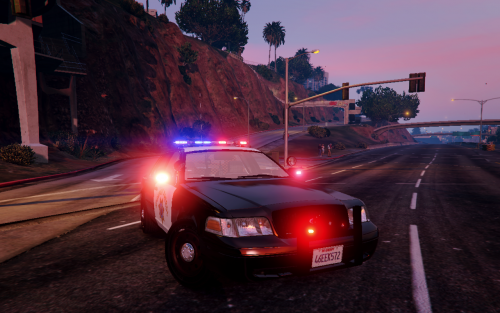
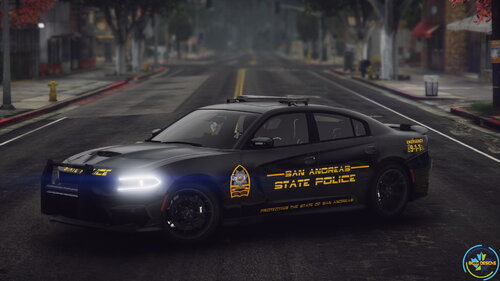 Cool car! But, there are bugs that are difficult to play with. The car disappears and is unstable to turns
- 29 comments
- 7 reviews
-
-
-
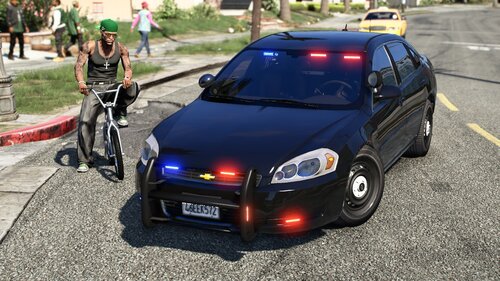 at a distance, the textures of the car become invisible
 -
-
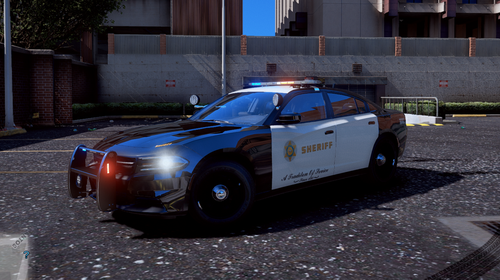
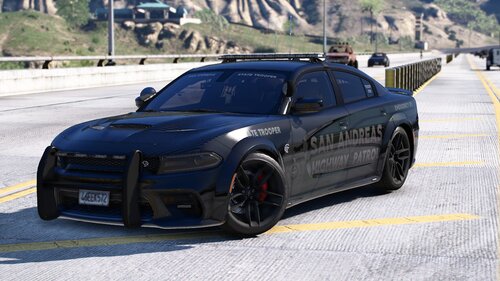 You have cool cars, but each of them has a bug. This model does not open the back door when detained
 -
-
-
-
-
-
-
-
-
-
-
-
-
-
-
-

.thumb.jpg.53e6566fc11617e23f7fb13f2792cbbe.jpg)