


Kobra911
Members
-
Joined
-
Last visited
Everything posted by Kobra911
-
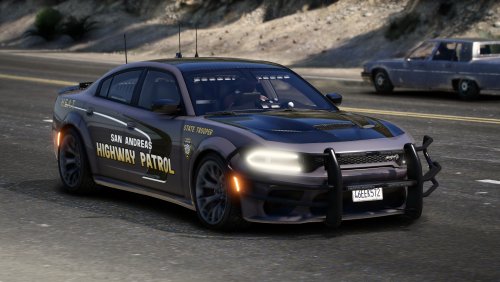 Good filling. the only drawback is that you can't put the detainees in the passenger seat
 -
-
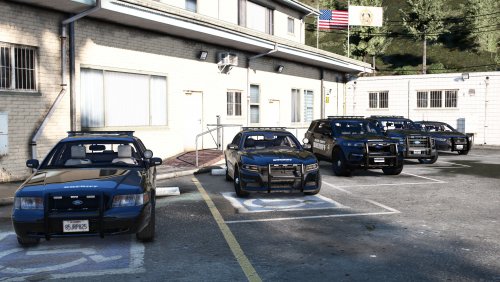 chic appearance
 -
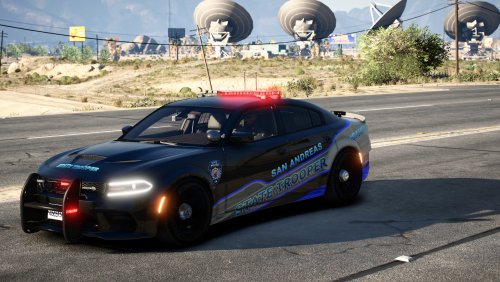 chic appearance
 -
-
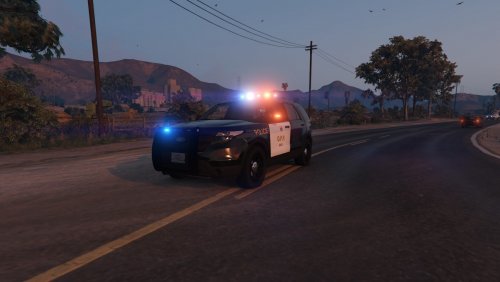 Great mod. However, the white car turns over on the turn
 -
.thumb.png.1cc6303c1dd2b542bb50c55c3c0ed57c.png) Great car
Great car -
-
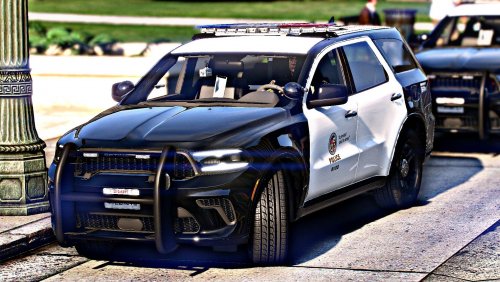 Cool car, but there is a defect. At a distance, she is invisible




.thumb.png.1cc6303c1dd2b542bb50c55c3c0ed57c.png)

