


Kobra911
Members
-
Joined
-
Last visited
Everything posted by Kobra911
-
-
-
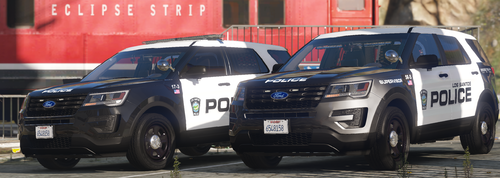 Five stars
 -
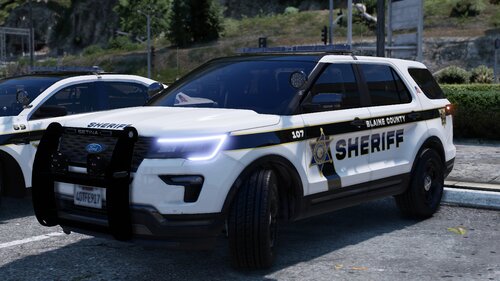 Cool, working cars
 -
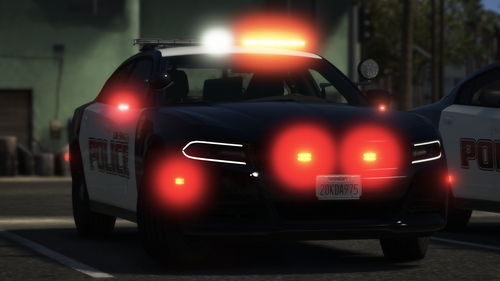 Cool, working cars
 -
-
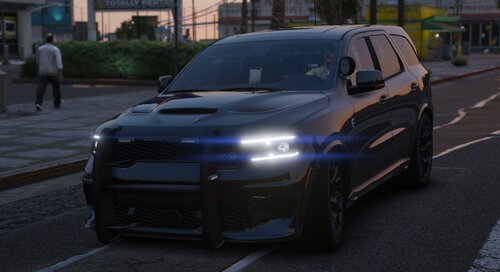 The front wheels are sagging through the wings
 -
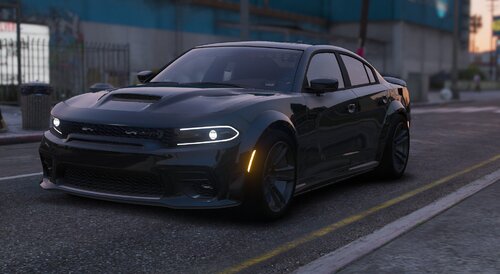 Great car
 -
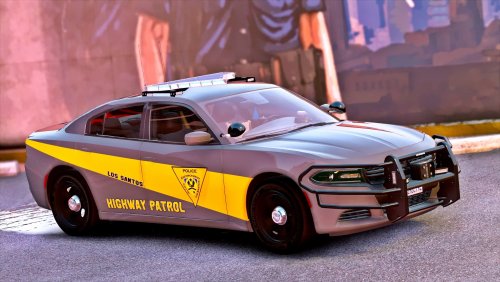
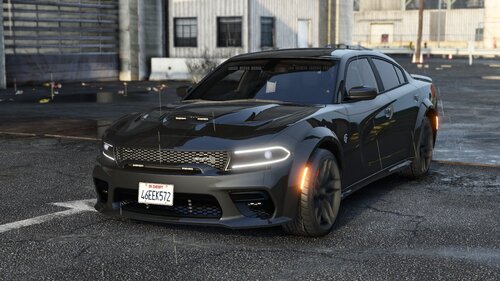 The car is made like in American movies, a great job. The only thing is unclear why it is impossible to put the detainees in the back door
 -
-
-
-
-
 in general, everything is fine. The only disadvantage is when the road block is blocked, the car in the chase disappears
- 248 comments
- 18 reviews
-
-
-
-
-
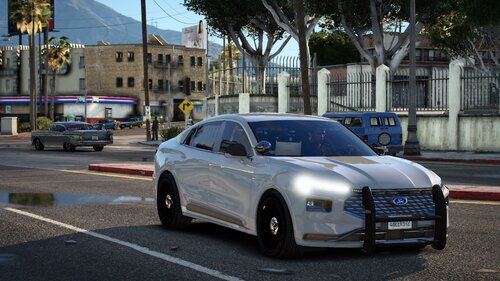 по хорошему счёту работа хорошая, но местами машина с небольшими багами
 -
-
-
-
-
-









.thumb.jpg.53e6566fc11617e23f7fb13f2792cbbe.jpg)