




Fartknockr
Members
-
Joined
-
Last visited
Everything posted by Fartknockr
-
-
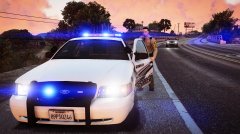 Damn. Looking great
 -
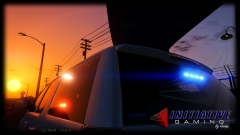 HAHAH. Great title. .......... Even better car ;)
 -
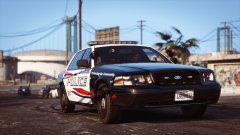 Damn Miko. :D
 -
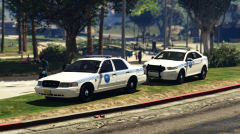 Looking damn good
 -
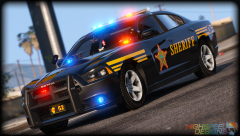 Exactly how I feel .........
 -
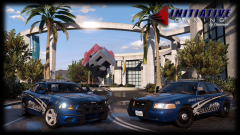 The other Charger had a Code 3 RX2700. This one has a Whelen Liberty! The grill and license plate lights are the same.
 -
-
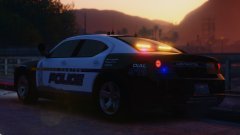 HOLY FUCKING HELL! HOT SEXY!
 -
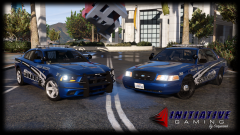
From the album: GTAV - Pictures
© Initiative Gaming
-
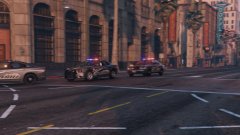
From the album: GTAV - Pictures
Thank god I had my Potato with me so I could take this photo© Initiative Gaming
-
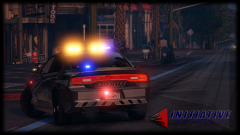
From the album: GTAV - Pictures
© Initiative Gaming
-
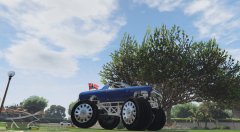 ........... Oh god. I'm not even gonna say it
 -
-
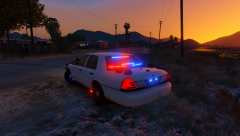 SUCH BLINDING LIGHTS YOU BRING ME!
 -
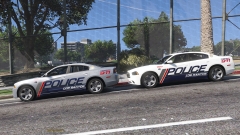 DAAAAHHHMMMMNNNNN!
 -
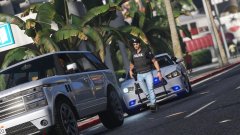 Not a clue what he's using but I do know it's sex.
 -
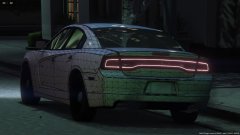 Interesting.....
 -
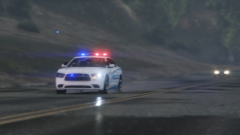 BEAUTIFUL!
 -
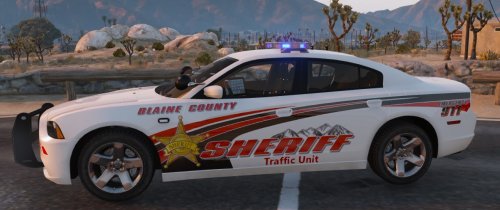 UMM........ Who are you? Mr.Prime such a dick lol. You and your damn name tricked and screwed me up.
 -
Within this skin pack, If I'm right, the Charger was NOT included. He edited the skin on the Charger that was released with it. Permission was given to edit. Now, there was no talk about release but I'm guessing that was assumed. Since there was credit for the skin including the car, I'm ok with it.
-
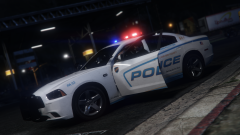 If I were you, I'd definitely look at releasing them. But that's because they are excellent looking.
 -
Damn. Did someone mention sex on a skin? ;) Looking damn good
-
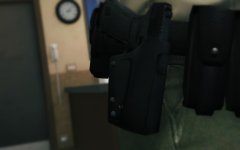 Shit. Pure shit. Doesn't have any safety features to the holster. IT IS NOT DEPARTMENT REGULATION! ......... LOL JK. Looks absolutely beautiful and I'd definitely slide my gun in and out of there any day ;)
 -
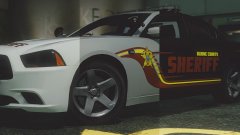 Just beautiful



.thumb.jpg.8b35893e52d41171d1f588ad35a030e0.jpg)
