Fartknockr
Members
-
Joined
-
Last visited
Everything posted by Fartknockr
-
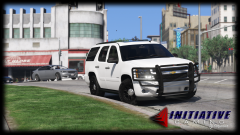
From the album: GTAV - Pictures
Got this bad boy in game. First day. Expect more updates soon. Brand new base model from a friend of mine. Include a HD 3D Modeled interior with HQ textures.© Initiative Gaming | FacePalm Studios | HighSpeed Designs
-
-
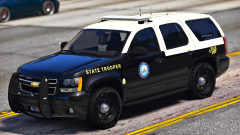 *clears throat* Not hubcaps either but actual rims.
 -
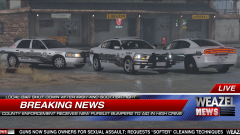
From the album: GTAV - Pictures
Decided to 3D model a Westin PIT/Wrap and some rain guards for the windows. Re-working the taillight textures too.© FacePalm Studios | HighSpeed Designs
-
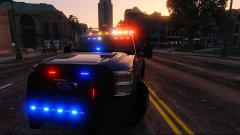 Pure shit. Fuck it all .................. LOL. JK. Looking very, very good but raise it a bit higher and needs side lights. Very bright in the front and rear, but side is all lonely and crying because it's not a Christmas tree too! Otherwise, I'm not complaining.
 -
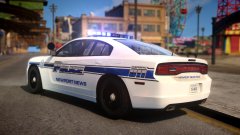 Sexy skin. Damn sexy
 -
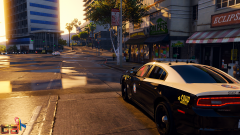 Looking amazing .........
 -
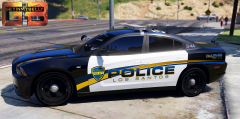 Go with black and white but remove the dark gradient at the rear of the gold.
 -
1 expression, 2 words: GOD DAMN! or.....
-
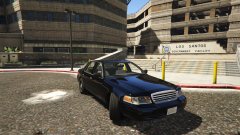
-
-
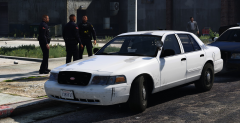 You sir ............. Never mind. I can't even anymore. You've always been obsessed with Vics.
 -
@Lundy The average shit weighs 2.5lbs or approx 1135 grams. Price of Platinum is 35 dollars per gram. So my "Platinum Shit" is worth approximately 40,000 dollars. ...... So, thank you ;)
-
@Lundy My Explorer is the Platinum Edition lol
-
I'm not into anime or any of the sort but if I did have to choose something cartoon related, it would be cars and this would be my waifu.
-
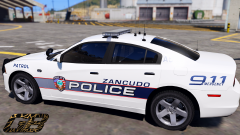 Jizztastic
 -
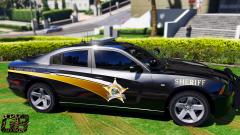 Very nice. Needs to have a white base though
 -
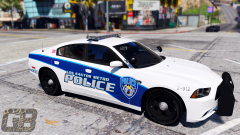 My lights aren't clipping into your skin, your skin is clipping into my lights ;)
 -
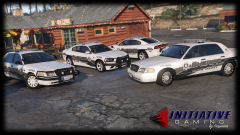 And you would report me? That's even worse. When did a Unicorn take a shit on the car?
 -
The one that I hate the most is Burgandy/Purple/2 hour old Blood color one that they have.
-
Oh yeah. I couldn't stand the major color differences they have. The current scheme I'm using is the best one they have.
-
From the album: GTAV - Pictures
© FacePalm Studios | HighSpeed Designs
-
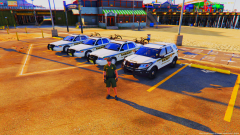 Holy fuck ......... When did a rainbow shit in your game? It looks good but god damn. Even a color blind person would be able to see this lol.
 -
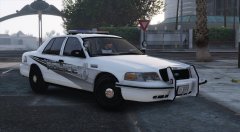 Good luck lol. I did the exact same skin design for the Charger and CVPI looked horrid. I couldn't make it look good besides what the actual design itself is like. I changed font, colors, etc and nothing. This is one of those skins that is truly ... a bitch. I ended up making the colors a bit lighter and changing some things, including the font and style to a design I already did and it ended up looking much nicer, but no cigar(Of course, this was at the end of November when I did this):
 -
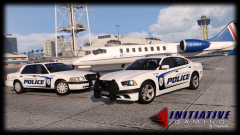
From the album: GTAV - Pictures
© FacePalm Studios | HighSpeed Designs