Fartknockr
Members
-
Joined
-
Last visited
Everything posted by Fartknockr
-
-
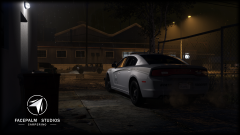
From the album: Modifications
© FacePalm Studios
-
Sadly, due to the definition of "school shooting", this will be included as a school shooting(when any firearm is discharged on school grounds (Pre-K, K-12, College)).
-
-
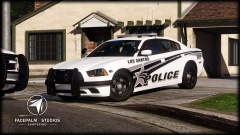
From the album: Modifications
© FacePalm Studios
-
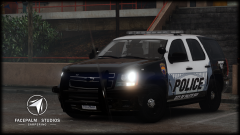
From the album: Modifications
© FacePalm Studios
-
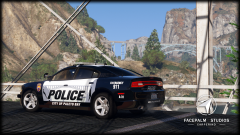
From the album: Modifications
© FacePalm Studios
-
-
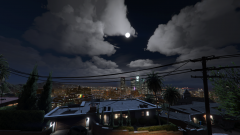 God damnit....... You're just teasing now.
 -
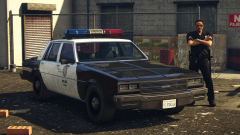 Uh-oh........... I see a black square. Let's start a riot. (Looking good! I like it)
 -
-
-
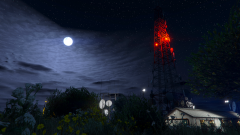 ....Shit
 -
3 counts of 1st Degree Murder, 19 counts of Aggravated Assault on a Police Officer, 2 counts of Aggravated Assault, 1 count of Discharging a Weapon in side city limits............. He's fucked.
-
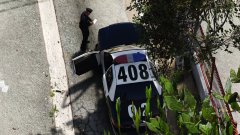 'and I said I hate that I am in the streets' .......Then get on the sidewalk
 -
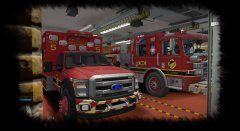 Holy fuck. Holy.............Fuck. :)
 -
-
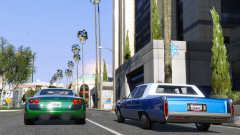 Definitely keep posting pictures! Besides Visual V, yours has been the only one to peak my interest. I'll definitely be the first to download it!
 -
Not illegal unless they specifically use the badge/seal/name/etc of Arlington. Just because the car is a blue and white (like a black and white), with the red and blue A, is not enough to sue on, or even create a DMCA. What they really need is a trademark and even then, the only thing they can really sue on (if possible) is the A arch that is red and blue. Many large departments tried to sue people who made their vehicles in this game and can not have a case unless it was used in their name/seal or anything actually representing them. Once you turn that vehicle design with the name of Los Santos, all goes out the window for a case. Once then, the vehicle and design created is now inspiration, not infringement. Even then, you can't sue unless used exactly as they have it with their name/seal/etc. If this department is that worried about it, well, too bad, get over it. It's not infringement unless as said above. Trademark is the only thing remotely possible. Their graphics have been used in the GTA police community since GTA:San Andreas. I'd love to see them try and sue someone from the community and lose horribly by wasting tax payer dollars, and yes, they will lose. Not only that, but this is a game, not real life. If people are also stupid enough to believe that this game is real life, then they shouldn't be able to function in society with others. It's common sense. So, go ahead, keep creating all the vehicles and designs you want, they can't do shit unless you use their stuff directly, and even then, nothing will probably ever happen, but as a safe chance, just do Los Santos versions. I have only created IRL departments about two times, and kept it private. Everything else I've created was based off an IRL department but never used anything of theirs.
-
WHAT THE FUCK?! WHAT?! YOU'RE BACK?! OUR GRAPHICS LORD AND SAVIOR?! What does this mean for Lucid V?
-
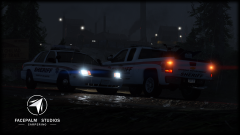
From the album: Modifications
© FacePalm Studios
-
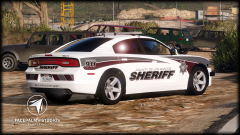
From the album: Modifications
© FacePalm Studios
-
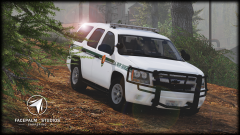
From the album: Modifications
© FacePalm Studios
-
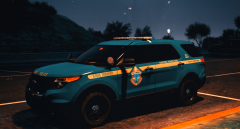 Looks really good
 -
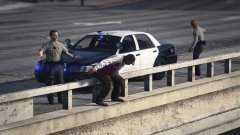 This is Los Santos ............ We all know better that Deputy is trying to creep up to push him off the ledge and the other deputy is reaching for his gun to shoot him.