




Lennyy
Community Team
-
Joined
-
Last visited
Everything posted by Lennyy
-
It seems that you are missing CalloutInterfaceAPI in your main game directory. [9/4/2025 5:14:23 PM.912] Exception message: Could not load file or assembly 'CalloutInterfaceAPI
-
Your topic has been moved to LSPDFR 0.4 Support. Please post in the correct location in the future.
-
Your topic has been moved to GTA V Support, this is not LSPDFR related. Please post in the correct location in the future.
-
Did you install a heap and packfile limit adjuster as well as a gameconfig when installing the addon pack?
-
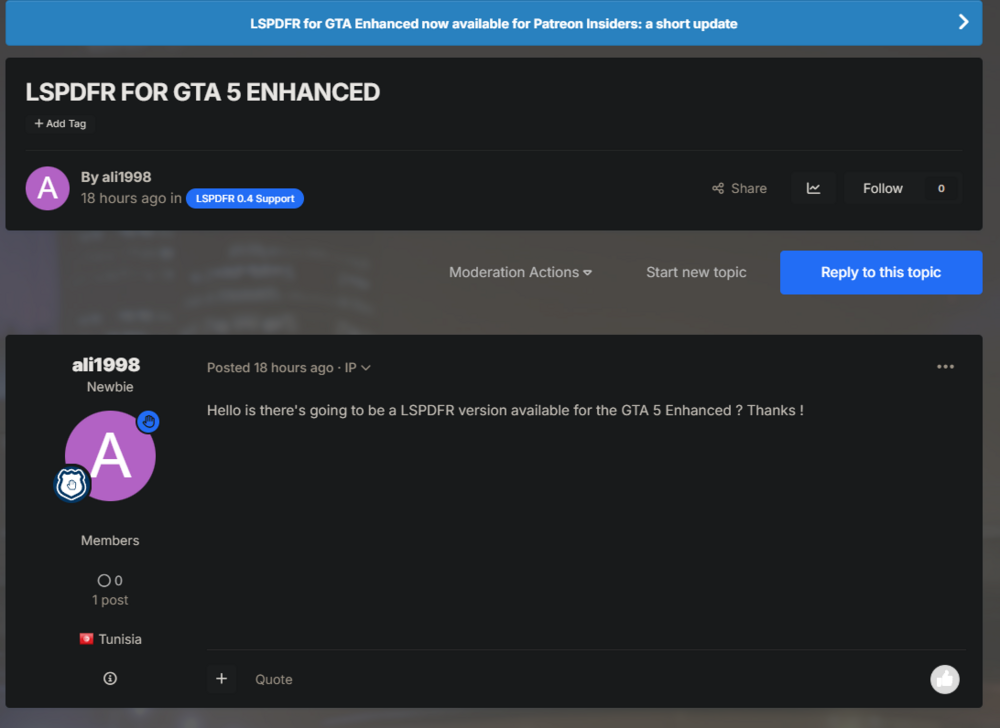
You should click on the big blue button right above your post. There's some information regarding RPH for GTA V EE.
-
Can you perhaps add a short clip or GIF of what's happening? You can also upload to YouTube, set it to unlisted and share the link.
-
Get this version of RNUI: https://github.com/alexguirre/ragenativeui/releases/tag/1.9.3.
-
It’s probably not the clothes that are missing but the correct setup. Grab the default EUP Menu files from its download page and add your own custom outfits back via the in game wardrobe.
-
-
That's an issue with your EUP config ini files. Remove them and place the vanilla ones back in and see which one caused the issue.
-
Your RagePluginHook.log will tell you. The EUP ini file is in .\Plugins\EUPMenu\
-
Remove CheepCallouts and retry.
-
I said 9.3 above since that is the latest public release of EUP:
-
Start Rage and hold shift (or click on the cog icon ⚙️) and set the displayed number from 10000 to 60000 (sixtythousand).
-
You can either add the missing dlc packs to your dlcpack folder and list or set skipdlccheck to true in the EUP ini.
-
If you use EUP as well, you should install the 9.3 configs for UB. It comes with quite a few new special units.
-
The pack you want to install seems to be very old. You can find the EUP folders in mods/update/x64/dlcpacks nowadays.
-
NPC Style cover animations? Or maybe improved AI accuracy?
-
No need 🙂 Your topic has been moved to LSPDFR 0.4 Support. Please post in the correct location in the future.
-
Try reaching out to the developer maybe?
-
Your topic has been moved to LSPDFR 0.4 Support. Please post in the correct location in the future.
-
About the first question, I’m not sure. It’s being developed by MarcelWRLD, AstroBurgers and Echooo
-
This topic has been moved to the appropriate forum. Please post in the correct location in the future.
-
Your topic has been moved to LSPDFR 0.4 Support. Please post in the correct location in the future.
-
Did the mod you wanted to install not come with installation instructions (readme text file)? Your topic has been moved to GTA V Support, this is not LSPDFR related. Please post in the correct location in the future.


