Jeffdadawg
Members
-
Joined
Everything posted by Jeffdadawg
-
.png.080380de4a09471cd5bd0a65a7718c66.png) Do you intend on releasing these?
Do you intend on releasing these? -
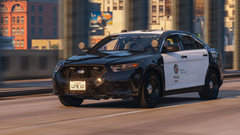 Indeed we are 🙂 I'm waiting patiently...
 -
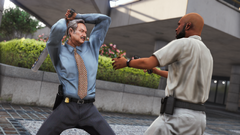 What is happening here?
 -
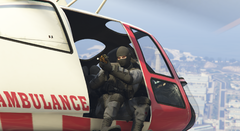 Quite the image. SWAT holding Gold Rifles while in an EMS Helicopter. How did they get there?
 -
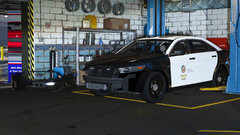 I don't have texture loss, thanks for your help and concern 🙂 I just have a lot of high-poly vehicles in my game at the moment. I have vehicles in my game that I made and they are all relatively high-poly and so I'm wondering about how many vehicles can I fit in the game before issues occur.
 -
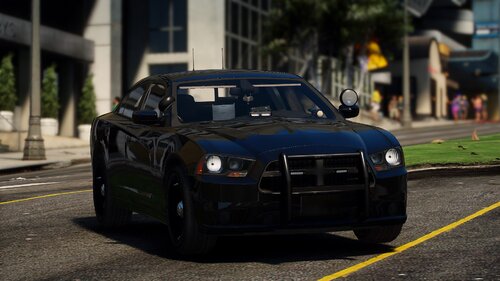 Great pack. May I suggest some more out-of-line vehicles? All the vehicles so far are classic unmarked vehicles. I would suggest something more unusual like a Honda or something. Jeff
- 111 comments
- 11 reviews
-
-

- 1
-
-
What's the poly count so far? I wouldn't want it to be extremely high poly. Any more high-poly vehicles and my game might just turn on me for good.
-
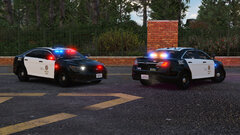 This FPIS project started approximately around October 18.
 -
 Will the FPIS have a LASD skin? If not, don't worry. I'll make my own 🙂
 -
That video is old. You can notice from the Vic. The Taurus is very hard to find, though. It's not even listed in the LAPD website.
-
May I suggest the FedSig Valor Lightbar as an extra? Might not be realistic though.
-
If the dev makes it an addon, use it as an addon. If the dev makes it a replace vehicle, use it as a replace vehicle.
-
You can rename it to whatever you want. If it's an addon, you can make it patrol ambiently by editing the agency.xml
-
I'm waiting for this release! I'm updating my fleet and need something of this quality and detail. Keep it up! 🙂
-
-
-
-
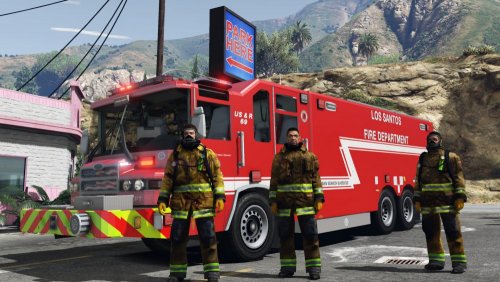
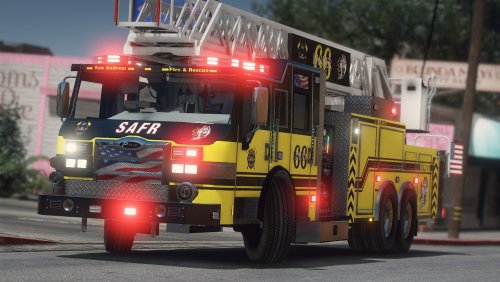 Looks absolutely AMAZING I've made my own skin for LAFD and it looks awesome. Thanks for this upload
- 38 comments
- 4 reviews
-
-
- 1
-
-
-
-
-
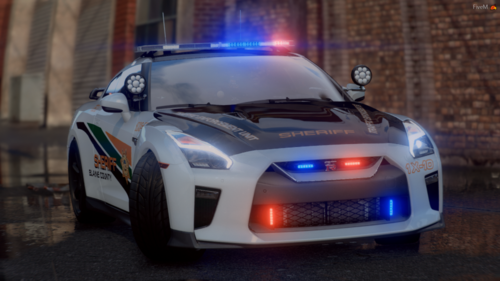 Cool car. I put the unmarked version in my game and in the game its a slicktop. Any solution?
- 45 comments
- 9 reviews
-
-
 I thank you deeply from the bottom of my heart.
 -

.png.080380de4a09471cd5bd0a65a7718c66.png)