
AlexLCPDFR
Members
-
Joined
-
Last visited
Everything posted by AlexLCPDFR
-
Not true, you can use OpenIV. What I do is open the sound file (resident.rpf for example) and go into Edit Mode, click on horns.ivaud -> File -> Replace -> Select new horns.ivaud -> File -> Rebuild. It'll ask you if you want to view it, you don't have to.
-
I'll try but I don't have some of the equipment like the pushbar but I'll do what I can to make it.
-
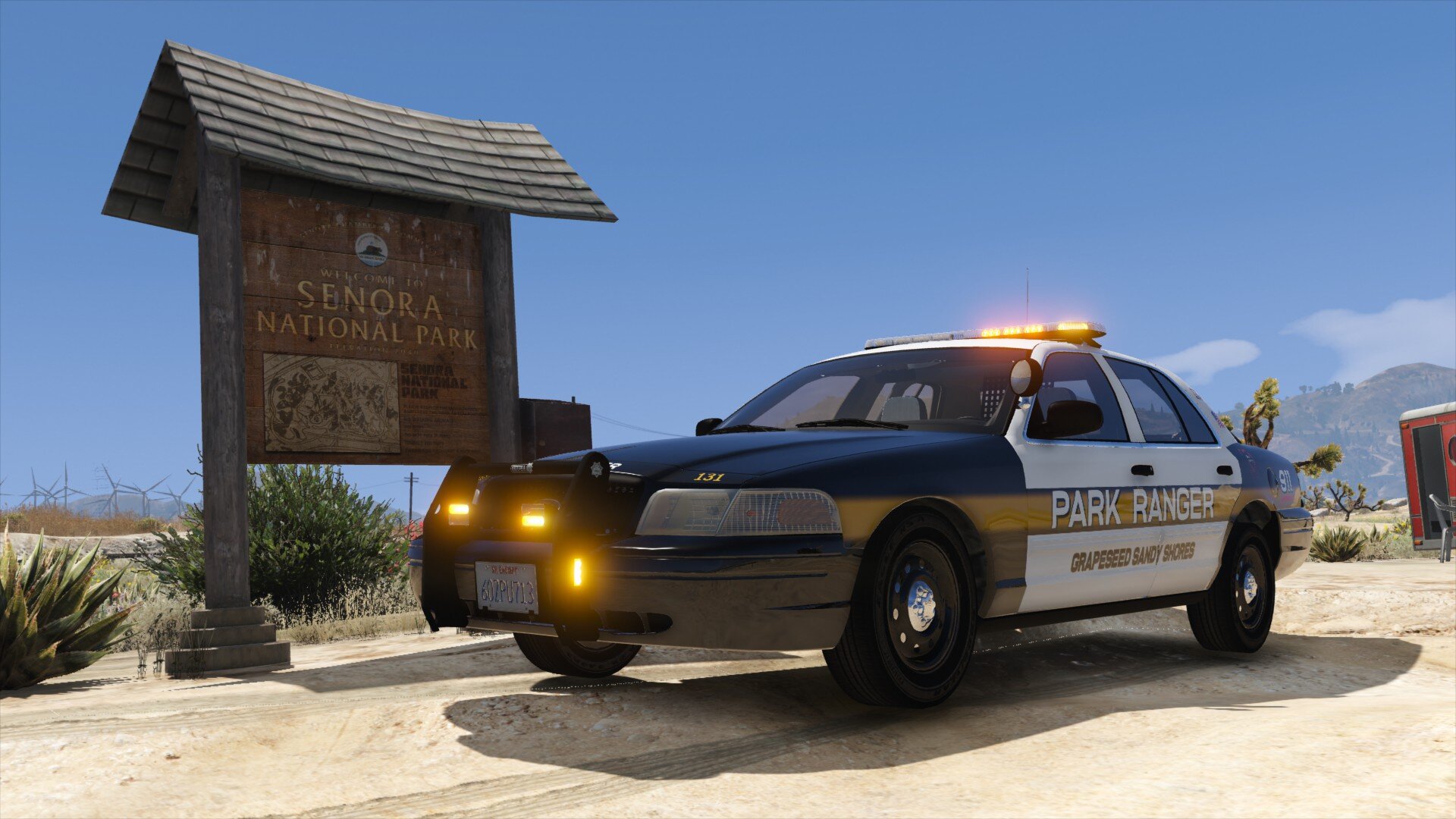
 Looks really nice, great work. I'm just not a fan of the pushbar. Would love it to be released :)
 -
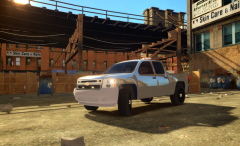
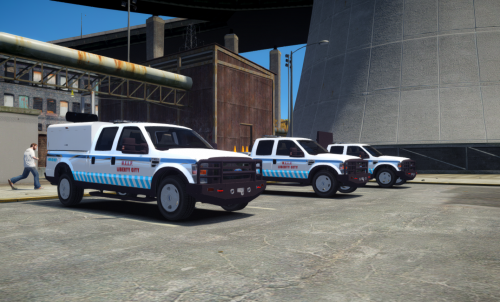 This is just a few of the vehicles I've made. I wanted to get these out because I'm getting into GTA V and not much modding has been done for IV recently. Enjoy them. Maybe more to come. Tell me if anything is wrong or any suggestions for updates. You may not redistribute this pack under any circumstances to any website You may not alter/edit/rip/convert this model in any way You may edit the skin and upload the skin itself, not the model. Full Vehicle Assemblies by AlexLCPDFR Ford F250 2008 - Model is 2008 Ford F-250 from Driver:SF, converted to IV by PoliceFanatic, modified by Dhruv. - Completely reworked by Him1250; Misc Parts from Driver:SF, converted to IV by Him1250. Whelen Liberty -PFCBarefoot Whelen IONs -Lccop Arrowboards/Cones/Bedcap/Pushbar -Originally from Google Sketchup by various artists -Converted to GTA IV by AlexLCPDFR Better Built Toolbox -BxBugs123 Headache Rack -Him1250 Skins -AlexLCPDFR
- 9 comments
- 1 review
-
-

- 1
-
-
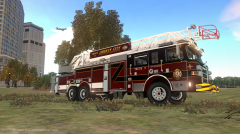 Where'd you get this truck ?
 -
You could just retexture the glass to clear where you want it
-
What I do is attach the pushbar to the bumper or put the file under the bumper_f dummy. The skel_L0's are most likely the base of the model, whereas the extra's are the lights. You want to put your files below chassis_L0,_L1 etc. and above everything else. The difference between _L0 and _L1 isn't much. They are the view distance models. So when you get farther away you'd still see the model, not have it disappear. What I do for lighting is make a dummy called misc_lb and drag all of the lightbar files into there, making sure I don't have any copies/same name extra's. Hope this helped in some way.
-
Los Santos is based off of Los Angeles yes. However, California does not use the state trooper name, they go by California Highway Patrol, pretty much the same thing tho.
-
It's hard to see because of your ENB. I think it's the floating lights, yeah?
-
But Los Santos is a city...
-
Well heres a brief version: 1) Create a new shader "[your texture] lightsemissive" (i.e. emerglights lightsemissive) a) Texture 1: your texture b) Texture 2: your texture/vehicle_generic_dirtmap (or whatever). Apply as Manual UV 2 and Multiply Add c) Texture 3: your texture or vehicle_generic_smallspecmap. Apply as Specular (under current) and Multiply Add d) Texture 4: vehenvmap128 (or whatever it is). Apply as Auto Sphere Environment and Multiply Add (If you already have a shader you wanna use, skip step ) 2) Create a copy of what you want to light up 3) Assign to "[your texture] lightsemissive" 4) Select what you want to light up, map it generating a new texture and force it to "[your texture] lightsemissive" 5) Move/Scale/Rotate your part to where you need/want it 6a) Rename your lite up part to misc_[name] or 6b) Attach it to the console or chassis_L0 or whatever it was detached from. That should be it, hope it helped. If I missed anything please tell me
-
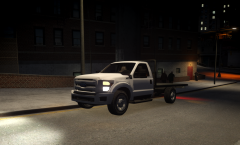
From the album: Alex's WIPs
-
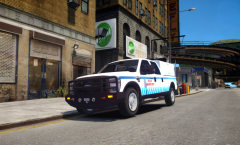
From the album: Alex's WIPs
Full Album: http://imgur.com/a/BHStj (Added another F-250 but one with a bedcap/arrowboard) -
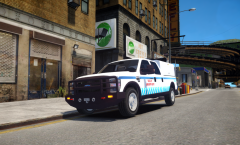 Full Album: http://imgur.com/a/BHStj
 -
It's exporting fine.
-
The collisions are fine.
-
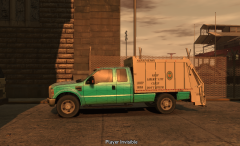
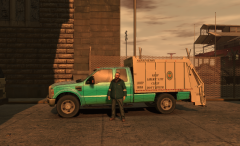
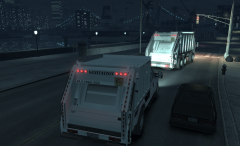
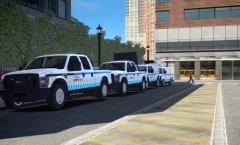 I accidentally uploaded this to the wrong album and do not know if I can delete it. This is clearly not a garbage truck. More images on the imgur album.
 -
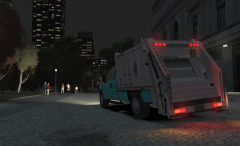
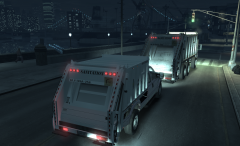
Versions of my Ford F-350 Garbage truck using lildunkboi's Ford F-350 and Rockstar Games' trash truck.
-
From the album: Ford F-350 Garbage
Full Album: http://imgur.com/a/BHStj (Added another F-250 but one with a bedcap/arrowboard) -
Ok I'm back at attempting to convert something, this time a Gator. I got it from Google Sketchup, but it is good quality. I finished dettaching, mapping and moving dummies and wanted to put it in game only to find out that it's invisible. Shows up completely fine in zmod and OpenIV. In game it is driveable and is very stable, but it's invisible. All the shaders are properly set up and named. Click Here for Pictures
-
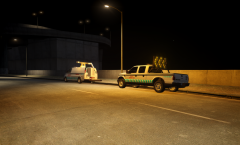
From the album: Alex's WIPs
-
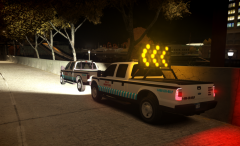
From the album: Alex's WIPs
Full Album: http://imgur.com/a/BHStj -
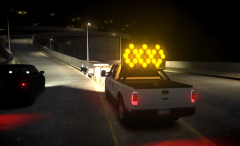
From the album: Alex's WIPs
Full Album: http://imgur.com/a/BHStj -
 I could do that
 -
Yeah but I didn't make it :/