



AlexLCPDFR
Members
-
Joined
-
Last visited
Everything posted by AlexLCPDFR
-
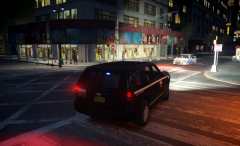
From the album: Alex's WIPs
-
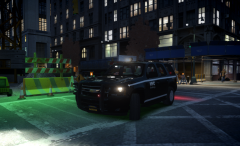
From the album: Alex's WIPs
-
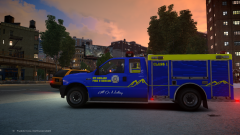 Since it's Mt. Chiliad and in GTA IV I'd say no, but looks nice
 -
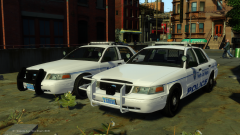 Not a fan of the raydian but looks nice
 -
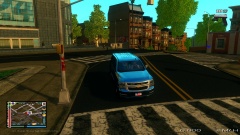 Reminds me of GTA:SA for some reason
 -
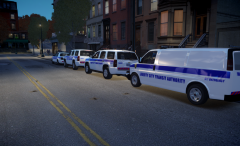
From the album: Alex's WIPs
Made them look pretty -
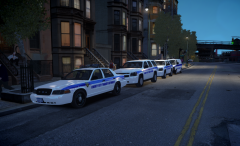
From the album: Alex's WIPs
Added more cars and EyeCandy v6 -
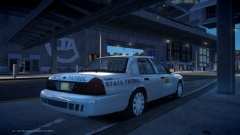 Pretty
 -
I've been working on a CVPI with a Code 3 MX7000 DROT. The sirens work but when I get out of my car they don't spin. Is that just how GTA works, ELS v8 works or is it fixable in the config file? Thanks
-
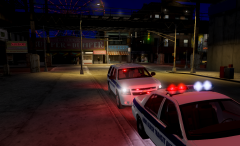
From the album: Alex's WIPs
Chevrolet Tahoe Slicktop -
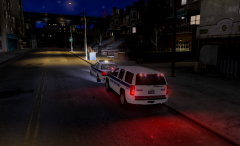
From the album: Alex's WIPs
Chevrolet Tahoe Slicktop -
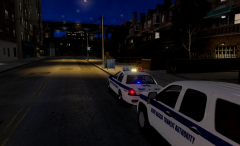
From the album: Alex's WIPs
2008 Ford Crown Vic ELS v8 DROT enabled -
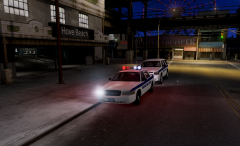
From the album: Alex's WIPs
2008 Ford Crown Vic ELS v8 DROT enabled -
-
Looks nice.
-
I believe you may need C++ or one of those programs. I had this problem and one of them fixed it.
-
-
There have been some skins made by MrRoryThunder ( '?do=embed' frameborder='0' data-embedContent>>) but only for a charger and CVPI. I would love to have a WCPD pack because I live there and I always love hometown/county cars.
-
-
You're really asking for a lot, a fair amount of which most people don't have.
-
That is however, more accurate to British Police Mods low roof sprinter, the high roof sprinter goes a bit more above the windshield.
-
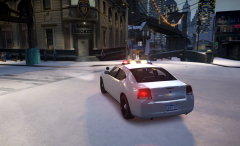
From the album: Alex's WIPs
First version, including Ions, Avengers and an Argent -
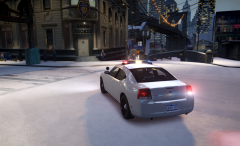
From the album: Alex's WIPs
First version, including Ions, Avengers and an Argent -
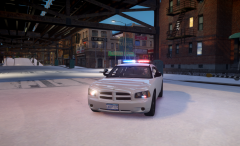
From the album: Alex's WIPs
First version, including Ions, Avengers and an Argent -
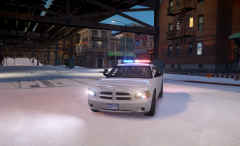
From the album: Alex's WIPs
First version, including Ions, Avengers and an Argent


