SuperTriniGamer
Members
-
Joined
-
Last visited
Everything posted by SuperTriniGamer
-
-
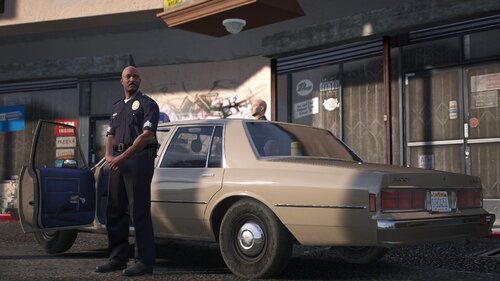 Coplite goodness!!! Great attention to detail with the caprice's cigarette lighter plug to the Fireball and siren switches on dash. One of my new favourite mods out there.
 -
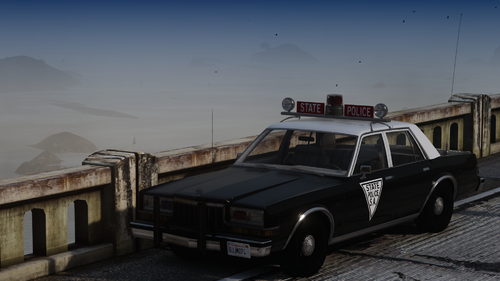 Amazing work, love me some classics and the lightbar looks great!
 -
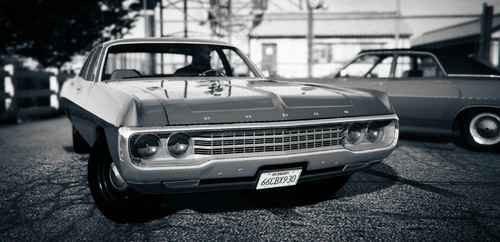 Remarkable quality!! Huge fan of Fuselage cars so having this is a real treat. Just a quick question though, you say it's an old release but I've never seen this version of the Polara, only Carface's one that was converted into a CHP car. Are there any existing versions of this car out there that's already set up as a cop car?
 -
I appreciate the quick response! I found my solution and it was something else. Thank you though! Edit: In case someone else is searching for a solution to the same problem, make sure you don't have multiple vehicles that have sirensettings with the same name. E.G If one vehicle installed has a sirensetting called "RedandBlueLights", make sure you don't have another DLC installed which also has that sirensetting name.
-
Solved! https://www.gta5-mods.com/vehicles/1947-ford-super-deluxe-pack#description_tab I also have this DLC vehicle installed, and the sirensetting from it was colliding wtih this pack https://www.gta5-mods.com/vehicles/retro-emergency-vehicles-pack-40-s-50-s-add-on-non-els-lods#description_tab I'm gonna try deleting the carcols from one of the packs and see if it works
-
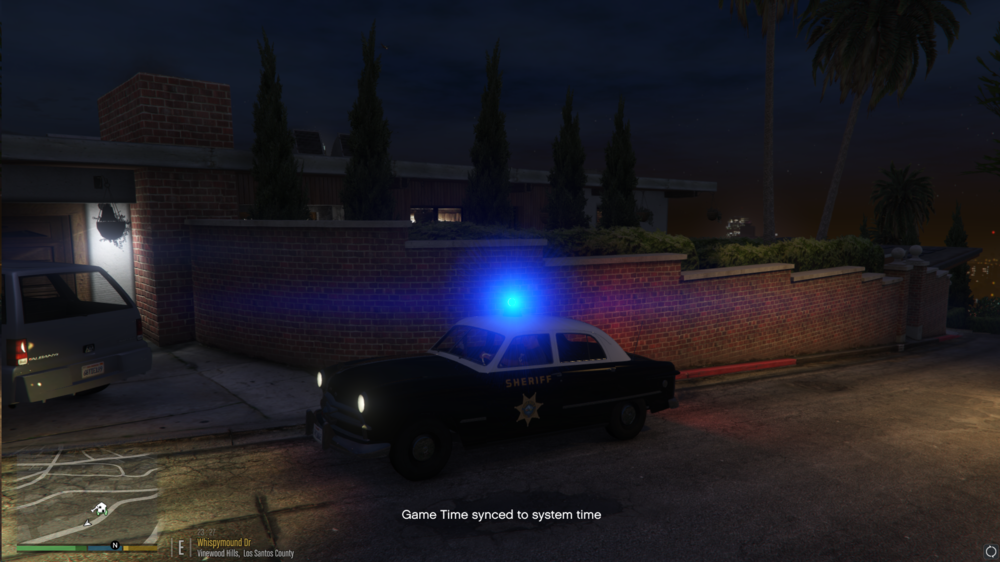
Evening folks, Just spent a good amount of time setting up an emergency vehicles pack only to find that the emergency lights have screwed me over once more!! Some lights won't turn off, and some are turning on but are the wrong colour. For example.. That light isn't meant to be blue as you can imagine, and when it's off, the rotator has a glowing texture that won't turn off. THINGS I'VE TRIED: changing the carcols and carvariations IDs to different numbers to avoid a clash disabling other emergency vehicle mods to ensure no clashes Any ideas folks? Any help is appreciated, cheers.
-
How did you solve it? I'm having a similar issue with my lighting
-
 Yeah, the aim isn't the plugin's fault whatsoever, it's just the powerful aim of these NPCs lol. They're way too spongy without the plugin so I might just reinstall it and take your suggestion and take a look for a meta update. Thanks
- 633 comments
- 58 reviews
-
-

- 1
-
-
Haha yes, the plugin so realistic I got annoyed and removed it. Jokes aside this is a really solid plugin, except the issue is when it comes to overtly aggressive and accurate NPCs, this plugin makes it virtually impossible to survive, even with full armour. Any suggestions on what I can do to balance realism and playable-ness?
- 633 comments
- 58 reviews
-
 I just converted from EUP to Ultimate Backup, and for some reason it's completely mismatched. I have no idea what I did wrong but it's completely fucked
- 31 comments
- 12 reviews
-
ELS Simply will not show up in my script list on the Settings part of the Rage Plugin Hook menu, and so it will not work in game!! Extremely frustrating because I have all the required plugins and everything. NOTHING else is giving issues in terms of plugins. I do not understand why it is giving me so much trouble. It was working fine before.
-
Everything else is working.. I can get steam to not try and update the game when I have it reverted back to 2545, but the dumb ass Rockstar launcher is giving me the "An unknown error occurred" thing. Is there any way to bypass this rockstar launcher, and let me play the game without having to wait 5 years for an update for SHV?
-
No such luck with using it! It'll black out my screen and freeze. Unfreezes every few seconds to spin the circle in the corner, but it did this for a solid 10 minutes before I gave up.
-
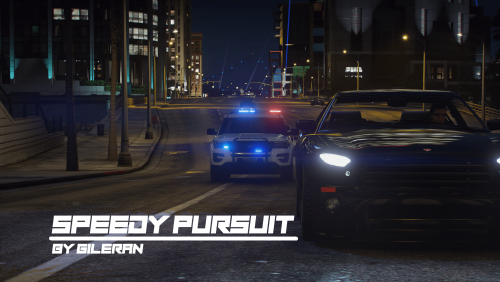 Keep getting "Code 4 disregard". Any ideas why?
 -
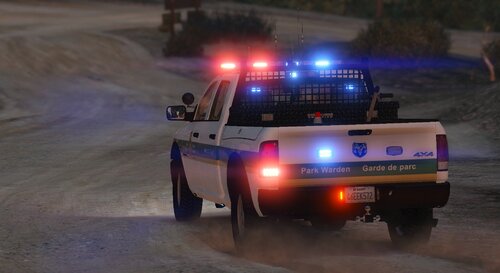 why would you make people find mods that are compatible instead of just giving a list of ones that work? you had to get those mods in the first place to get the template to make the skins...
 -
Oh erm.. Think you misunderstood good sir. This is LSPD related because I'm talking about LSPDFR character customisation.
-
Noticed compared to GTAO there's a lack of options, hairstyles, makeups and hair colour. Any way to unlock its full multiplayer potential??
-
Fixed. Ultimate Backup had custom files made by me so of course they were the issue xD
-
Correction* Not crashing twice, but I'm getting a notification about a certain command already existing, so it names the second one (Commandname)2. Also, my ultimate backup isn't working. I'm pressing the button that you have to press for it towork but it's not coming up whatsoever. I am also experiencing ludicrous amounts of crash to desktop, and if I start the game with all plugins loaded, it CTD's. "DWReloadconfig" is the one that's duplicating
-
-
Sorry, bit of a misunderstanding. My LSPDFR setup was LAPD-inspired, and I deleted it in preparation to make my game RCMP-inspired. The RCMP pack requires EUP 8.1, hence the reason I'm looking for EUP 8.1.
-
I want to use this to create an RCMP only game: And I deleted my old LAPD setup for my game before I realised that this pack requires EUP 8.1, and I can't find eup 8.1..... If anyone still has it, would it be possible for me to be sent it?
-
I've got 686callouts, BasicCallouts, Compulite, Computerplus,Deadlweapons, Emergency Callouts, forestry, Stop the ped, traffic policer, UB and UC. Could it be traffic policer?
-
Do you think it's possible to name some of the plugins that do this? It could very well be this issue.