bigroy36
Members
-
Joined
-
Last visited
Everything posted by bigroy36
-
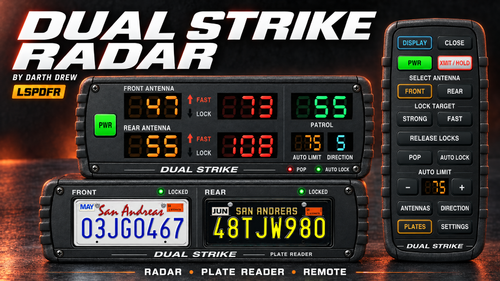 Can make it so that once you have a vehicle locked and you get out of your car that the lock goes away and you lose the clocked speed. Every time I get a speeder and its locked and I hit the hold key so nothing else comes through when I get back to my vehicle the lock is gone and I lost the recorded speed.
- 37 comments
- 2 reviews
-
-
 I have your mod installed and while I was on a traffic stop all the traffic around me was going nuts. They were going around me hitting other cars just going crazy. I was not recording at the time, and the only screenshot I have is too large for me to upload here. From the comments I see above it seems like it's working for others but not for me.
- 40 comments
- 2 reviews
-
-
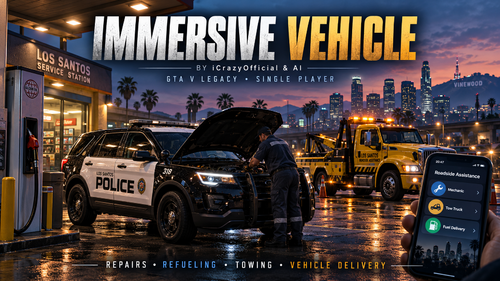 Does this new update have the gas hose on the fuel nozzle when you fill up now?
- 26 comments
- 3 reviews
-
-

- 1
-
-
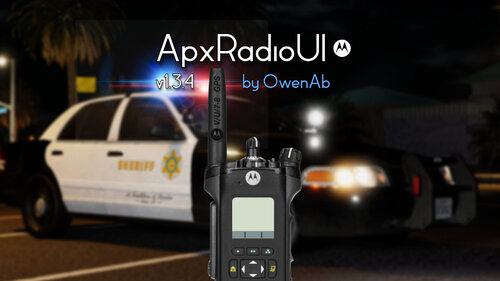 So how do you make it not use the controller at all? I don't want this on my controller, it's really messing me up. I have everything set to none.
- 87 comments
- 13 reviews
-
 My apologies. Does that option actually show a posted speed limit sign like for example what you would see in simple hud? Something like you see in the picture.
- 58 comments
- 3 reviews
-
-
- 1
-
-
How do I get this to work for me Added map-wide editable posted speed limits? Does this show in game?
- 58 comments
- 3 reviews
-
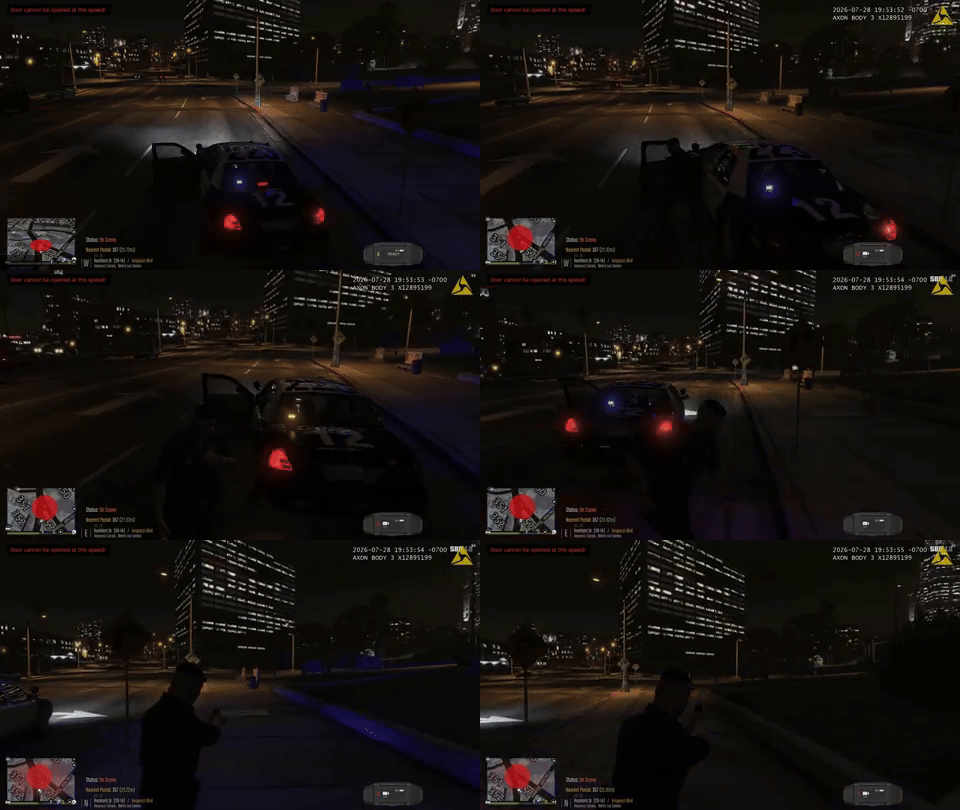 I second this suggestion. I use the numpad keys a lot and its always moving the UI where I don't want it. Please add this!!!!
- 17 comments
- 3 reviews
-
-
- 1
-
-
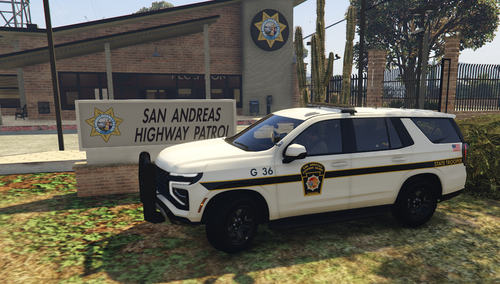 I was just trying to find a pack like this. Awesome!!!
-
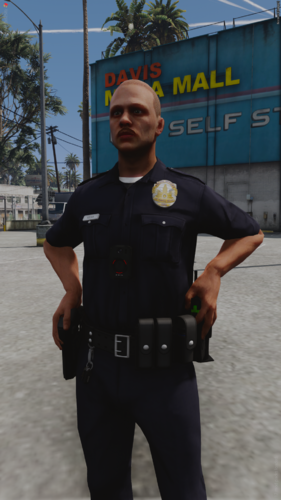 How do you install it?
-
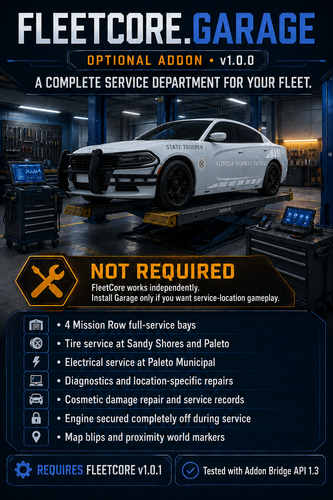 Hello. This says that it requires FleetCore but I can't find the download for that mod.
- 4 comments
- 1 review
-
-
-
-
-
-
-
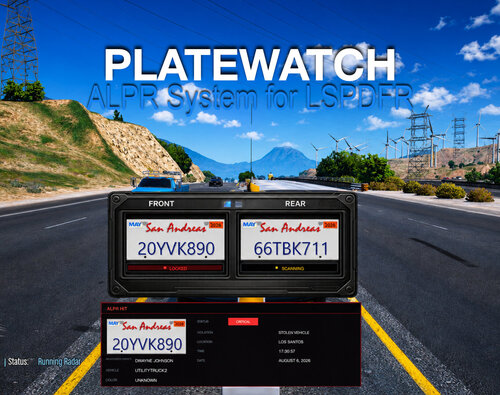 Will this work with Policing Redefined like everything will match up when looked up in the CAD? I use PD Comp currently.
-
-
Well, it's still doing it for me. It only disappears on the night version. Is there a way where I can just keep the day version on all the time and yes, I'm all up to date?
- 87 comments
- 13 reviews
-
I'm all up to date so not sure why it was still happening. If you just re-released the most recent update, I'll have to update it and see what happens.
- 87 comments
- 13 reviews
-
I'm still having the issue of the in-car radio texture disappearing after the new update.
- 87 comments
- 13 reviews
-
I have this same issue. How do I fix this? Sucks I have to keep unloading and loading my mods and plugins all the time.
- 87 comments
- 13 reviews
-