




Keith.
Members
-
Joined
-
Last visited
Everything posted by Keith.
-
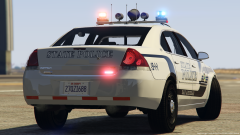
From the album: Officer Wades photos
-
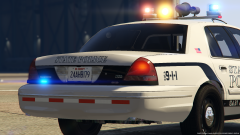
From the album: Officer Wades photos
-
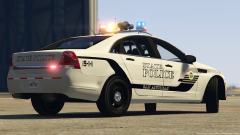
From the album: Officer Wades photos
-
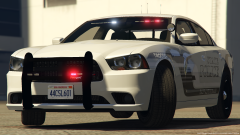
From the album: Officer Wades photos
-
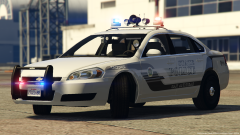
From the album: Officer Wades photos
-
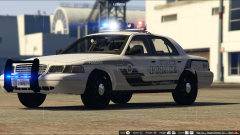
From the album: Officer Wades photos
-
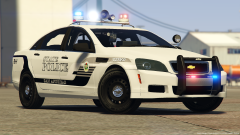
From the album: Officer Wades photos
-
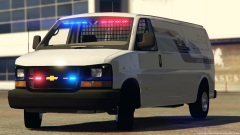
From the album: Officer Wades photos
-
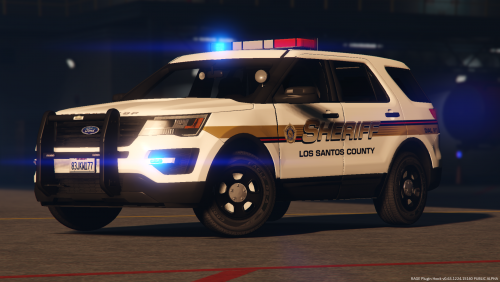 I may add a few more but not sure yet bud. Still got no info on uploading bigger packs though 🙄
- 12 comments
- 1 review
-
-

- 1
-
-
Please do not upload to any other site. Credits and Install are in the download. If you put the SUV in the 'sheriff2' slot. You will have to edit the meta file. Look for the sheriff2 section and change the 'handling I.D to CAVCADE save and replace. Don't forget to change the ELS file to 'sheriff2' These are the other 2 vehicles that go with my CVSC Only the SUV has the 'Move Over Bar Feel free to use for clans FiveM YouTube etc etc etc. If used for a YouTube video please post a link to this page or my YouTube channel https://www.youtube.com/channel/UCs6f68OjkgCPmPvSprG2j_w?view_as=subscriber Enjoy Only known bug is the SUV lights spawn black, but you can change that in your trainer
- 12 comments
- 1 review
-
-
- 3
-
-
I've scoured the site and can't find one, Can anyone provide a link ?
-
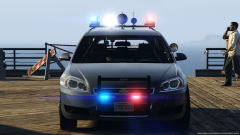 I'll add an extra couple of textures to go all blue all red and dull the whites down for radiance users
 -
The Beacons are mapped to extras 1,2,3 And 4. The whites are mapped to the TA (so extras 7 & 8 ) and the rambar lights are mapped to extras 5 & 6. So each set of lights can run independently. I've got a couple more sedans to put together, then I'll release the pack 🙂 Then I'll start on the SUV's
-
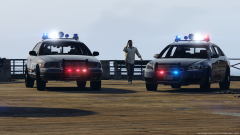 Your Gumballs modified 🙂
 -
From the album: Officer Wades photos
-
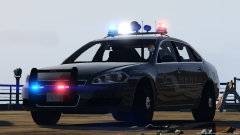
From the album: Officer Wades photos
-
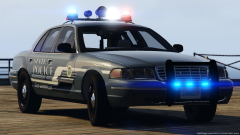
From the album: Officer Wades photos
-
From the album: Officer Wades photos
-
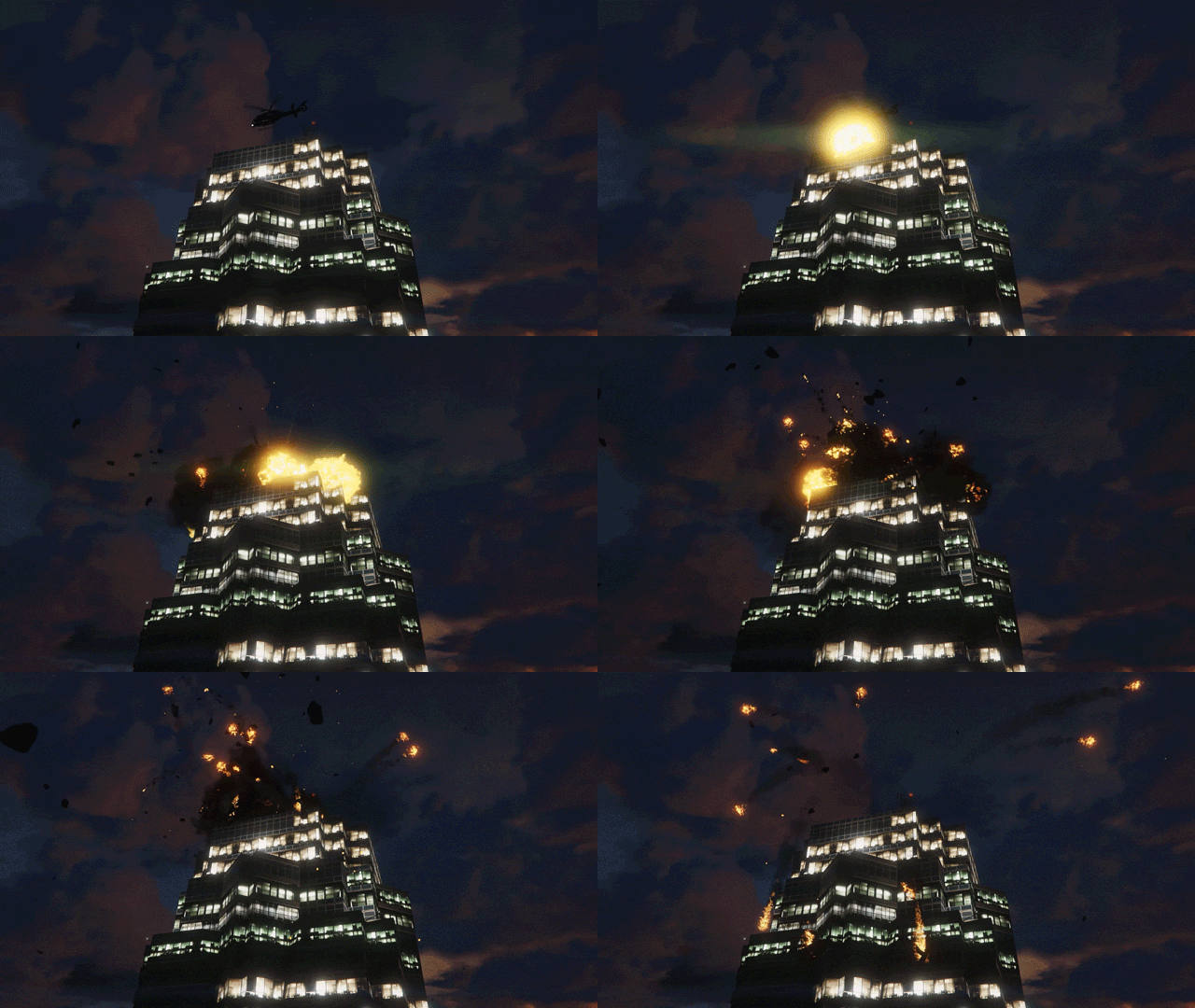 Welcome to the party pal
 -
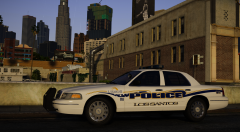 So much love for them wheels
 -
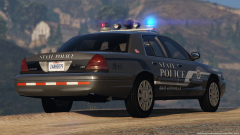 When i release it, I'll include an all blue texture for it too 👍The aerodynic is getting an LED upgrade next 😃
 -
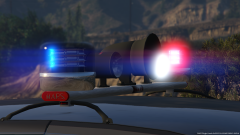 Old school lightbar with modern technology
 -
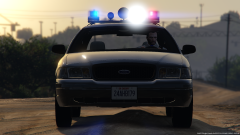
From the album: Officer Wades photos
-
From the album: Officer Wades photos
-
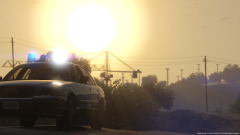
From the album: Officer Wades photos

