Keith.
Members
-
Joined
-
Last visited
Everything posted by Keith.
-
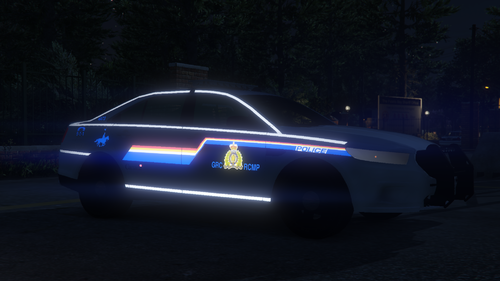
 It's a R* model bud, but my computer is dead as a dodo, so I haven't got that model anymore. I think I left it unlocked for people though.
- 30 comments
- 1 review
-
-

- 1
-
-
Thanks very much bud 👍 I've just ordered a new computer, so it'll hopefully be here soon.
-
UPDATE!! I bit the bullet and bought the van. ( I had more spare cash than I thought ) aaaand my computer died so I lost everything anyway 🤣🤣 I was basing it around the Speedo as it's a similar vehicle. As soon as I get a new computer, I'll have to start again.
-
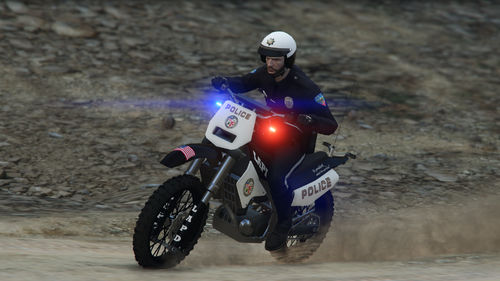
 With some editing and tweaking. I don't see why not. I can't do anything at the moment as my computer is dead and I've got more important things to pay for than a new PC at the minute.
 -
-
 I probably did have. But my computer upped and died on me, so I've lost everything.
- 27 comments
- 8 reviews
-
-
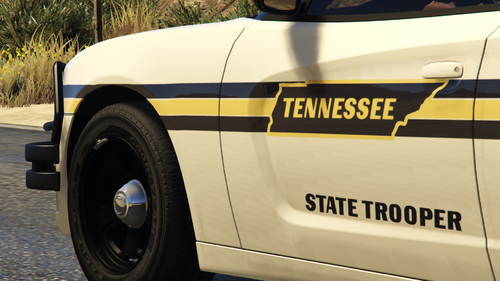
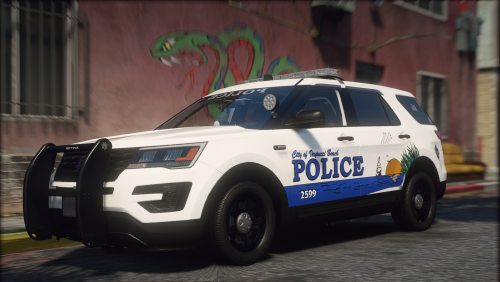 Top job. I had to change my pack skin because I was doing this 😂 I've opted for Ponce Inlet instead
- 13 comments
- 2 reviews
-
-
- 1
-
-
Yeah just noticed it's 119894 polys. How can I reduce that?
-
So I got this little LED light unit from Turbosquid. But when I got to attach the parts together, It goes all shitty. What am I doing wrong anyone?? Explanations in dumb shit terms please
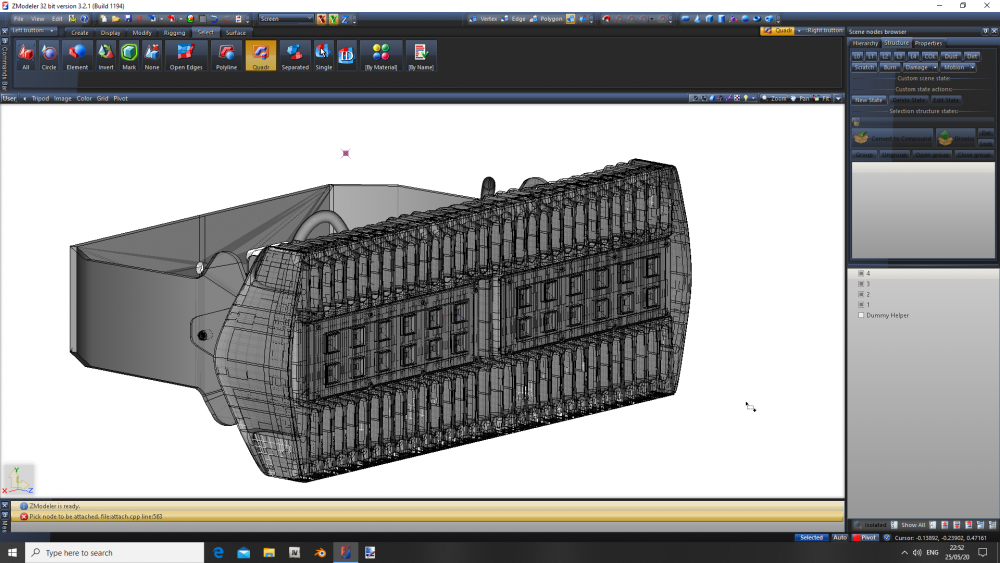
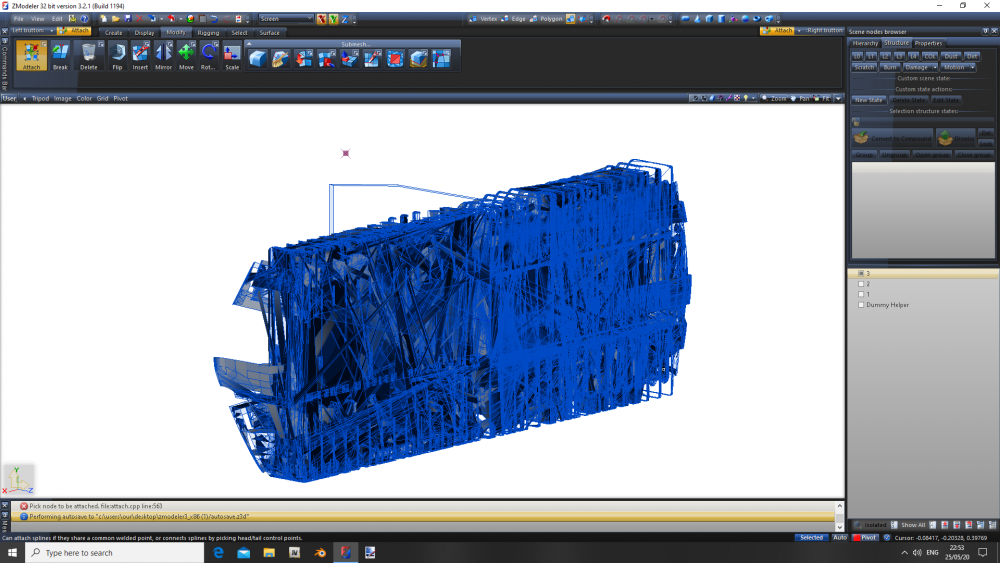
-
I've just downloaded an AMG C63, so I'll have a go at that and see what happens
-
Yeah, I've always had a problem with LODs. I usually just copy the 1st version 3 times I'll have to figure out how to poly crunch as well. That van is something like 109,000 polys and 121,000 Vertices
-
I've been playing with some free stuff. But I'm just curious as to how hard it is to get doors, bonnet and boot and things like that to function properly. I'm not too bad with adding materials, mapping parts and creating template. I just don't want to upload a pile of shite dev version
-
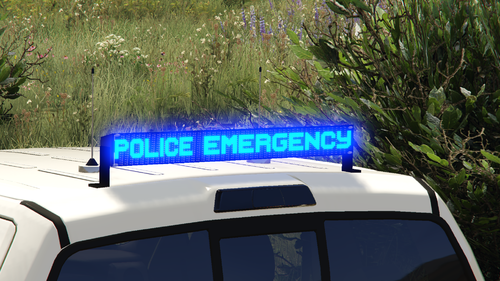
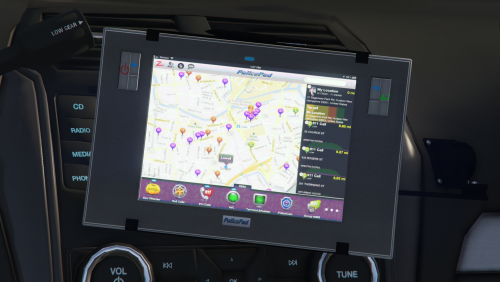 Nothing special, just practicing some converting. But here it is It's scaled to fit ( almost ) and is currently set up in Officer Underwoods 2016 FPIU. But use your imagination. It is what it is. There's a darker version of the screen for Radiance users. Enjoy
 -
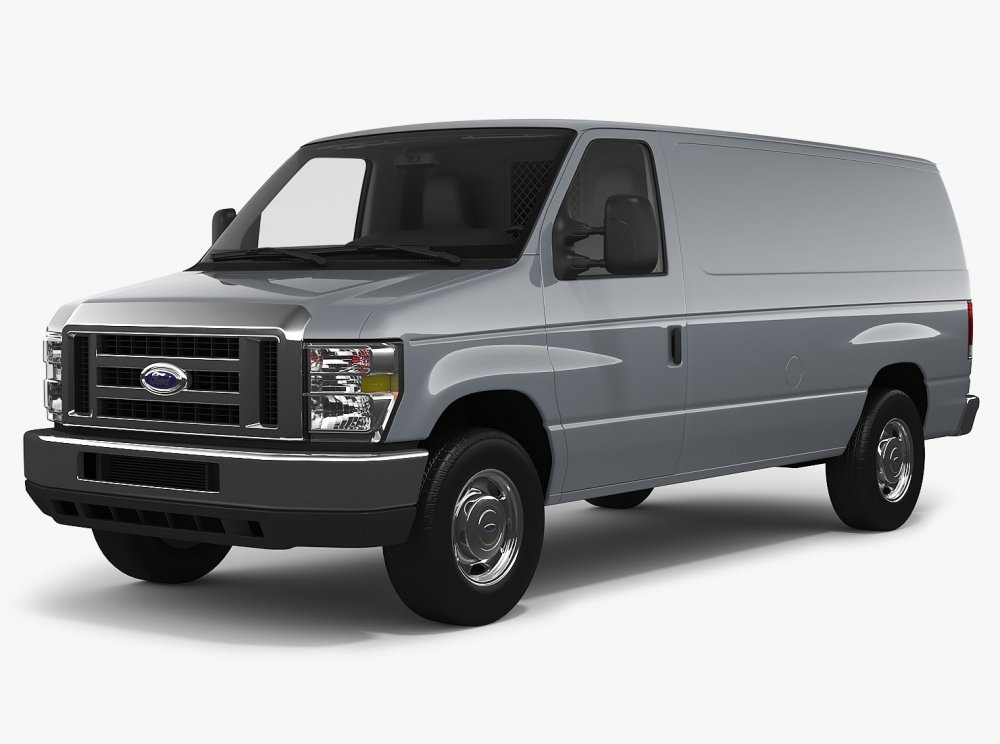
So. I'm thinking of purchasing this van to convert. It's $118.30 or £97.24 from Turbosquid. Exactly how difficult is it to convert it to GTA V for a first timer? I just want to make sure I'm not going to waste time or money, if it's going to be too much of a pain in the ass I will also release it as a DEV resource part. https://www.turbosquid.com/3d-models/3d-e-series-e-350-cargo-van-1381135
-
What?! no MK1 or MK2 Escorts ???? That makes me sad 😪 It is true though, There's a distinct lack of British police vehicles
-
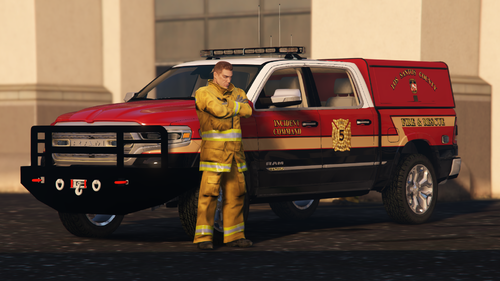 Nothing special, Just something I was playing with whilst I was bored. Comes with 2 versions, Stock front bumper and bumper with winch. It's not recognised as an emergency vehicle by AI So drive code 3 with care. I will release a police version soon. Install in the download Enjoy
- 11 comments
- 1 review
-
-

-
- 4
-
-
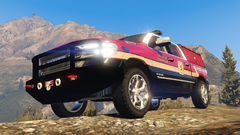
From the album: Officer Wades photos
-
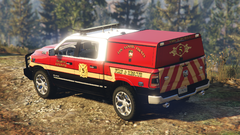
From the album: Officer Wades photos
-
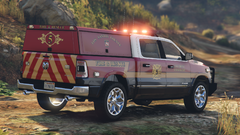
From the album: Officer Wades photos
-
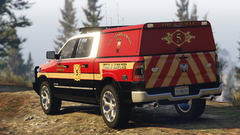
From the album: Officer Wades photos
-
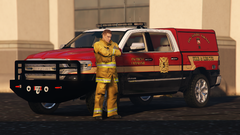
From the album: Officer Wades photos
-
-
-
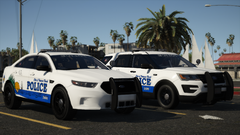 Well. Looks like I'm reskinning my Paleto Bay pack. 🤣