


trewq34
Members
-
Joined
-
Last visited
Everything posted by trewq34
-
You could buy a decent desktop PC along with a wireless networking card to allow you to access WiFi, since you don't have a wired connection into your router. As for parts, I'm no good with that but, this site is great for it. Good luck in your decision! :)
-
The world of American police vehicles is a confusing one. Nevertheless, nice work!
- 18 comments
- 6 reviews
-
That's an '05 :O. I thought they only used those grills on the '98 - 2000 models?! Good job NB. Loving the names of these cars too :D
- 18 comments
- 6 reviews
-
I think it's something in ZModeler - you'd have to select those polys and map them to a chrome texture. I don't think there's a way, unless you ask the author of the vehicle
-
So true... congrats on the award too :D
-
Is it for a model you're making or a model you've downloaded?
-
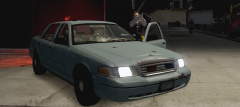 Ah. I guess it kinda shows with the '98 CVPI...
 -
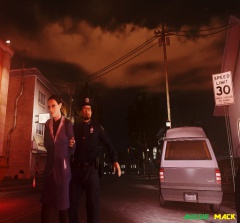 Ah ok lol. It explains a lot :)
 -
no M4 in the trunk?! :(
-
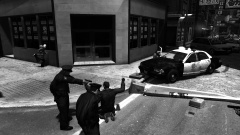 That's what happens when Sniper and the badmin hold Sam and Jay at gunpoint ;)
 -
Looks as if you took that pic during the apocalypse lol....
-
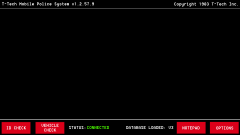 That's quite nice! Good choice of font too!
 -
Oh shit, that's a nice PC. It should be able to run GTA on high settings. However, some people using high-end PCs have had issues with restrictions on settings, it can be simply fixed by using line in a text document called "commandline.txt": -norestrictions
-
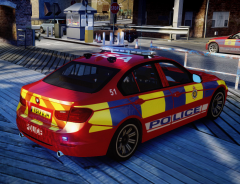 This is nice. I'm glad you've started using the hex pattern. Also, what badge did you use on the doors?
 -
That may work, give it a go and if it doesn't you can always uninstall it :).
-
I believe it's just XBOX 360 controllers as that's the only one vanilla GTA IV supports. There are tools that you can use to make your Saitek controller emulate an XBOX 360 controller to make it work for GTA IV, I can't think of any off the top of my head though, sorry. EDIT: Ninja'd by Jay and DrDetriot :/
-
Well for my username, I just wanted something random and that sounded ok, so I went with trewq34. However, a site you could use is: http://www.spinxo.com/. It'll give you some pretty wacky usernames, but hey, you may find one you like ;). A lot of people use their actual name as their username, but that's up to you.
-
Aside from those listed, this is also a good source of music: http://www.jamendo.com/en/
-
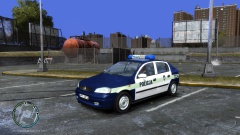 Oh wow! Good job, first of that generation of Astra I've seen for GTA!
 -
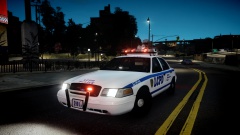 I disagree >:D lol jk. That is one sexy ENB, if you don't mind me asking, which is it?
 -
You forgot a "T" in state again lol. It's quite small and hard to notice. Other than that, really nice job!
-
That's because you didn't tell the lightbar in ZModeler to use the rename emerglights texture. It's still using the one for the partition. BxBugs123 did that to stop GADers from overusing his model.
-
This, or you could rename the emerglights file for the lightbar and also change the materials in ZModeler, or else it won't work...
-
It's because the partition in the CVPI by BxBugs123 uses the emerglights texture, so does the lightbar
-
It works fine for me. Have you tried clearing your cache? Also, which browser are you using?
